5.0 Operation
- 61 -
5.5.5.3 Power Consumption screen
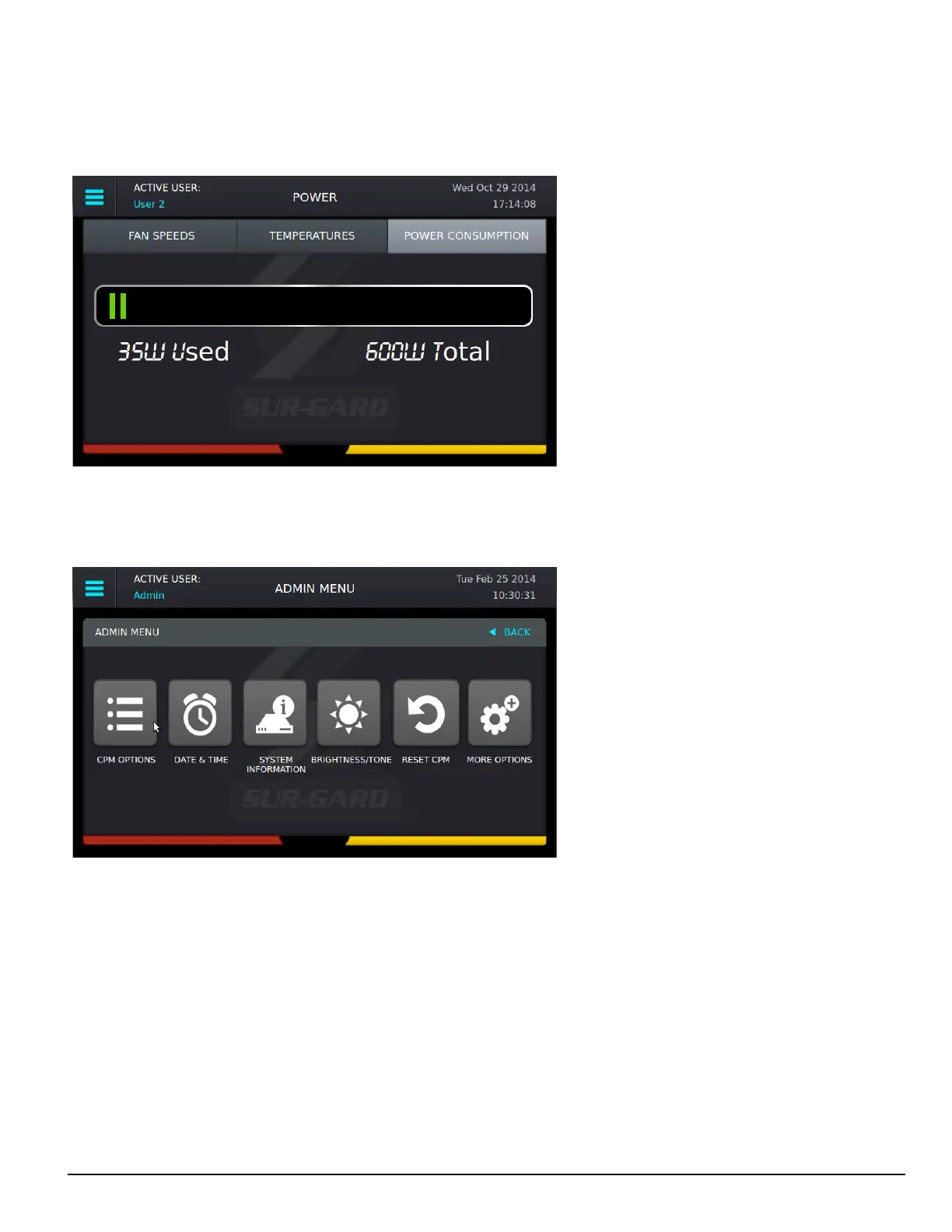
The Power Consumption screen displays the power used by the system in real time as well as the maximum total allowed. The usage bar provides a
graphical indication of power consumption and changes color from green to yellow to red as the maximum is reached. At that point, a PSU5 trouble is
output to printer/automation.
5.5.6 Admin Menu screen
This screen can only be accessed if the user logs in as User 1 (Admin).
The Admin Menu provides access to SG-CPM5 options, Date & Time, System Information, Brightness/Tone, Reset SG-CPM5 and More Options.
5.5.7 Admin access versus user access
User 1 is the admin and users 2-16 are users. The admin has access to all the menus in the Admin Menu screen while users only have access to the
View Options, Date & Time and System Information.



 To Next Page