5.0 Operation
- 69 -
5.5.7.15 Visual Display Test
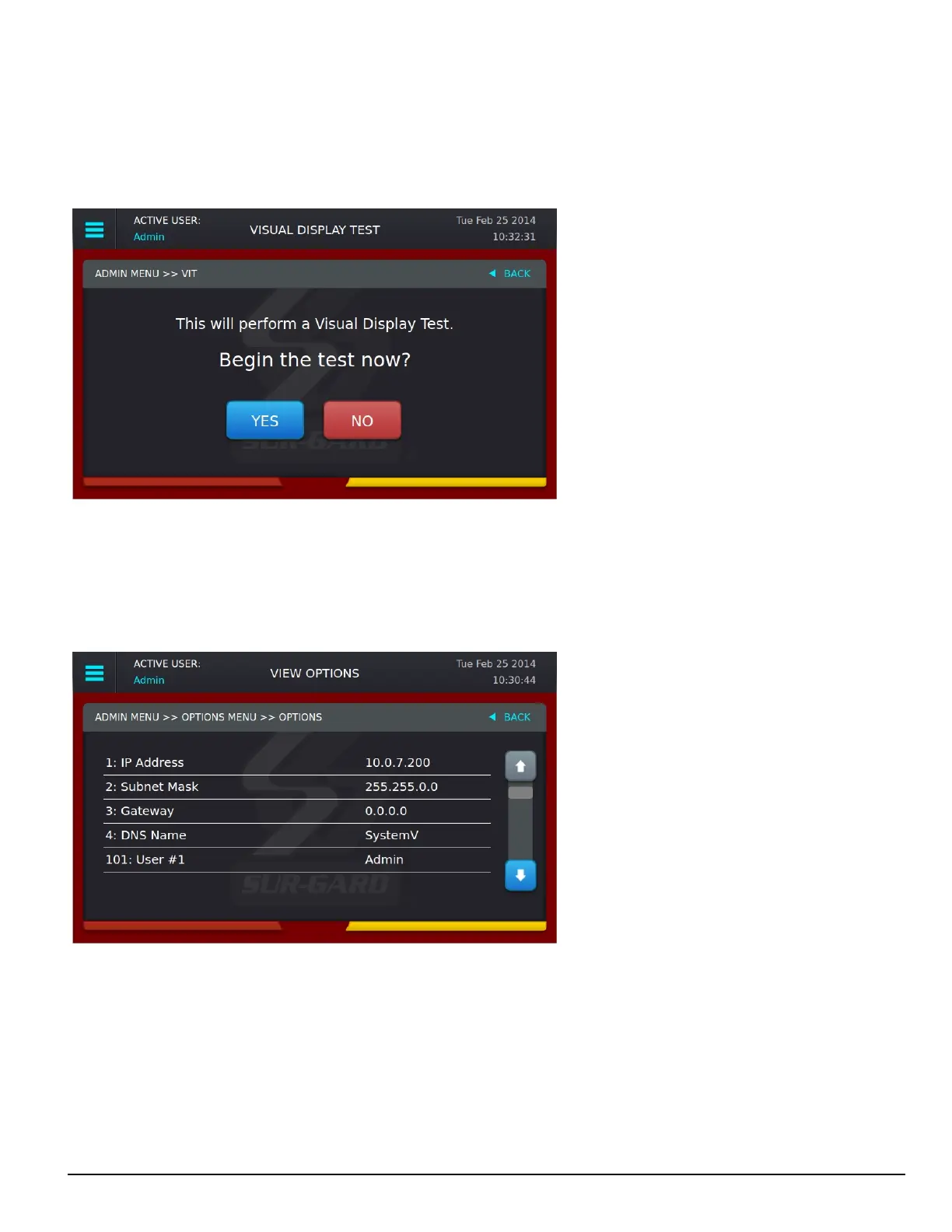
Use this screen to perform a visual display test. The following prompt is displayed: “This will perform a Visual Display Test. Begin the test now?”
Press YES to start the test. Press NO to cancel.
When the test is performed, the screen changes to white, the LEDs of all the line cards and the SG-CPM5 turn on, and the buzzer activates. The test lasts
for approximately five seconds. If this test is performed on the standby CPM5, the line card LEDs do not light steady as only the Active/Manual CPM
is communicating to the line cards.
5.5.8 User menu
This screen can only be accessed if the user logs in as a user or user 2-16. View Options are available for Date & Time and System Information.
5.5.8.1 View Options
This screen is used to view options. Use the scroll buttons to view all options.



 To Next Page