5.0 Operation
- 65 -
5.5.7.7 Cold Boot SG-CPM5
This changes the options back to default and will require a reset.
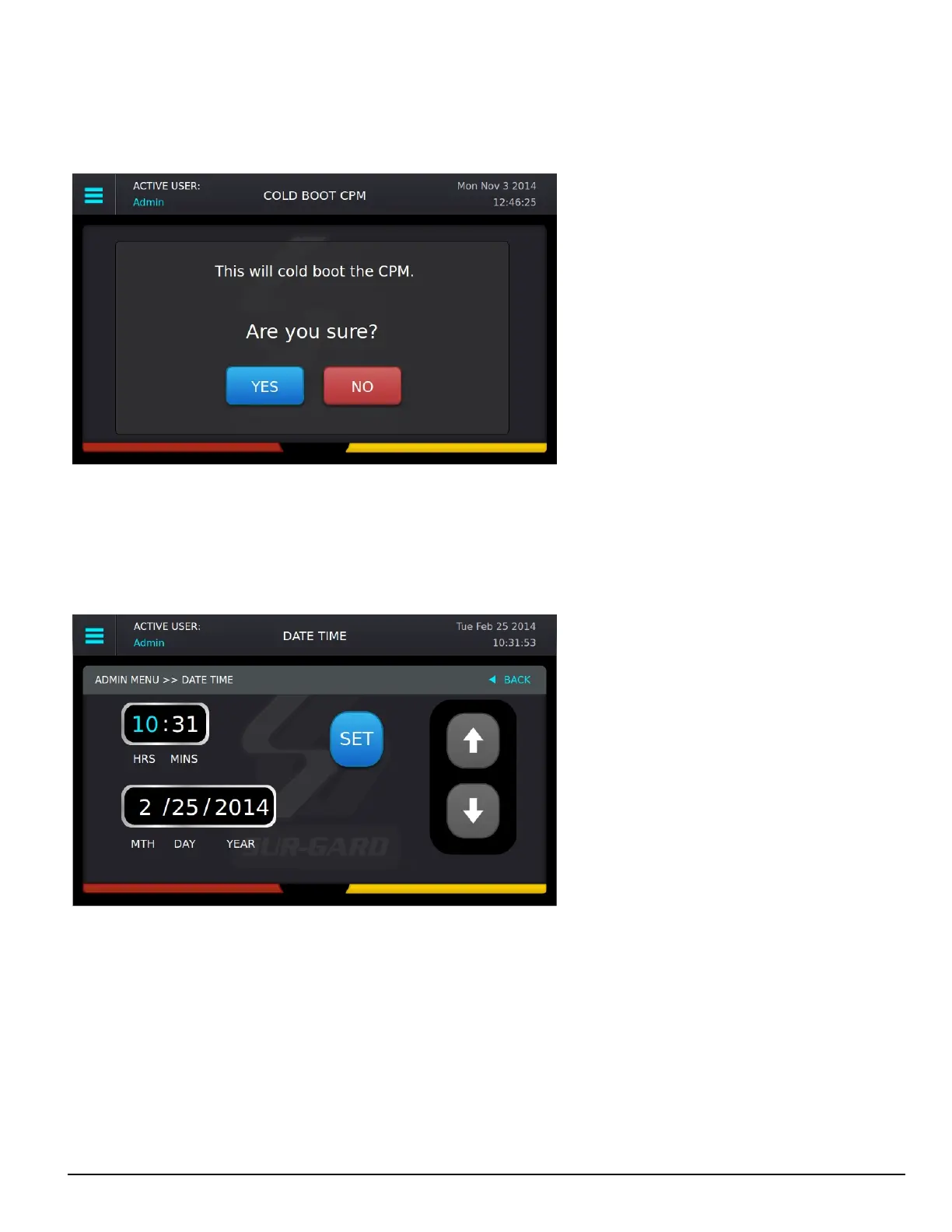
When Cold Boot CPM is selected, the following prompt is displayed: “This will restore CPM options to default. Restore now?”
To restore the SG-CPM5 options to default press the YES button. The CPM5 reboots. To cancel, press the NO button.
5.5.7.8 Set Date Time
This screen is used to change the system date and time.
To change a value, click on it to change the color to blue then press the up/down arrows to select a value.
To change the value faster, hold the up/down arrow.
To save the date and time, press Set.
To cancel, press Back.



 To Next Page