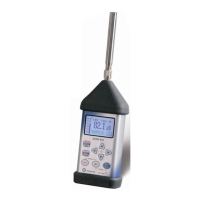
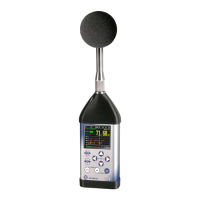
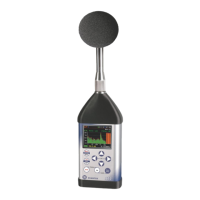
SVAN 973 User Manual – Appendixes
APPENDIX A. REMOTE CONTROL
The USB 2.0 interface is the Type C serial interface working with 480 MHz clock which enables one to
control remotely the unit. Its speed is relatively high, and it ensures the common usage of USB-C in most
produced nowadays Personal Computers.
The functions, which are developed in order to control data flow in the serial interfaces, ensure:
- Bi-directional data transmission,
- Remote control of the instrument.
The user, in order to programme the serial interface, has to:
1. send "the function code",
2. send an appropriate data file
or
3. receive a data file.
A.1 INPUT/OUTPUT TRANSMISSION TYPES
Following basic input/output transmission types (called functions) are available:
#1 input/output of the control setting codes,
#2 read out of the measurement results in the SLM mode,
#3 read out of the measurement results in the 1/1 OCTAVE analysis or 1/3 OCTAVE analysis mode,
#4 read out of the data file from the internal Flash-disc or RAM memory,
#5 read out of the statistical analysis results,
#7 special control functions,
#9 writing the data file into the internal flash-disk.
#D read/write the data file from the external memory (SD-card),
A.2 FUNCTION #1 – INPUT/OUTPUT OF THE CONTROL SETTING CODES
#1 function enables the user to send the control setting codes to the instrument and read out a file
containing the current control state. A list of the control setting codes is given in Tab. A.1. The format of #1
function is defined as follows:
#1,Xccc,Xccc,(...),Xccc;
or
#1,Xccc,X?,Xccc,(...),X?,Xccc;
where:
X - the group code, ccc - the code value,
X? - the request to send the current X code setting.
The instrument outputs in this case a control settings file for all requests X? in the following format:
#1,Xccc,Xccc,(...),Xccc;
In order to read out all current control settings the user should send to the device the following sequence
of characters:
#1;
The instrument outputs in this case a file containing all control settings given in Tab. A1 in the format:
#1,Xccc,Xccc,(...),Xccc;
Example: The instrument sends the following sequence of characters as an answer for the mentioned
above request:


 To Next Page