Relay (Accessory) 150 FlexSet 120/280 User Guide
Display Message Key LED
Relay (Accessory) 7086-7091
You can switch a relay on or off in order to activate certain external devices,
such as an external alarm, or electric lock. These devices are installed by your
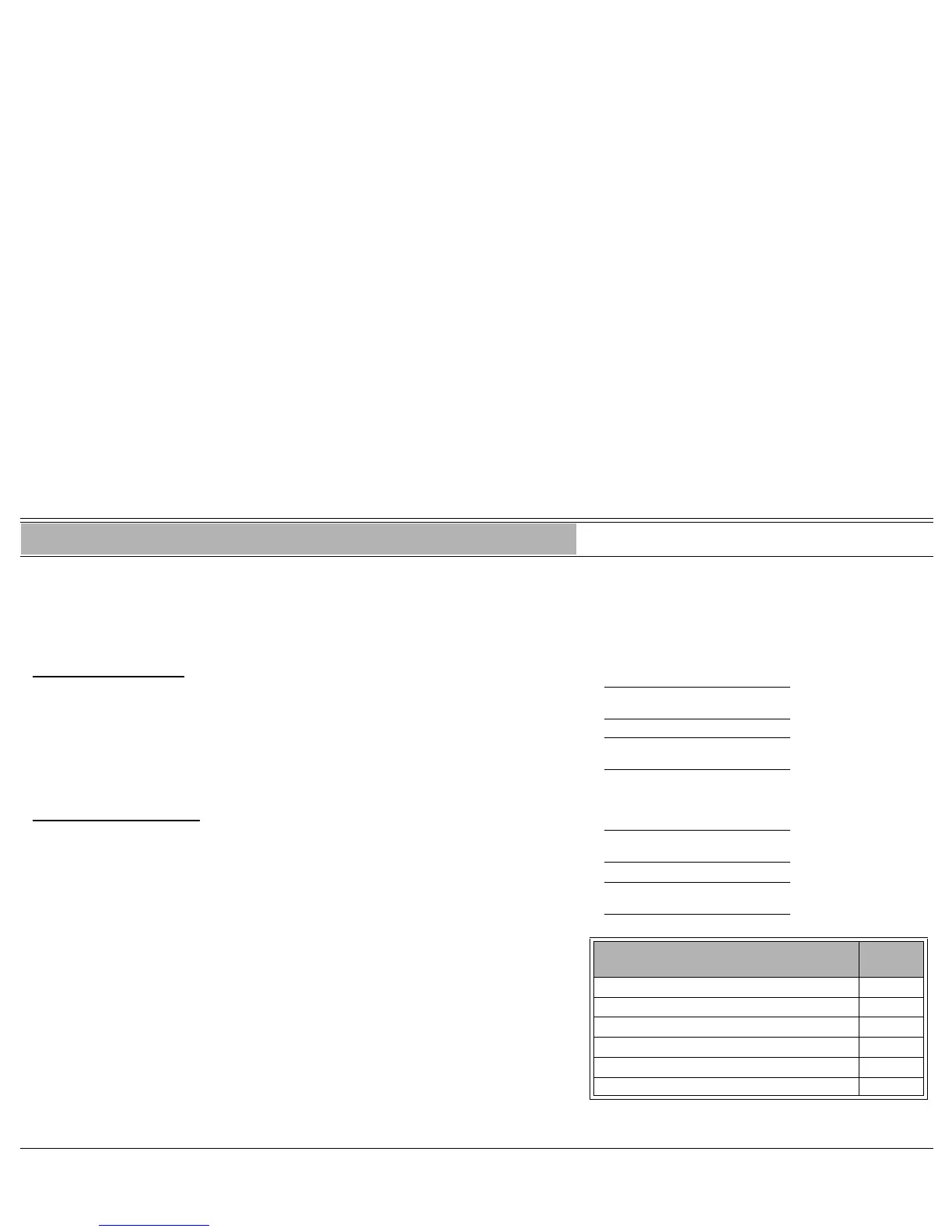
company. Use the form below to write down the types of external devices that
are installed and their associated codes.
To switch on a relay:
1. Press [RELAY] RLAY (
relay
#) OFF
OFF
or
Dial Relay code followed by activation code
9. RLAY (
relay
#) ON
ON
2. Listen for the confirmation tone
To switch off the relay:
1. Press the lit [RELAY] RLAY (
relay
#) ON
ON
or
Dial Relay code followed by cancellation code
8. RLAY (
relay
#) OFF
OFF
2. Listen for the confirmation tone
Note: To program a RELAY key, use the relevant relay code.
External Device
Relay
Code
1. 7086
2. 7087
3. 7088
4. 7089
5. 7090
6. 7091








 To Next Page