Call Forward 38 FlexSet 120/280 User Guide
Display Message Key LED
Internal/External Forwarding
In addition to the forwarding options detailed on (see page 37), you can distinguish between calls arriving from an internal
or external source when forwarding. For each forwarding feature (forward all, when busy, on no answer, etc.), you can
program your FlexSet to forward your calls as follows:
• Forward internal and external calls to the same destination
• Forward internal and external calls to different destinations
• Forward internal calls only, while external calls continue ringing at your station
• Forward external calls only, while internal calls continue ringing at your station
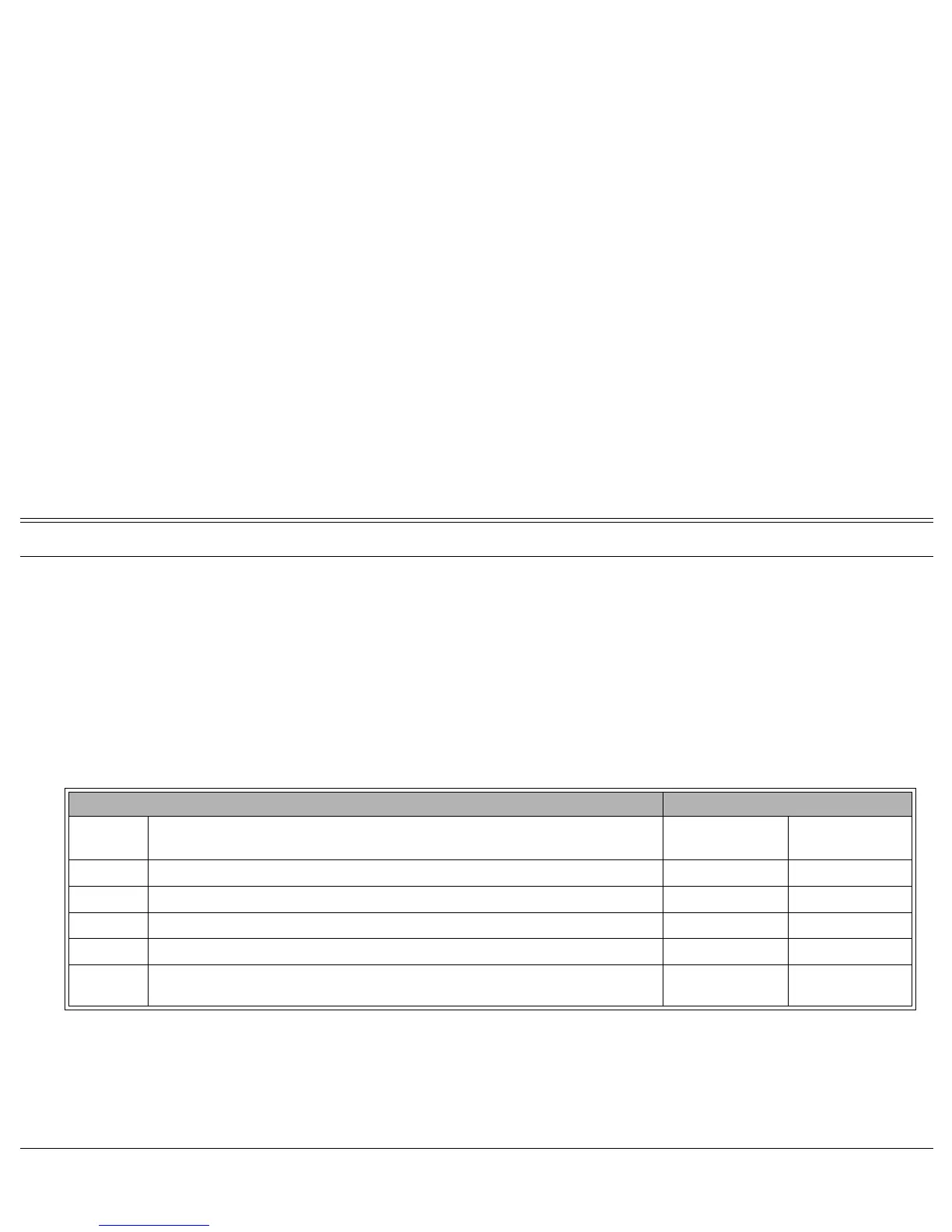
This is demonstrated in the following table using the Call Forward All as an example:
Possible destinations for X are: operator, station/group, external number via public and private speed call library, DVMS
pre-recorded message, UNA/central bell, group call, or network number.
Possible destinations for Y are the same as for X, plus your own station number, thus facilitating forwarding of internal
calls to another destination, whilst retaining external calls at your own station, as shown in Case 5 above.
Forward Option Resultant Call Destination
Case
Call Forward All (#141)
Set to:
Call Forward All External (#17702)
Set To:
Internal Calls
Go To:
External Calls
Go To:
1 Feature not set and Feature not set Your own Station Your own Station
2 Destination X and Feature not set Destination X Destination X
3 Feature not set and Destination Y Your own Station Destination Y
4 Destination X and Destination Y Destination X Destination Y
5 Destination X and
Destination Y (Programmed as your
own station)
Destination X Your own Station








 To Next Page