Directory 55 FlexSet 120/280 User Guide
Display Message Key LED
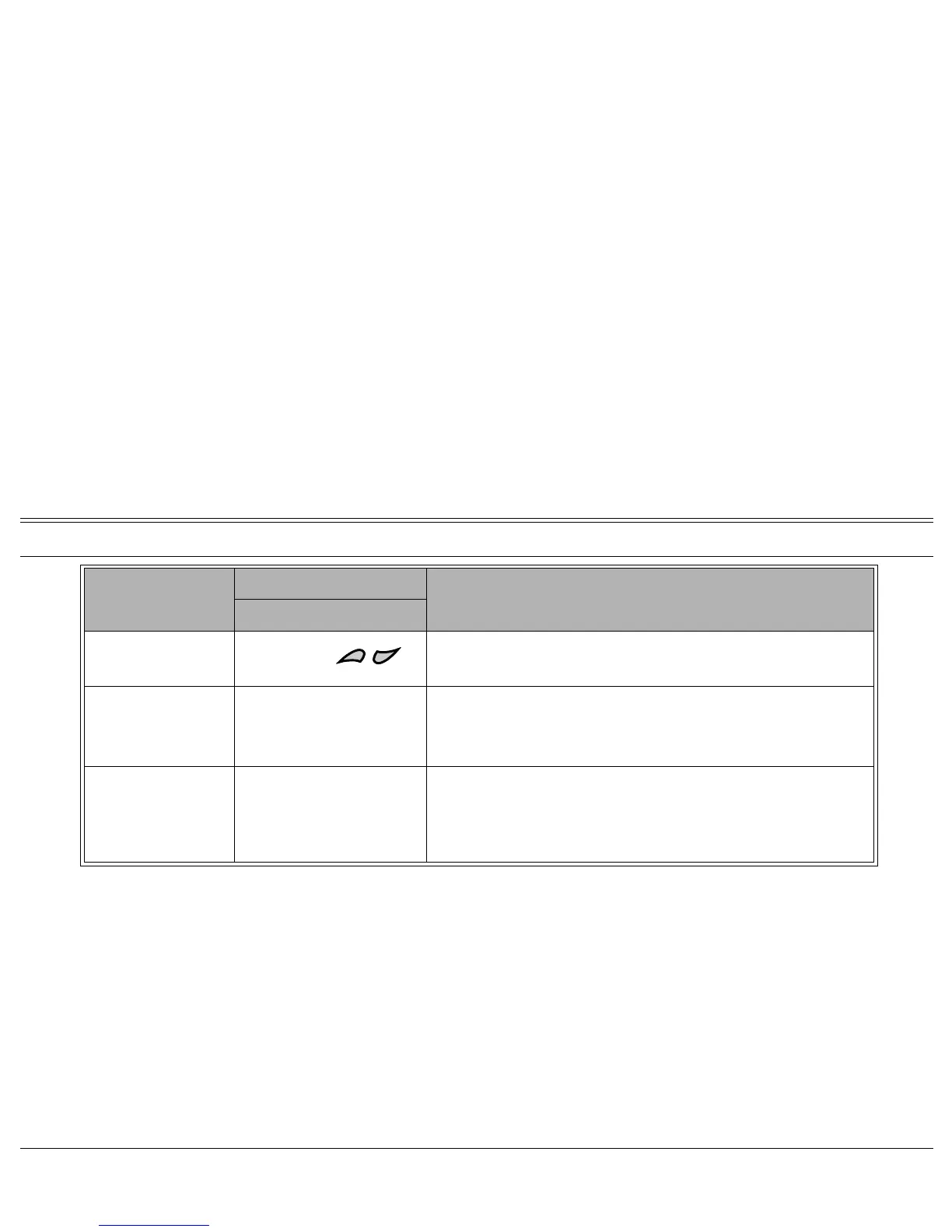
SCROLL
Use to scroll, contact by contact, through Directory entries. Directory
entries are automatically alphabetized.
CAPS LOCK
[CAPS LOCK]
A toggle key that, when pressed, causes all subsequent alphabetic
characters to be either lowercase or uppercase.
To program the
[CAPS LOCK] button, contact your system
administrator for the Lowercase/Uppercase feature code.
CHARACTER/DIGIT
[CHARACTER/
DIGIT]
A toggle key that, when pressed, causes all subsequent characters to
be either digits or characters. Used when name entries are comprised
of both characters and digits.
To program the [CHARACTER/DIGIT] button, contact your system
administrator for the Character/Digit feature code.
Option Action Description
Dial Or Press








 To Next Page