2. General Description
22 Instructions for Use for infinite® 200 No. 30017581 Rev. No. 1.4 2008-07
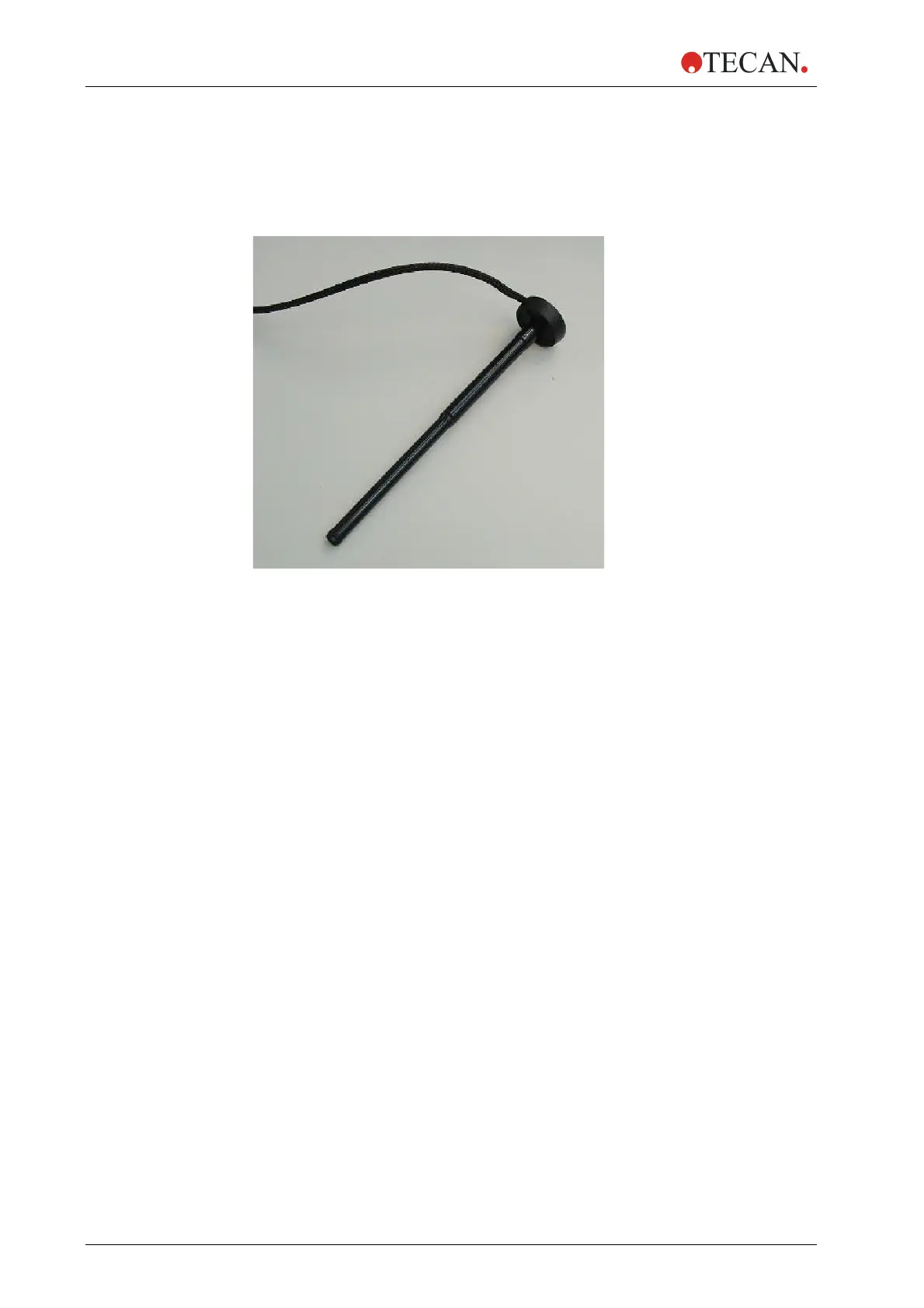
2.3.3 Injector/Injector Carrier
The carrier, which includes the injector needles, can be easily removed from the
instrument for priming or washing the system and for optimizing the injection
speed.
Figure 2-3: Injector carrier
When using the injector during a measurement or for just dispensing a plate the
injector carrier must be inserted correctly into the instrument. Remove the injector
dummy and insert the carrier into the injector port. Press the carrier softly into the
injector port until you hear a clicking noise.
The instrument contains an injector sensor that checks that the position of the
injector carrier for the actions ‘inject’ and ‘dispense’ is correct.
If the injector carrier is not inserted correctly the injector sensor does not
recognize the inserted carrier and neither dispensing nor injection is possible. On
the other hand actions like washing and priming are enabled although the injector
carrier is inserted. Therefore always make sure that the injector carrier is in the
service position for washing and priming.



 To Next Page