20 Fire Panel IRIS - Installation Manual
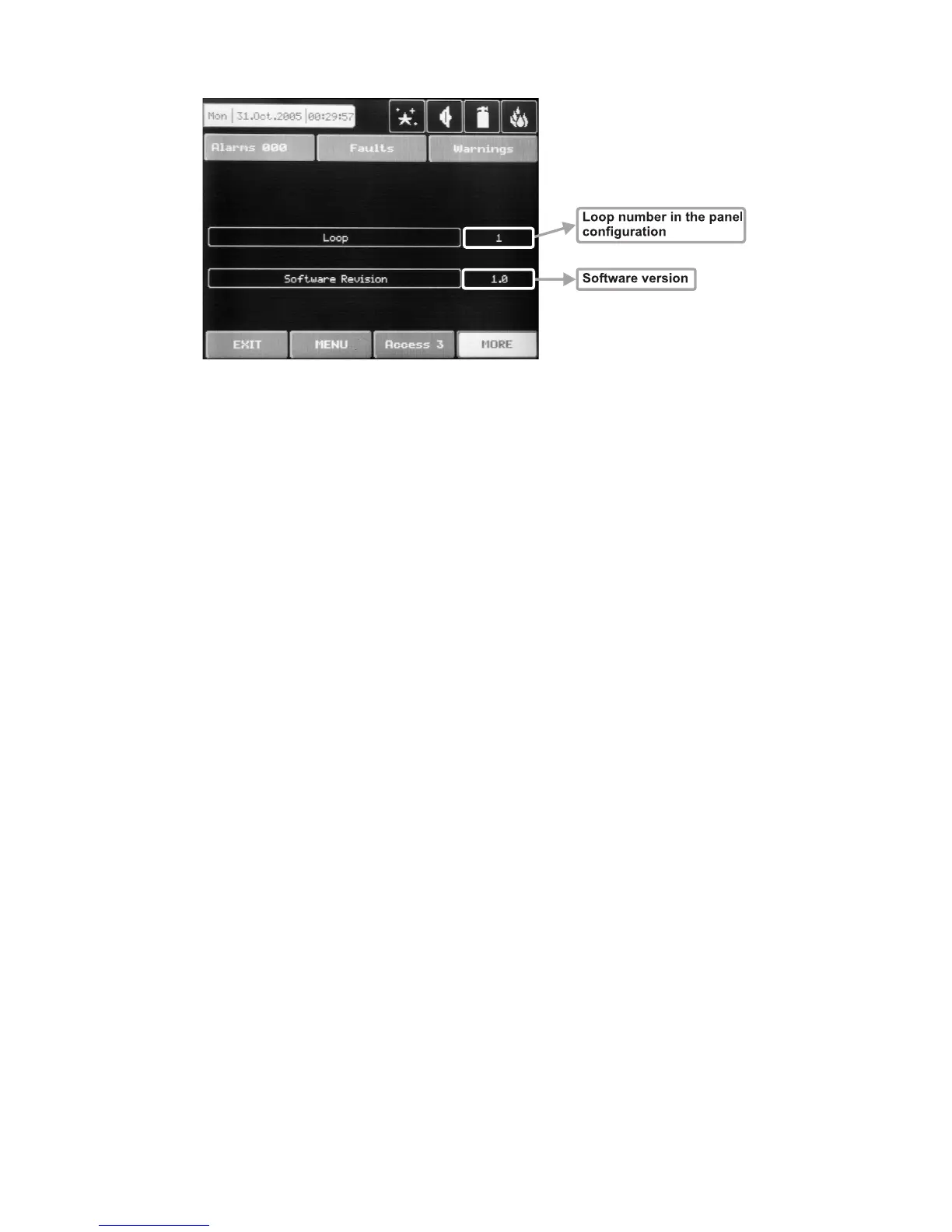
Fig. Screen 7 – LOOP1 (First Loop expander)
3.2.1.3 Current Status of the Device
The running status of the device can be:
NORMAL – the device is properly operating.
NEW – the device is new to the system. It must be saved.
FAULT – the device does not respond.
TYPE ERROR – a device, different from that saved, has been detected.
EMPTY – no device has been detected at this address.
3.2.2 Loop Devices
The device searches for new loop devices only when the respective loop controller has been added to the
configuration. To enter the submenu for programming of the loop devices parameters from “Device” menu
choose button “Loop Devices” – Fig. Screen 3.
When a new loop device is found (missing in the configuration) the message “NEW LOOP DEVICES FOUND”
will be generated, as well as the number of detected devices. The message is generated by loops. Adding a
new device to the configuration is accomplished with the APPLY command from the specific device menu or
with the help of the general SAVE command from the
Programming menu. Any device, which has not been
added to the configuration, cannot generate messages. In case of removal of a loop device, the panel gener-
ates a ”LOOP DEVICE FAULT” message. When a newly detected device is removed, the panel reduces the
number of the new devices and if their number is 0 it shall extinguish the “NEW LOOP DEVICES FOUND”
message. Removing the device from the configuration is accomplished with the REMOVE command in the
menu for the specific device.
Where in abundance, it is possible for device addresses to double along the loops (see also §2.2.6 Maximum
permissible cable length). In such cases the message “DOUBLE ADDRESS” will be displayed along with
the problem address. Should a different device type appear at the address of a saved device, the panel will
generate “LOOP DEVICE TYPE ERROR”. The new device can be saved by selecting the correct type from
the menu of types and the APPLY command in the menu for the specific device.
The panel cannot distinguish the types of devices in one and the same area. This requires each type of de
-
vice to be further defined by the installer. For ease of introduction, the panel suggests possible devices for se
-
lection. Information for correspondence of the device types is given in §3.2.2.12 Maintained Loop Devices
and Appendix B – Tables for correspondence of the device types.



 To Next Page