114
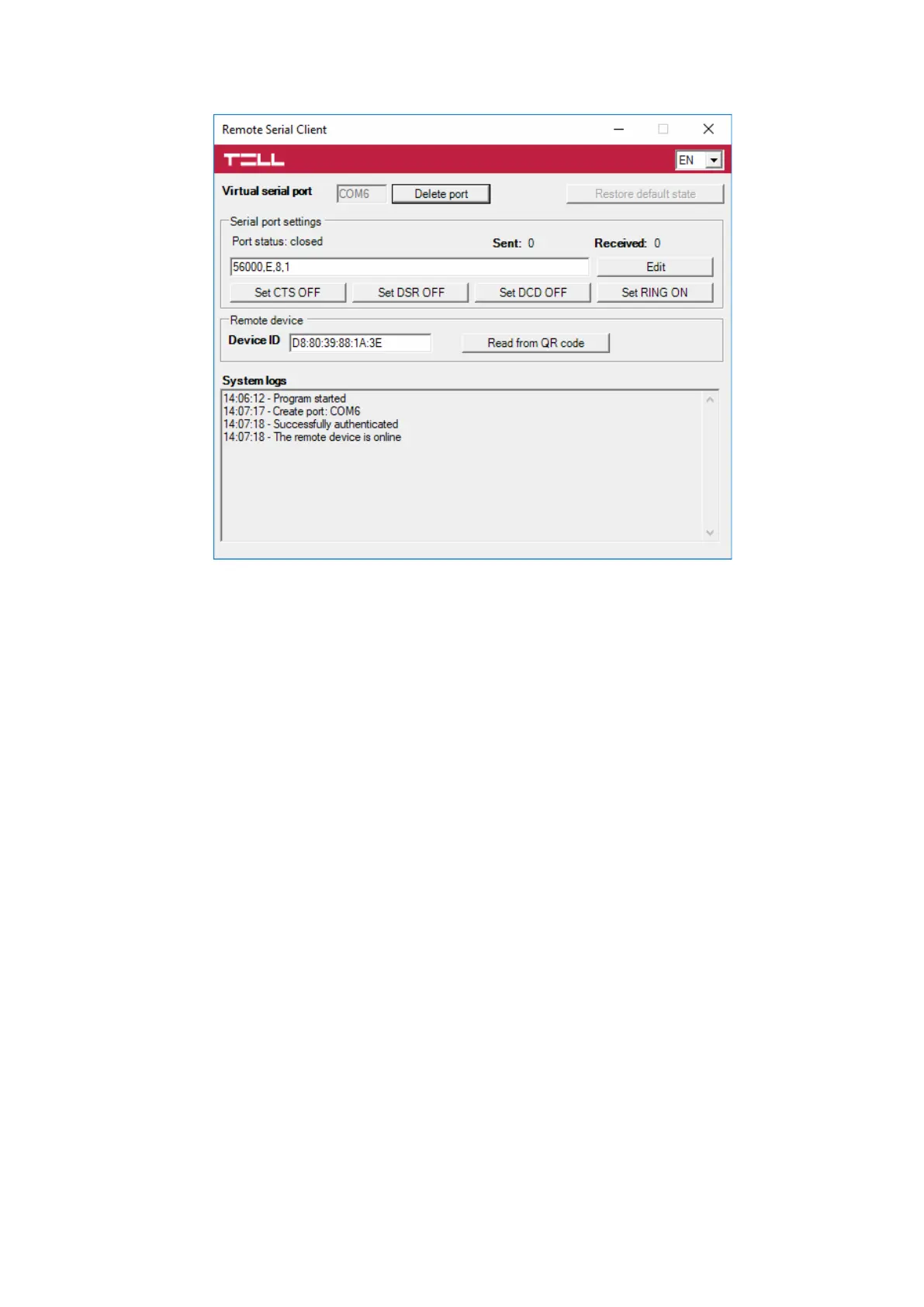
After you finished remote programming the alarm control panel, you can delete the created virtual
serial port by clicking on the “Delete port” button.
6 Arming and disarming the alarm control panel through the mobile application
It is possible to arm and disarm the connected alarm control panel via the mobile application if the
given alarm control panel can be armed and disarmed by dry relay contact pulses through one of
its inputs. This option is only available for the Adapter2 PRO variant. To use this feature, follow
the instructions below:
- Connect the relay output (OUT and COM) of the Adapter2 PRO to the alarm control panel’s
arming and disarming input.
- Set the given input in the alarm control panel to arm and disarm the entire system with
normally open (NO) pulse control.
- Open the settings of the registered Adapter2 PRO in the “Device settings” menu in the
mobile application and tap on the output edit icon in the “Outputs” section. Enable the
“Pulse control” option, and then apply the changes. You can leave the duration of control
at the default value (1 second).
To arm and disarm the alarm control panel, activate the output of the Adapter2 PRO in the mobile
application. Each output activation creates a short circuit between the OUT and COM terminals
for the configured period of time (1 second), and then reverts to default open state automatically.
At the same time, the mobile application also resets the output control button to its default state.



 To Next Page