94
4.5 Software settings menu
4.5.1 Settings
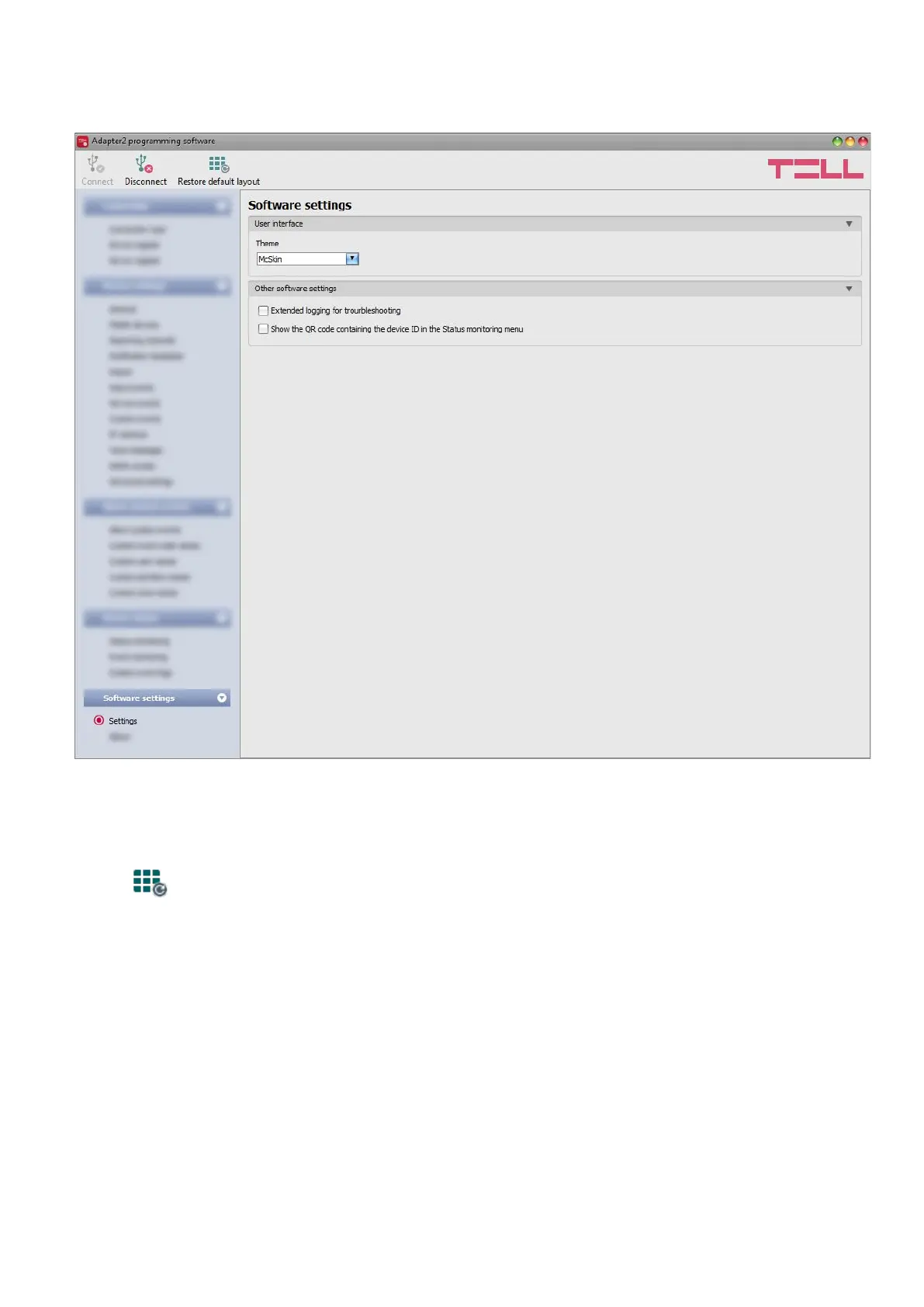
In the “Settings” menu you can change the user interface skin and language.
Available options:
• Restore default layout:
To restore the user interface default layout, click on the “Restore default layout”
button.
User interface:
Theme: the user interface appearance can be changed using this dropdown-menu. You can
choose from various appearance themes.
Other software settings:
Extended logging for troubleshooting: you can enable this option if you encounter issues with
the software. If you enable this option, the program will record detailed logs while the system
operates. The program saves the software logs to file automatically in the “Logs” folder, which
you can access easily by clicking on the link found in the “About” menu, in the “Data folder”
section (the file name looks as follows: “the actual date_remoter.log”). The detailed logs help the
manufacturer in troubleshooting.



 To Next Page