66
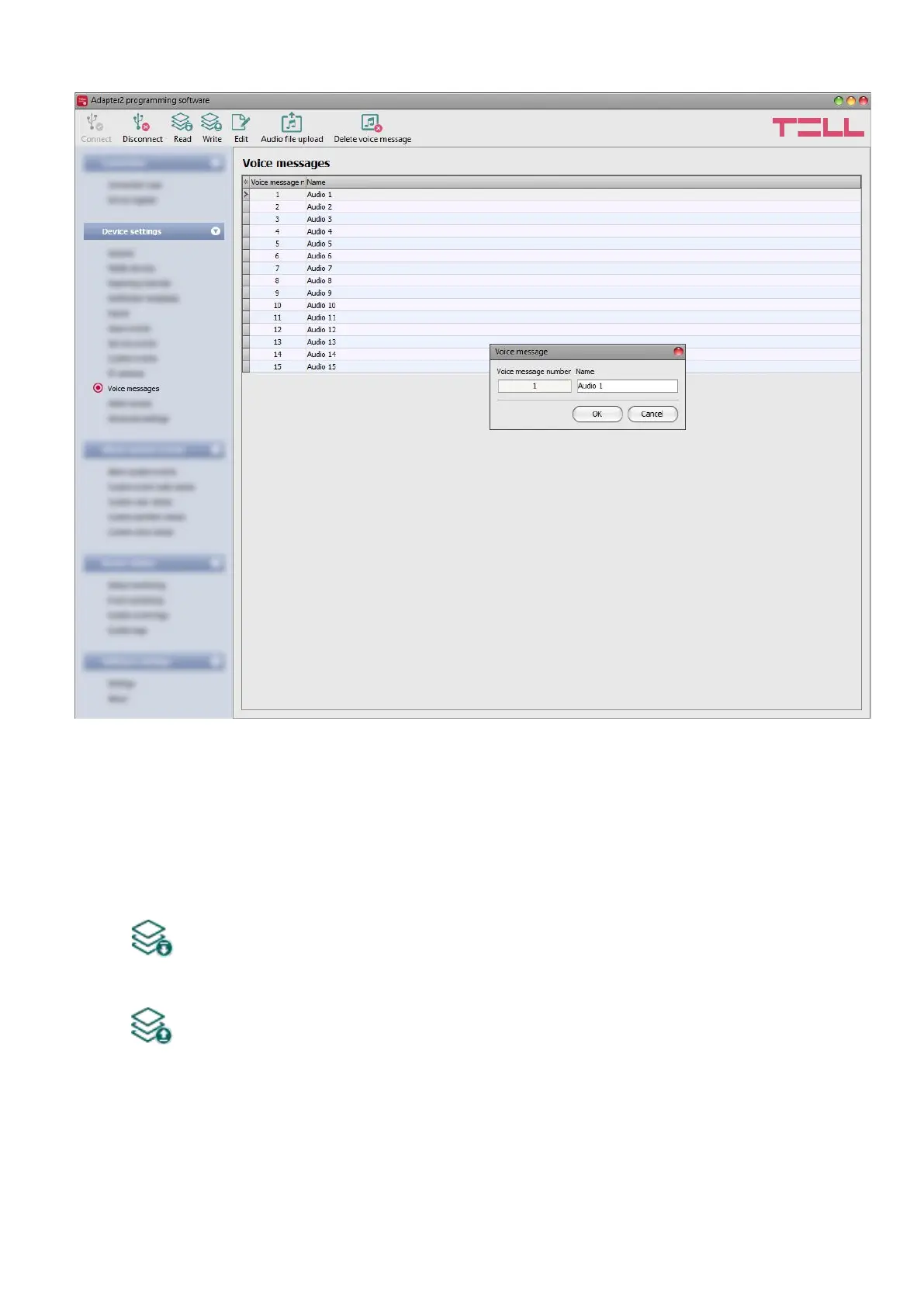
4.2.10 Voice messages
In this menu you can upload audio files used for notifications via voice calls, and you can also
configure a custom name for each voice message. The audio files can be uploaded in mp3 or
wav format. Uploaded audio files are automatically converted by the software into the format
appropriate for the device. Voice messages of up to 10 seconds length are supported, therefore
a longer audio file will be cut automatically.
Available options:
• Reading the settings from the device:
To read the settings from the device, click on the “Read” button. This will read all
settings in all menus.
• Writing the settings into the device:
After changing the settings or entering new settings, to take effect, it is necessary to
write the new settings into the device by clicking on the “Write” button. This will write
the changes only, but all changes made in any menu.



 To Next Page