95
Show the QR code containing the device ID in the Status monitoring menu: if this option is
enabled, the QR code that contains the device ID will be shown in the “Status monitoring” menu.
This is used by the manufacturer to record devices produced.
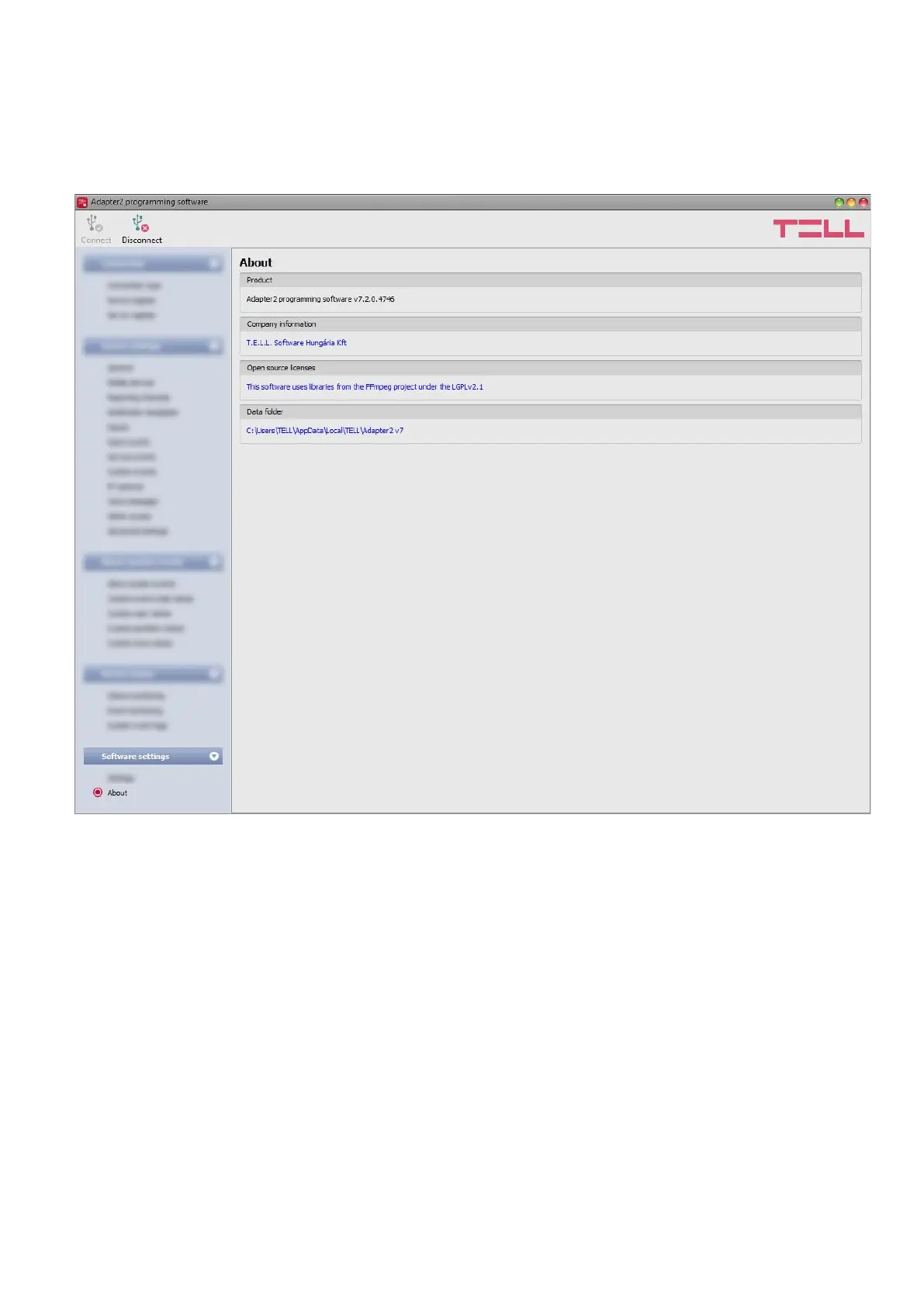
4.5.2 About
The “About” menu shows the availabilities of the manufacturer, the version of the programming
software and the path of the data folder where the software stores the logs. By clicking on the
path, the program will open the data folder in the file manager.



 To Next Page