32
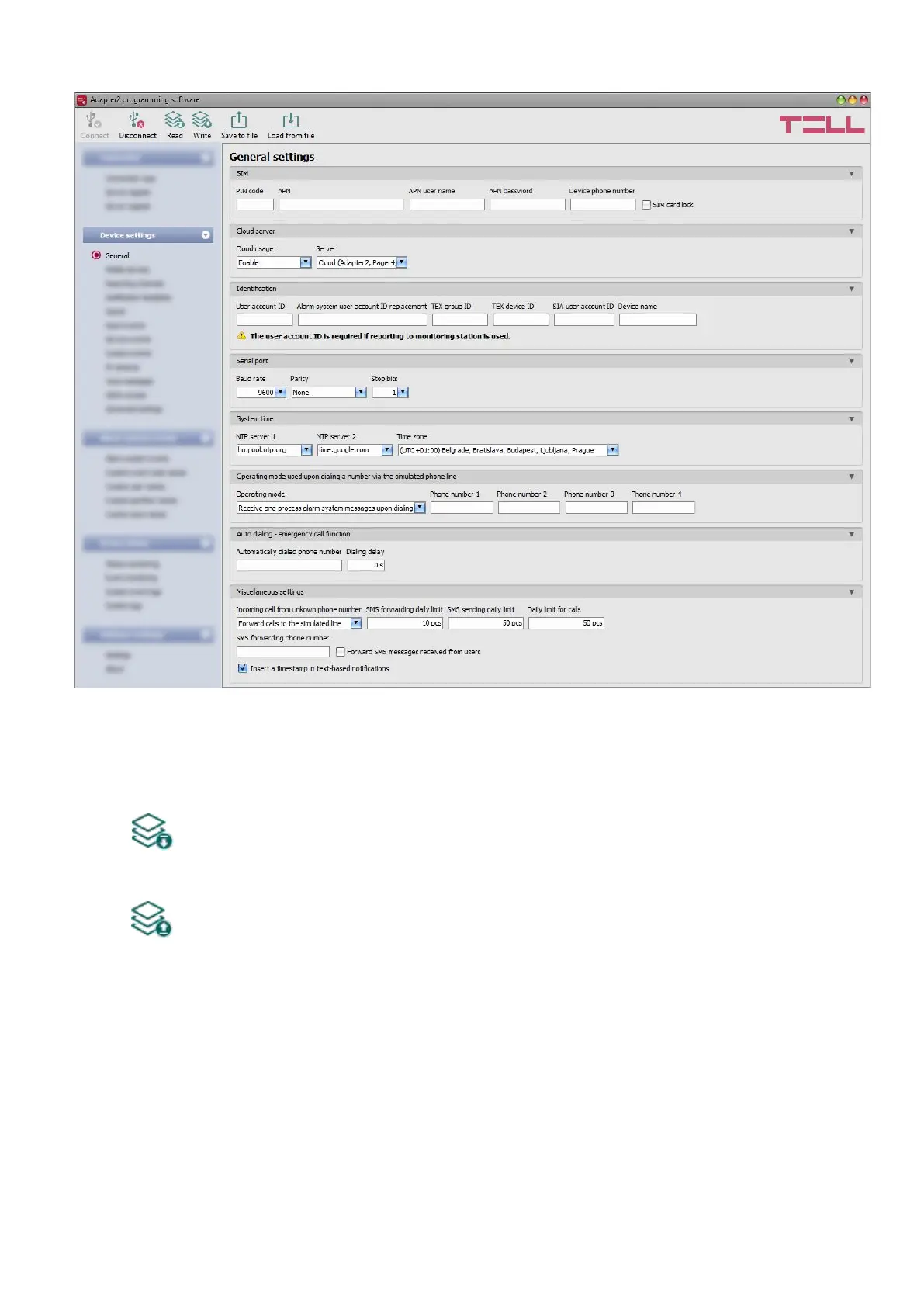
4.2.1 General device settings
In this menu you can configure the general settings of the device.
Available options:
• Reading the settings from the device:
To read the settings from the device, click on the “Read” button. This will read all
settings in all menus.
• Writing the settings into the device:
After changing the settings or entering new settings, to take effect, it is necessary to
write the new settings into the device by clicking on the “Write” button. This will write
the changes only, but all changes made in any menu.



 To Next Page