91
• Activate output:
You can activate the output (OUT) by clicking on this button. The output remains
activated until deactivated manually or by an event, which has been configured to
control the given output in a way that deactivates it, or a power loss occurs.
• Deactivate output:
You can deactivate the output (OUT) by clicking on this button.
• Periodic test report:
You can generate a periodic test report event by clicking on this button.
• Enable and disable AT command logging:
The “AT log” button is used to enable and disable logging of AT commands.
This serves for troubleshooting, for viewing detailed information on the operation of
the modem.
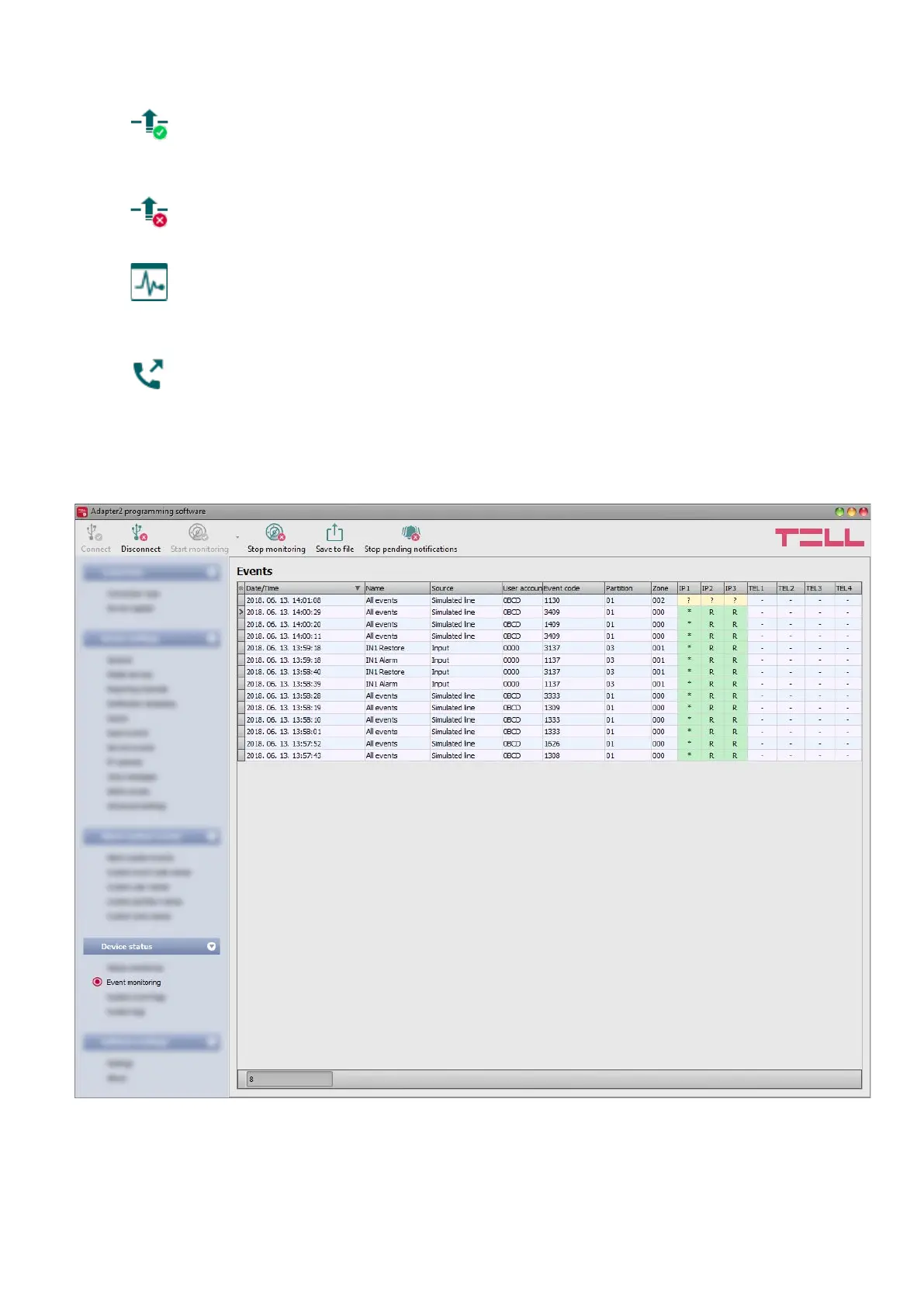
4.4.2 Event monitoring
In this menu you can view the device’s event log and monitor events and the reporting progress
online. The device stores last 100 events in its event log.



 To Next Page