90
Counters:
• System time: the system date and time.
• IP uptime: elapsed time since the device has last connected to the Internet.
• Device uptime: elapsed time since the device has been powered up.
• GSM uptime: elapsed time since the device has last connected to the GSM network.
• Data traffic: data traffic since the device has last connected to the Internet.
Network:
• GSM operator: the name of the GSM operator used.
• Data connection type: the current data connection type: 4G (E-UTRAN), 3G (UTRAN),
2G (GPRS/EGDE).
• GSM signal: actual GSM signal level (None/Very low, Weak, Medium, Good, Excellent).
• WiFi network (WiFi model only): the name (SSID) of the network to which the device is
connected
• Signal (WiFi model only): the signal level (None/Very low, Weak, Medium, Good, Excellent)
of the network to which the device is connected.
• Searching for WiFi networks (WiFi model only): network scanning status (Yes=scanning
is in progress).
• IP address: the actual IP address of the device.
• Number of connections: the number of active connections with servers/receivers.
• Modem status: the actual status of the GSM modem.
• Cloud connection: the cloud connection status.
Inputs / Outputs:
• IN1…IN4: the actual state of the contact inputs.
• Output: the actual state of the output (OUT)
Reporting channels:
• IP1…IP4: connection status of the configured servers and IP receivers
After connecting to the device locally or remotely, the following options become available:
• Query:
This button is only available when connected to the device remotely. Status
information can be loaded or updated by clicking on this button. This is not needed
when connected via USB, because in this case status information loads and
refreshes automatically.
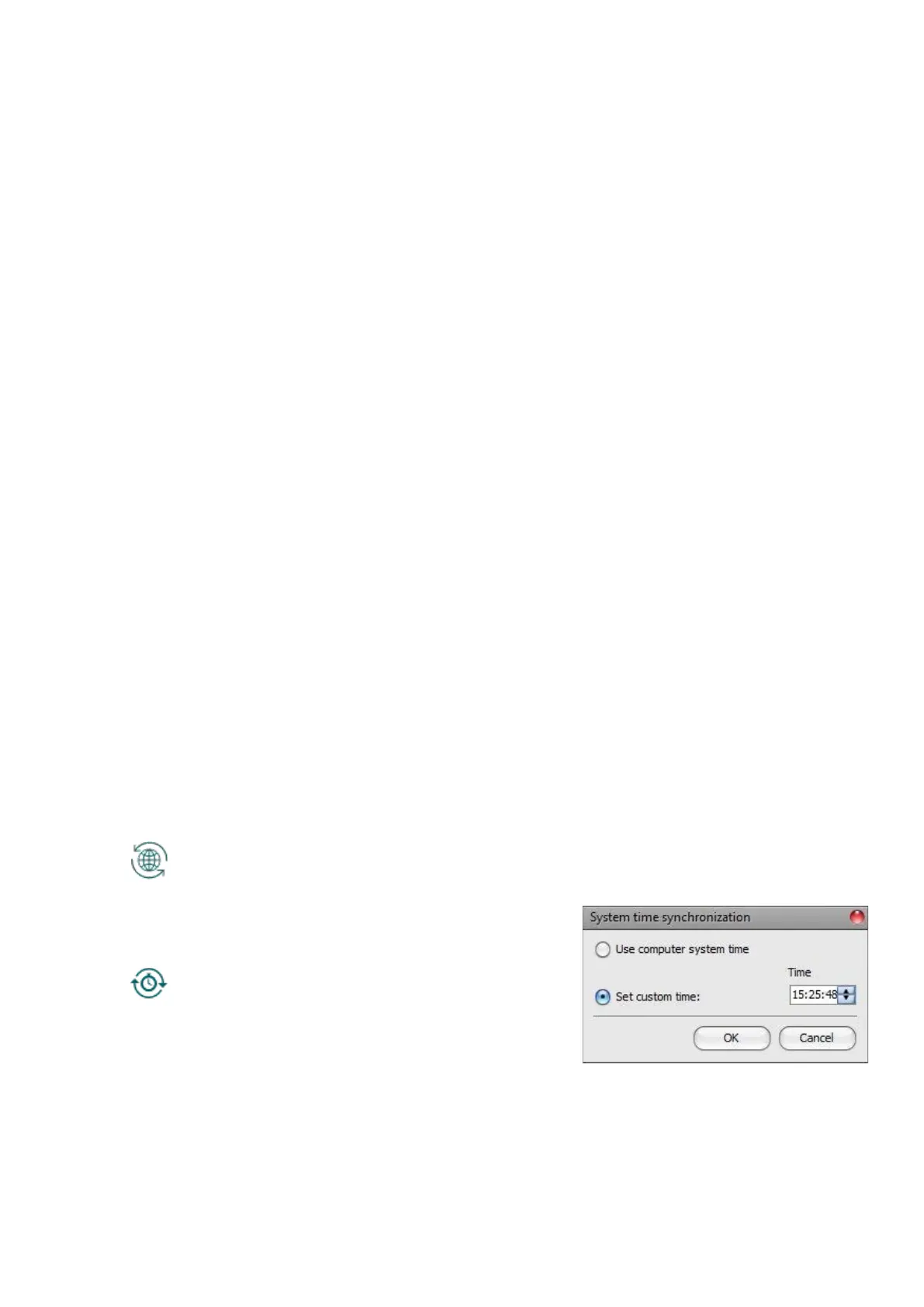
• Time synchronization:
This button is used to synchronize the device
system time with the PC system time, or set
custom time, according to your choice.



 To Next Page