41
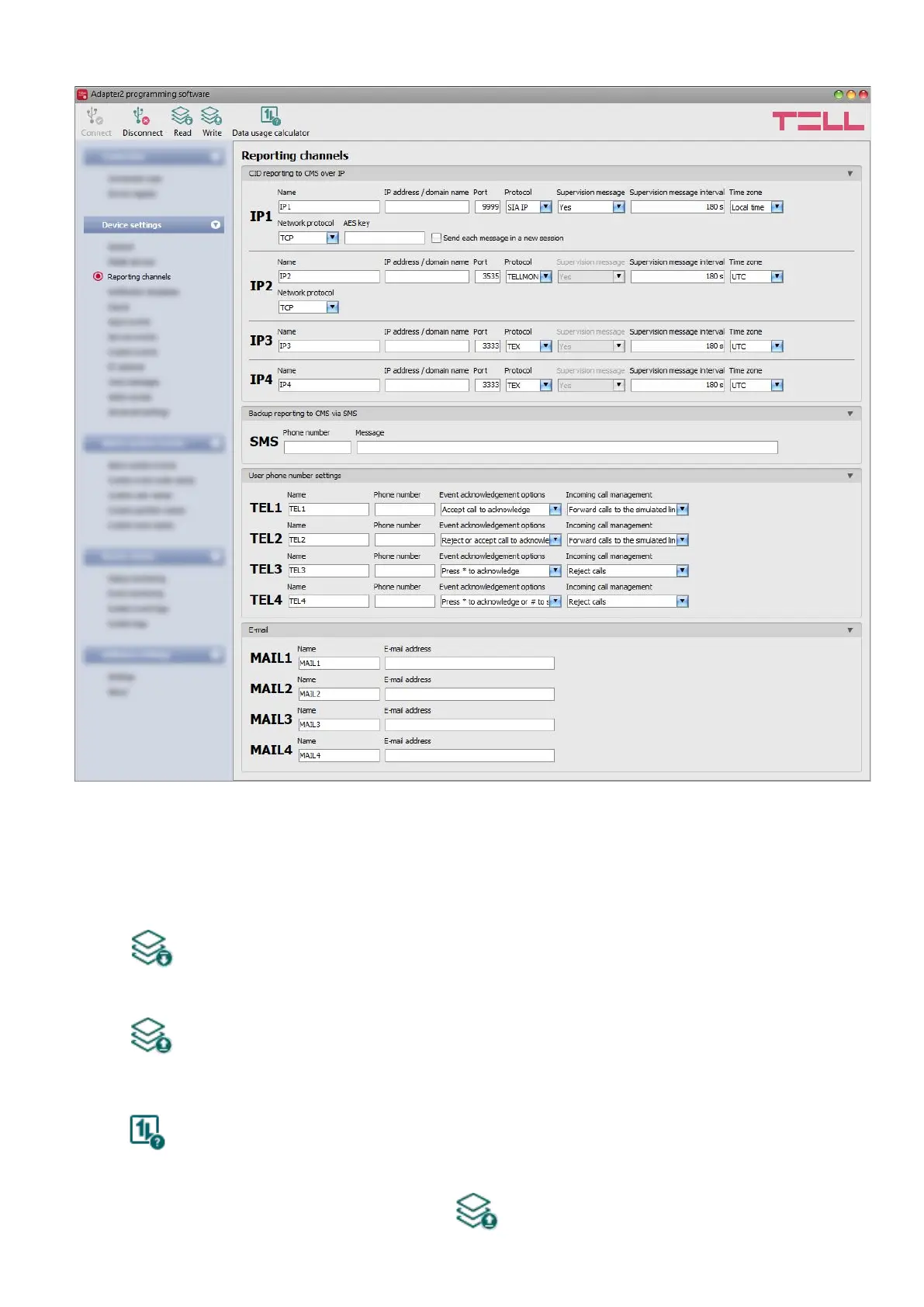
4.2.3 Reporting channels
In the “Reporting channels” menu you can configure the availabilities where notifications should
be sent, such as monitoring servers or receivers, user phone numbers for calls and SMS sending,
and e-mail addresses for notification by e-mail in case of using the Adapter2 PRO model.
Available options:
• Reading the settings from the device:
To read the settings from the device, click on the “Read” button. This will read all
settings in all menus.
• Writing the settings into the device:
After changing the settings or entering new settings, to take effect, it is necessary to
write the new settings into the device by clicking on the “Write” button. This will write
the changes only, but all changes made in any menu.
• Data usage calculator:
The data usage calculator shows an estimated monthly data usage based on the
configured settings and the expected number of reports and messages. For this, you
need to provide the expected number of reports and messages only.
Please note that after you make changes, you must write the settings into the device
to be applied. For this, click on the “Write” button.



 To Next Page