39
4.2.2 Mobile devices (Adapter2 PRO only)
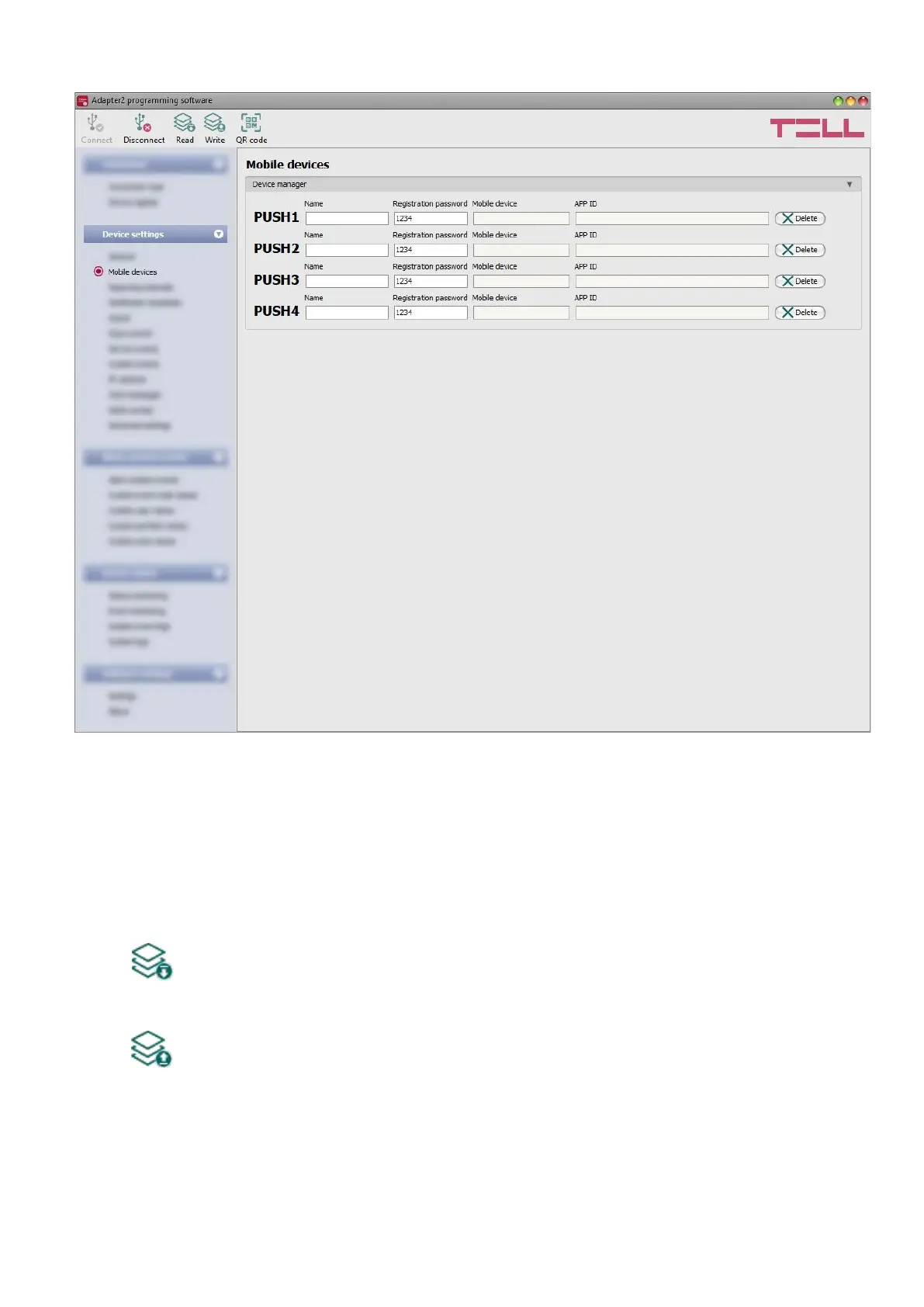
In this menu you can manage the access of mobile applications. The device supports access of
up to 4 mobile devices, for which you can configure here the registration password requested
upon assigning the mobile application to the device, and it is also possible to delete a mobile
device if needed, i.e., to cancel its registration. The mobile application can be assigned to the
device with the help of a QR code, which you can generate by clicking on the “QR code” button.
Available options:
• Reading the settings from the device:
To read the settings from the device, click on the “Read” button. This will read all
settings in all menus.
• Writing the settings into the device:
After changing the settings or entering new settings, to take effect, it is necessary to
write the new settings into the device by clicking on the “Write” button. This will write
the changes only, but all changes made in any menu.



 To Next Page