93
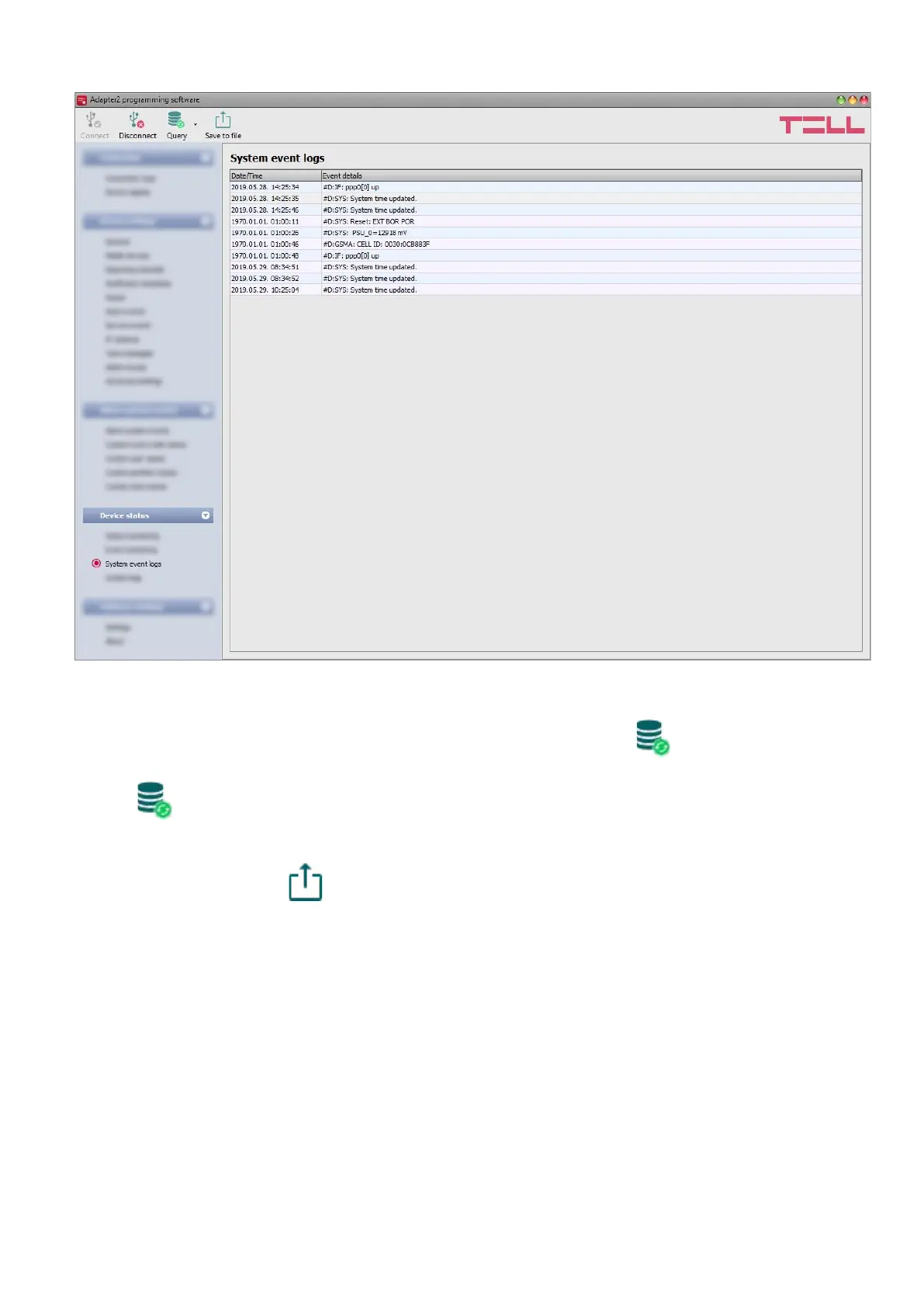
4.4.3 System event logs
Events related to device operation are shown in the system event logs.
To download the system event logs from the device, open the “Read” drop-down menu, select
how many events you want to download from the latest ones (10, 20 or all), and then click on the
“Read” button.
You can save the downloaded system event logs to file in CSV format. To save the logs to file,
click on the “Save to file” button.



 To Next Page