22
4 Adapter2 programming software usage and feature descriptions
4.1 Connection menu
4.1.1 Viewing the settings options and configuring offline
The Adapter2 programming software supports all Adapter2 device models. Therefore, the
software shows the settings options available specifically in a given device model, which are
different from the common parameters (e.g., differences between the PRO and standard device
models) only when connecting the given device model, i.e., an Adapter2 device must be
connected in order to show the specific settings options of that device model.
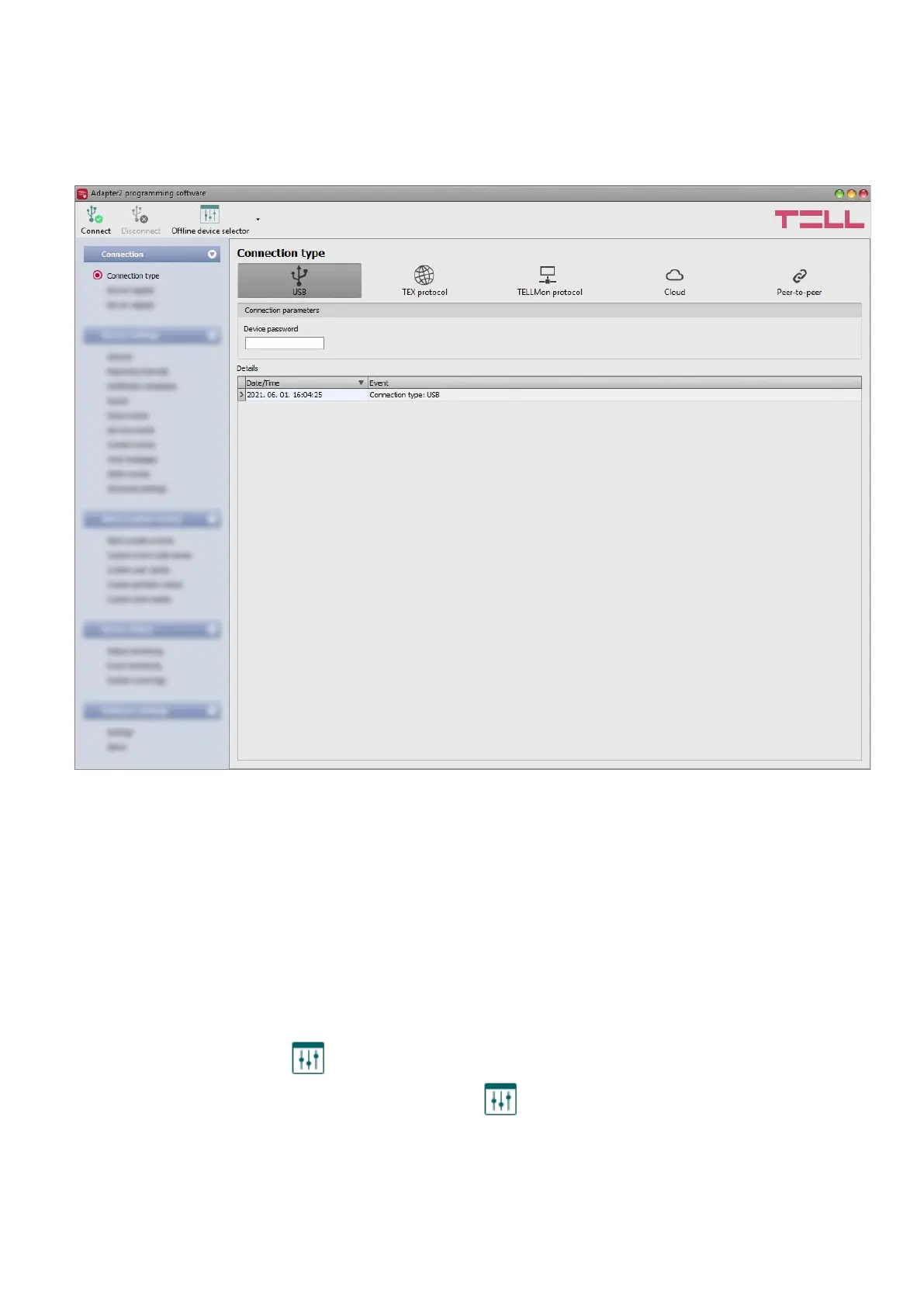
However, using the “Offline device selector” it is possible to view the settings options of any
Adapter2 device model and to configure and save the settings in advance offline, without
connecting the device.
If you wish to view the settings options of a Adapter2 device model, or to configure and
save settings without connecting the device, click on the arrow found next to the
“Offline device selector” button, select the desired device model from the drop-down menu
and then click on the “Offline device selector” button to load the settings options of the
selected device model.



 To Next Page