72
4.3 Alarm system events menu
In this menu group you can configure settings of events sent by the alarm system.
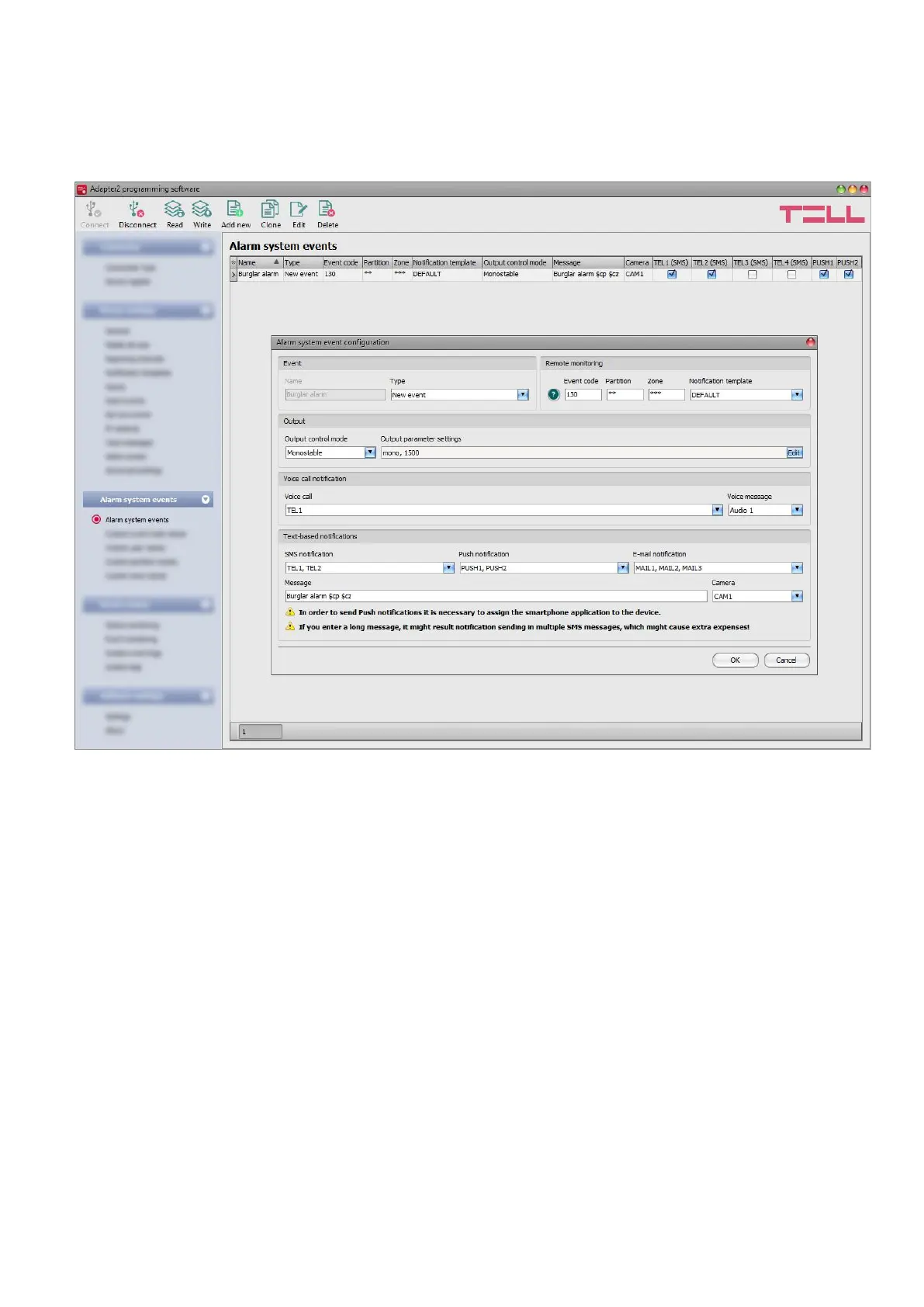
4.3.1 Alarm system events
The “Alarm system events” menu can be used to filter Contact-ID event codes received from the
alarm control panel connected to the device. For each event filter added you can configure
separately which notification template to use for reporting to monitoring station, which user to notify
by call, SMS, Push notification or email and what message to send, and to control or not the output
when the given event code is received from the alarm control panel, or an event code is received
which matches the conditions configured in the given event filter.
When entering the event code, partition, and zone, you can use the "" character to define a group
of events. This means that when any hexadecimal number is received from the alarm control panel
in the place of the "" character written in the code, but the rest of the event code matches the
event received from the alarm control panel, the given event will be processed. When receiving
an event code from the alarm control panel, the device compares the received event with the event
filters added to the table and if it finds a matching one, it performs the reporting and output control
according to the settings of the given alarm system event filter. The device compares the events
starting with the event type, then the event code, and finally with the partition and zone, in this
order.



 To Next Page