89
4.4 Device status menu
4.4.1 Status monitoring
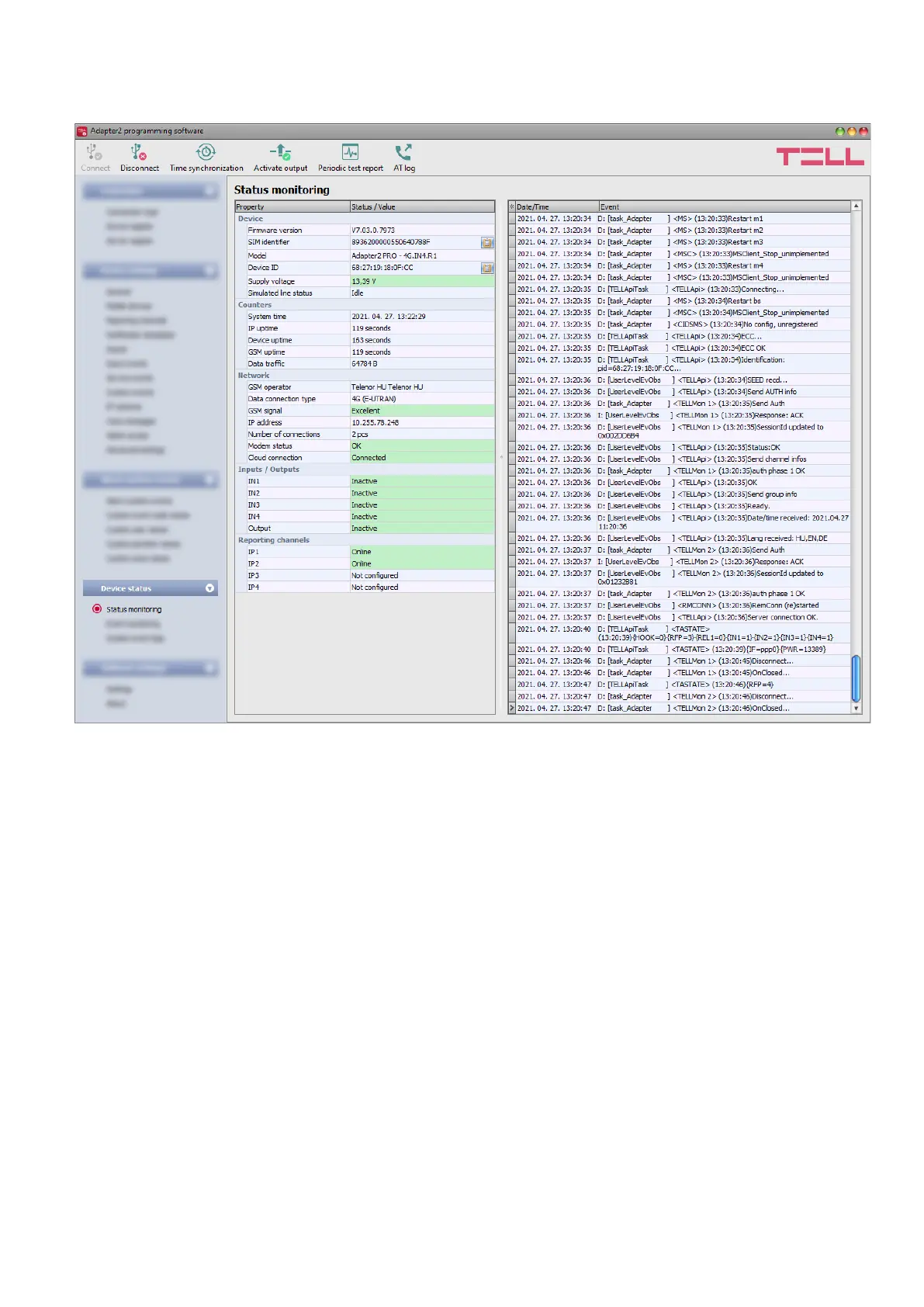
The “Status monitoring” menu provides information on actual system status. Please note that for
faster communication, in case of remote connection some of the options are not available. Status
information loads and refreshes automatically only when connected through USB. The system
logs are shown in the window on the right hand side, which provides information about the internal
processes of the device and communication. The system logs help troubleshooting if malfunction
occurs. The program saves the system logs to file automatically in the “Logs” folder, which you
can access easily by clicking on the path link shown in the “About” menu in the
“Data folder” section (the file name looks as follows: “the actual date_module.log”). The system
logs are only available when connected via USB!
Available status information:
Device:
• Firmware version: the firmware version of the device.
• SIM identifier: the identifier (ICCID) of the SIM card installed in the device. You can copy
the ID to clipboard by clicking the notepad icon on the right-hand side.
• Model: the device type/model.
• Device ID: the unique identifier of the device (6x2 hexadecimal characters). This identifier
is burned-in during production and thereby it is unchangeable. You can copy the ID to
clipboard by clicking the notepad icon on the right-hand side.
• Supply voltage: value of measured supply voltage.
• Simulated line status: the status of the simulated phone line.



 To Next Page