69
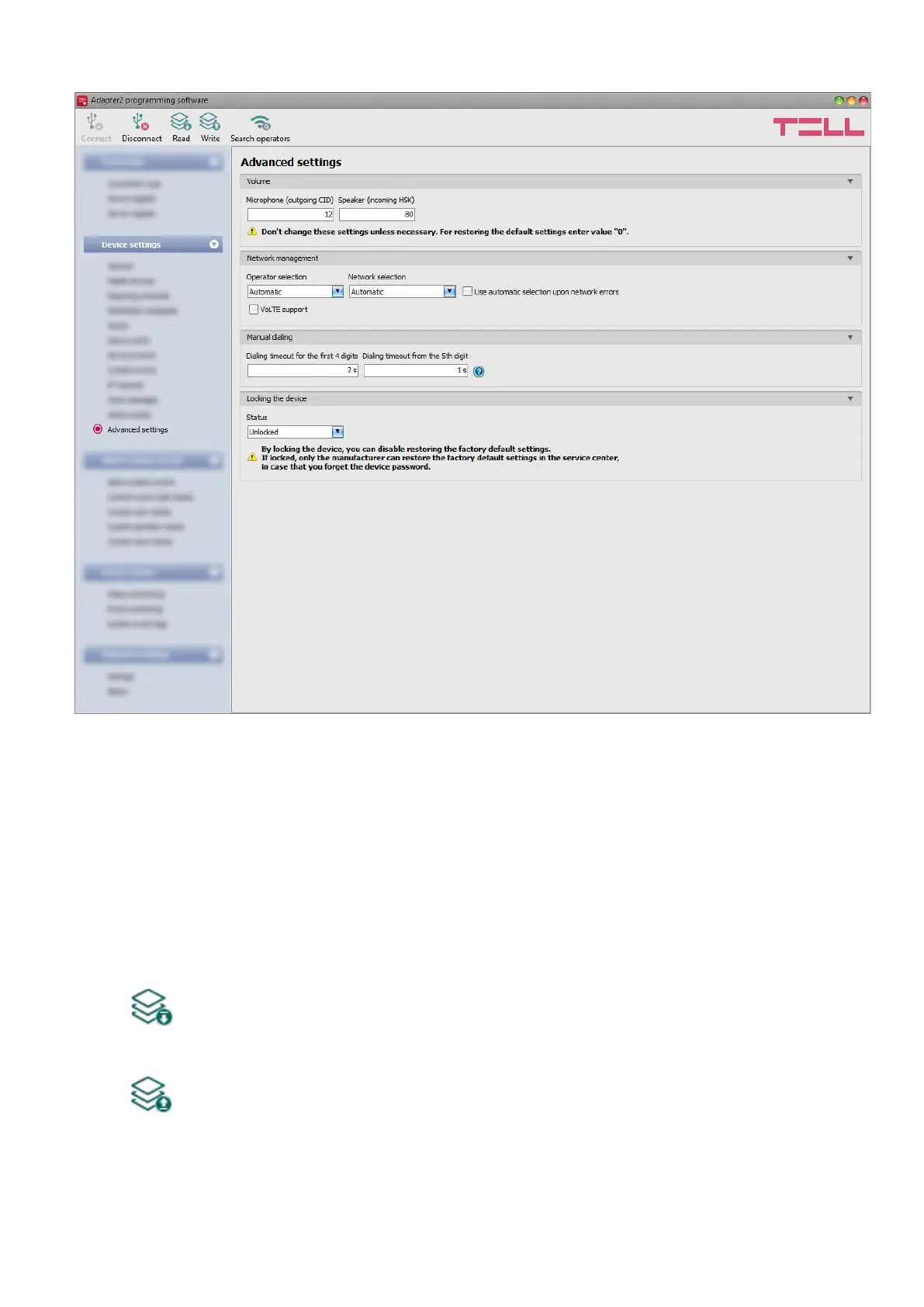
4.2.11 Advanced settings
In this menu you can configure advanced settings which affect communication to CMS over
DTMF-based voice call and the in-call volume for calls to users (siren tone, voice messages).
Special DTMF communication parameters can be configured to adjust signals in case of
experiencing problems with reporting to CMS over DTMF-based voice call. The default mobile
operator and network to be used by the modem and device lock settings can also be configured
here.
Recommended for experts only! Do not change the factory default settings unless
necessary!
Available options:
• Reading the settings from the device:
To read the settings from the device, click on the “Read” button. This will read all
settings in all menus.
• Writing the settings into the device:
After changing the settings or entering new settings, to take effect, it is necessary to
write the new settings into the device by clicking on the “Write” button. This will write
the changes only, but all changes made in any menu.



 To Next Page