70
• Searching mobile operators:
To search mobile operators, click on the “Search operators” button. This is needed
when you want to select a certain operator in the “Operator selection” drop-down
menu to force the modem to use the given operator. After clicking on this button, the
device will restart the modem and will reconnect to the mobile network to start
operator searching. The search process may take up to 3 minutes. The end of the
process will be indicated by a pop-up message, after which the list of available
operators in the “Operator selection” drop-down menu will be updated automatically
according to the search results.
Please note that after you make changes, you must write the settings into the device
to be applied. For this, click on the “Write” button.
Volume:
Microphone (outgoing CID): adjusts the microphone volume, which makes outgoing tones
(Contact ID) louder or softer in voice calls. The value can be set from 1 to 15.
Speaker (incoming HSK): adjusts the speaker volume, which makes incoming tones (HSK and
ACK) louder or softer in voice calls. The value can be set from 1 to 100.
Note! Even minor changes of the values result significant tone volume changes!
Network management:
Operator selection: using this drop-down menu you can select a mobile operator available
with the given SIM card. To get the list of available operators, you must click on the
“Search operators” button. If you select and set an operator, the device will use only the
selected operator’s network. Please note that the search results may also contain operators which
are not supported by your SIM card. If you accidentally select an unsupported operator, the device
will use the default operator chosen automatically.
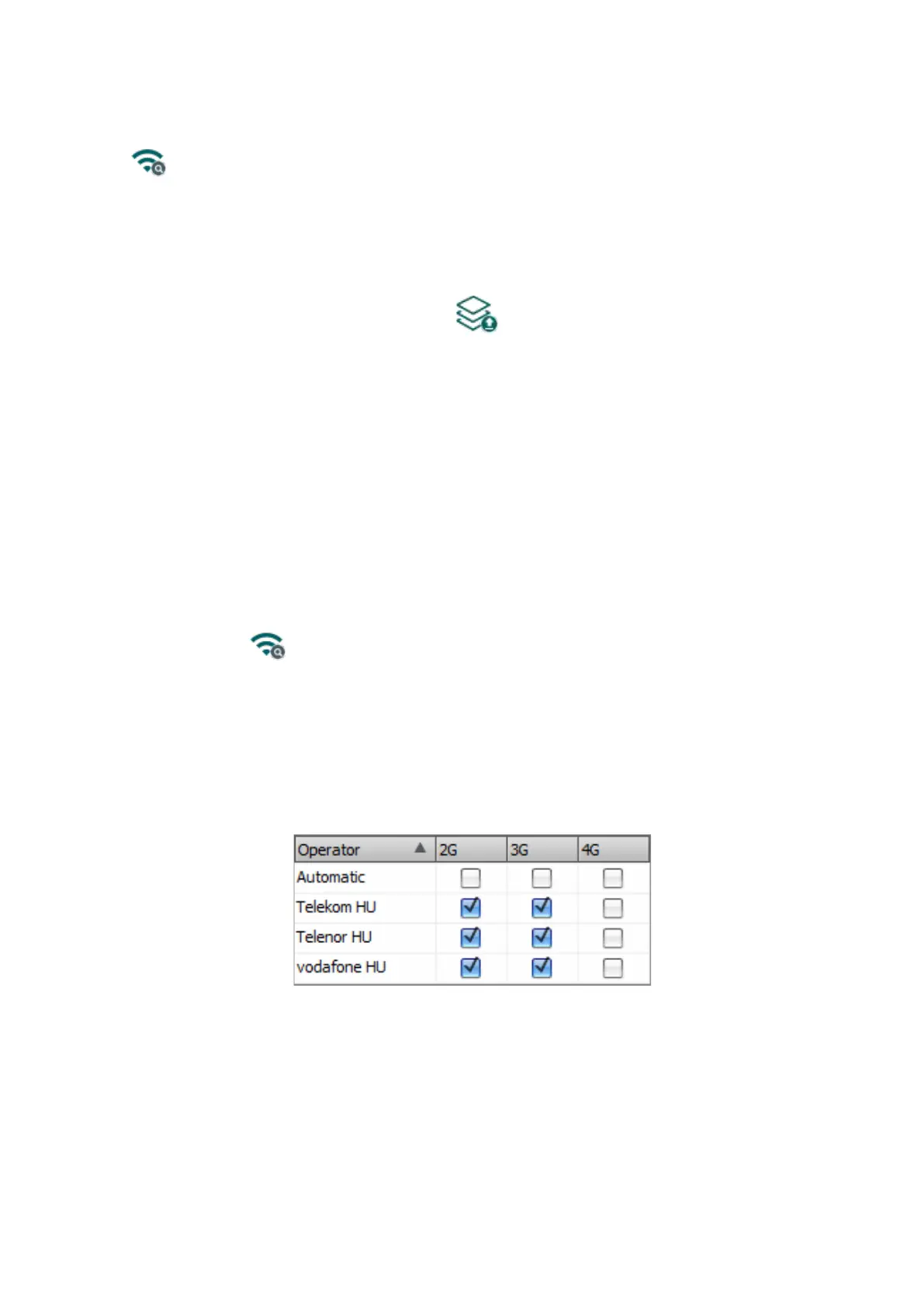
In the list of available operators, the program will indicate which networks (2G/3G/4G) of the given
operators are available with the given SIM card, in the given location and with the given product
model (it depends on the type of the modem). The default setting is the “Automatic”,
i.e., the device will automatically choose the operator preferred by the given SIM card.
Network selection: mobile network management in the device is automatic by default. If you
experience problems with the stability of the mobile network in the given location, that is the device
switches frequently between networks, you can select the network you wish to use manually.
Available options:
• Automatic: the device will select the network automatically.
• 2G only: use 2G (GPRS) network only.
• 3G only: use 3G (UMTS) network only
• 4G only: use 4G (LTE) network only



 To Next Page