59
4.2.8 Custom events
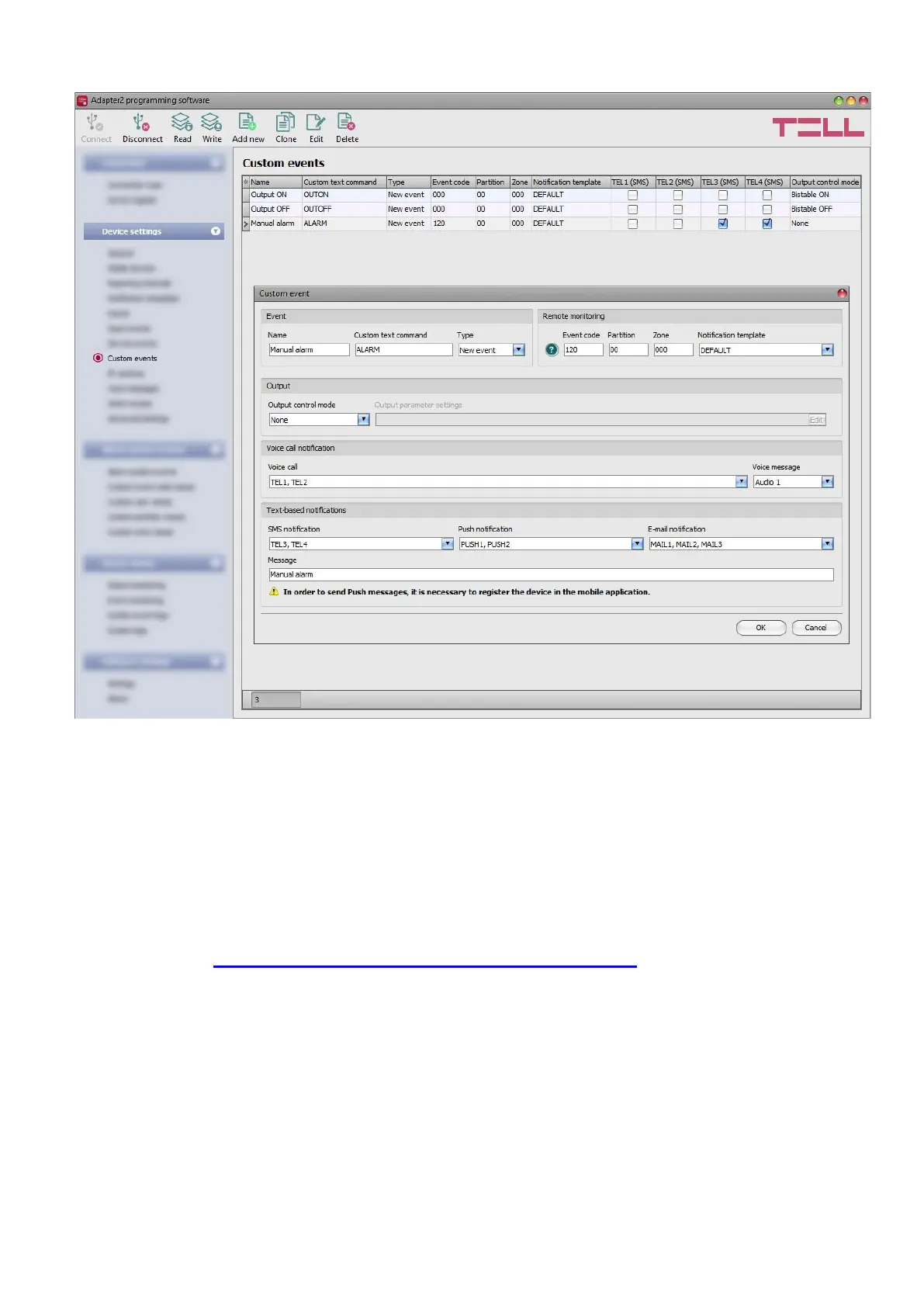
In this menu you can configure custom events, which the device generates upon receiving a
custom command by text message (SMS). You can freely configure the custom command for
each event. Just like input and service events, custom events enable sending reports to remote
monitoring station, notifications to users, as well as controlling the output.
With this function you can practically generate any reports to remote monitoring station,
notifications to users, and control the device’s output, by sending custom commands of your
choice in a text message (SMS) to the device’s phone number.
Attention! Custom commands must be different than the available default SMS commands
(see paragraph Remote connecting to devices via cloud service), otherwise the device will
only perform the default action associated with the command.
It is possible to send more than one command in one message, but the message should not
exceed 60 characters. The device will not execute commands which are entered in the message
beyond the 60 characters limit. The device will not react in case of receiving an incorrect or
non-existing command.



 To Next Page