25
4.1.3 Device register
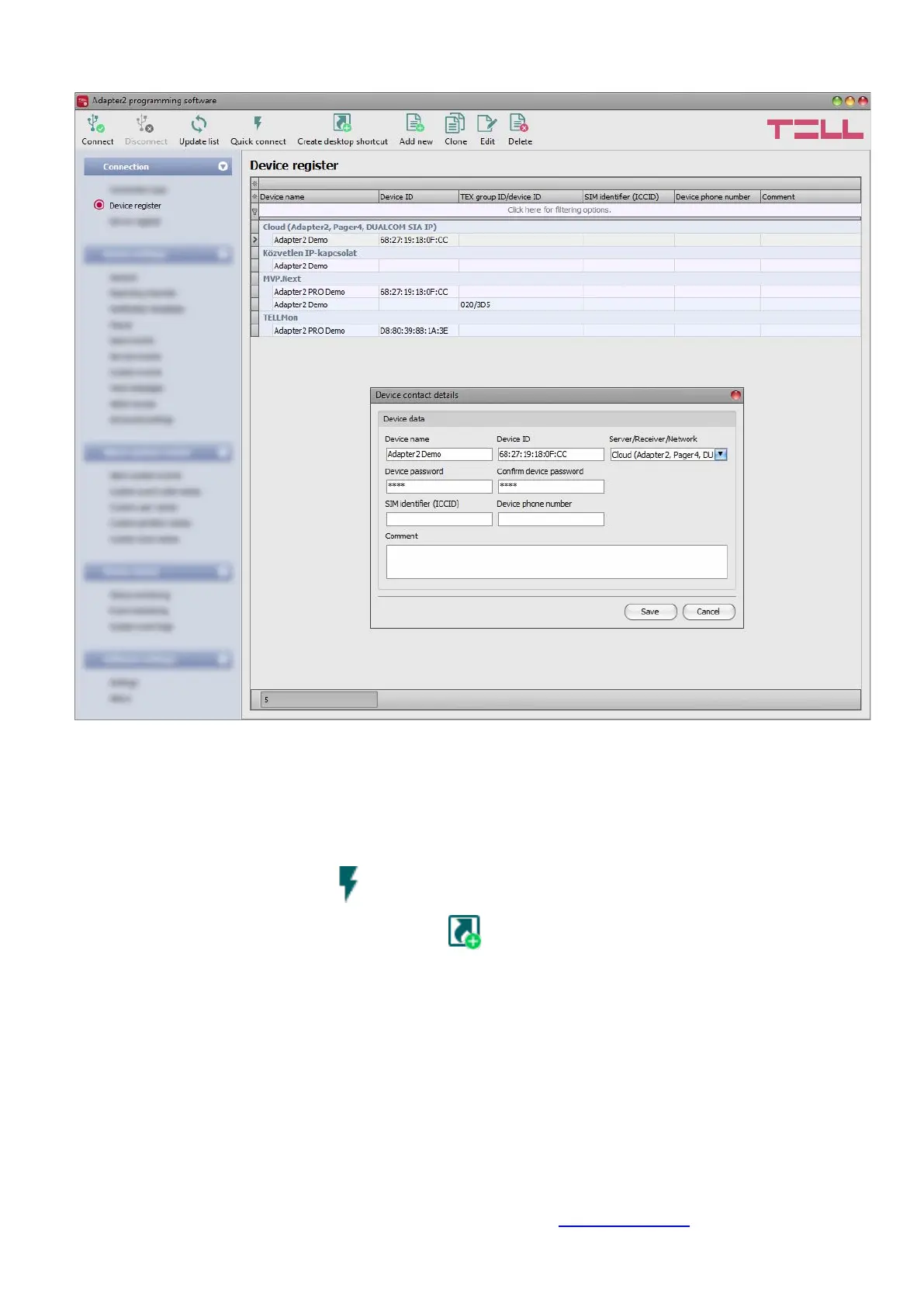
The device register serves for storing and easy handling of device contact details used for remote
programming. You can add new device contact details to the database and edit, delete, and clone
entries for easy adding of devices with similar contact details.
When connecting remotely, you can easily select by name the device you wish to connect to from
the “Device name” drop-down menu, from the devices added to the database. You can also
connect remotely to a device directly from the device register, by selecting the device, and then
clicking on the Quick connect button.
You can use the “Create desktop shortcut” button to create a shortcut on your desktop for
the device selected in the device register. The shortcut will open the software and will initiate a
remote connection to the given device automatically.
If you enter new device contact details in the “Connection type” menu, the program will add this
automatically to the device register database using the device ID or the device IP address as
device name (depending on the connection type), which you can change later by editing the given
record in the device register. The database is stored locally on the computer.
If needed, you can import a database exported from an earlier version of the program using the
MMTool software which is included in the setup of the Adapter2 programming software.
If your devices are connected to an MVP.next server and you have a registered MVP.next remote
monitoring account, it is possible to read and save the data of your devices automatically in the
device register. You can find the details on this in chapter “Server register”.



 To Next Page