67
• Editing the name of an audio file:
To edit the name of the selected audio file, click on the “Edit” button.
• Uploading an audio file:
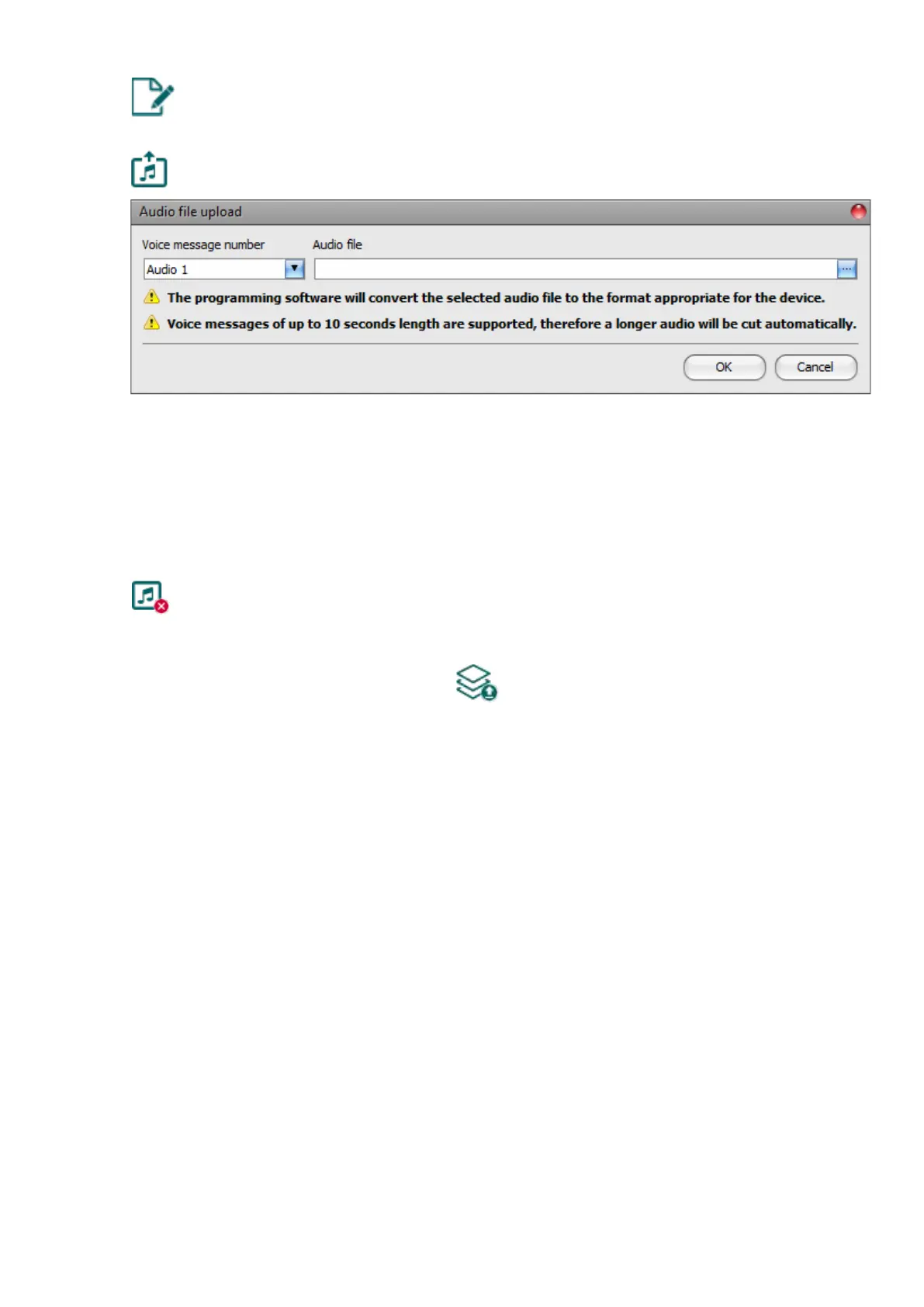
To upload an audio file to the selected voice message, click on the “Audio file
upload” button. This will open a dialog box where you can browse the audio file.
Voice message number: after clicking on the “Audio file upload” button, the voice
message number selected in the table will be selected automatically in the dialog box as
well, but you can also select a different voice message number using the drop-down menu.
The audio file will be uploaded into the voice message slot selected in the drop-down menu.
Audio file: click on the browse button found at the end of this field, and then browse the
audio file you wish to upload. Click on the “OK” button to start uploading the selected file.
• Delete audio file:
To delete an audio file, select the message you want to delete by clicking on it, and
then click on the “Delete audio file” button.
Please note that after you make changes, you must write the settings into the device
to be applied. For this, click on the “Write” button.



 To Next Page