4.28.5 Other Configuration Links
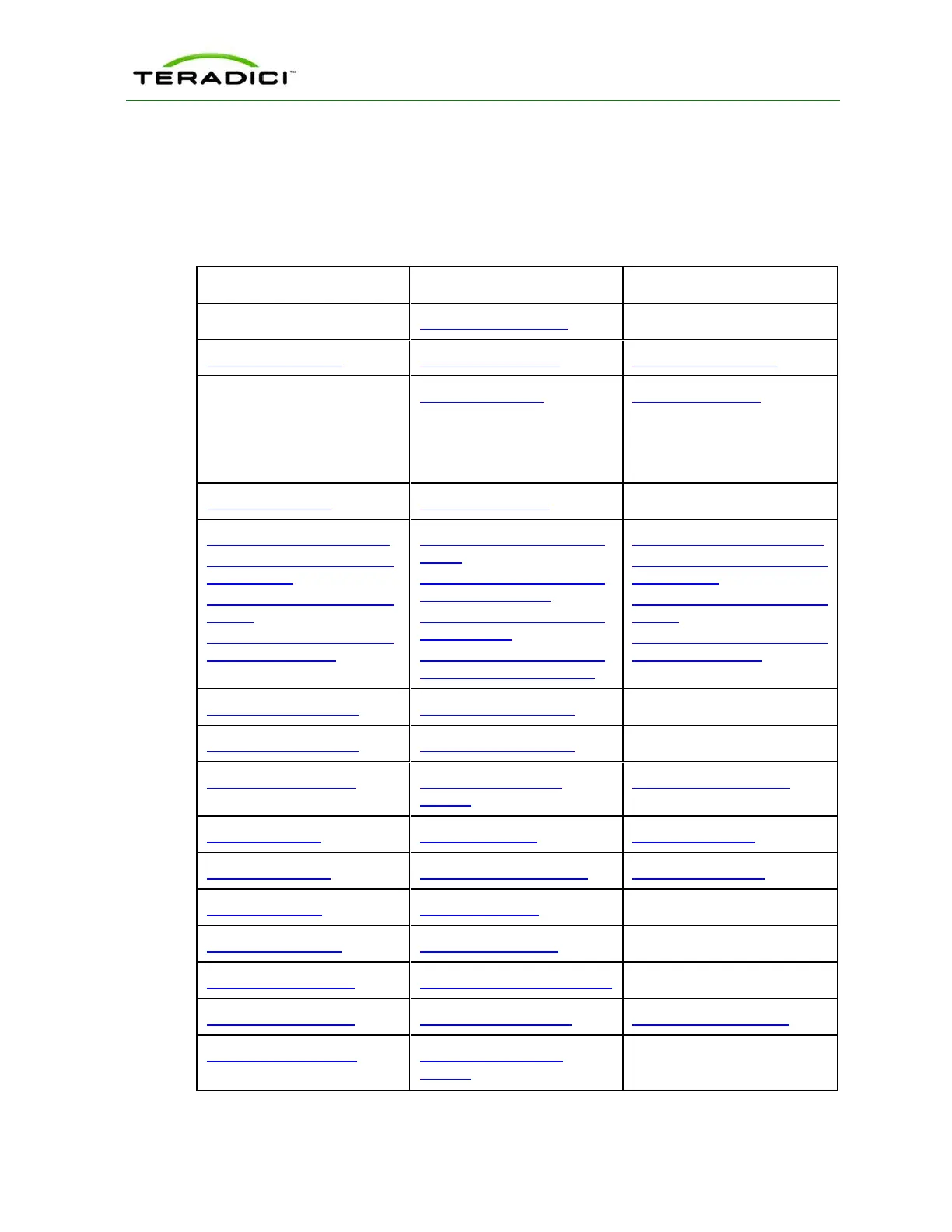
To configure the full range of firmware parameters for this session type, see the following
topics.
Note: Some configuration functions are not available in the OSD.
Using the MC Using the AWI Using the OSD
AWI Client: Initial Setup
MC:Network Settings AWI:Network Settings OSD:Network Settings
For information on how to
manage device naming using
the MC, see the "PCoIP
Management Console User
Manual" (TER0812002).
AWI:Label Settings OSD:Label Settings
MC: SNMP Settings AWI: SNMP Settings
MC: View Connection Server
MC:View Connection Server
+ Auto-Logon
MC: View Connection Server
+ Kiosk
MC: View Connection Server
+ Imprivata OneSign
AWI Client: View Connection
Server
AWI Client: View Connection
Server + Auto-Logon
AWI Client: View Connection
Server + Kiosk
AWI Client: View Connection
Server + Imprivata OneSign
OSD: View Connection Server
OSD: View Connection Server
+ Auto-Logon
OSD: View Connection Server
+ Kiosk
OSD: View Connection Server
+ Imprivata OneSign
MC: Encryption Settings AWI: Encryption Settings
MC: Bandwidth Settings AWI: Bandwidth Settings
MC: Language Settings AWI Client: Language
Settings
OSD: Language Settings
MC: OSD Settings AWI: OSD Settings OSD: OSD Settings
MC:Image Settings AWI Client:Image Settings OSD:Image Settings
MC: Time Settings AWI: Time Settings
MC: Security Settings AWI: Security Settings
MC: Audio Permissions AWI Client: Audio Permissions
MC: Event Log Settings AWI: Event Log Settings OSD: Event Log Settings
MC: Peripheral Settings AWI Client: Peripheral
Settings
TER1206003 Issue 1 110
PCoIP Zero Client and Host Administrator Guide



 To Next Page