5.16.2 AWI Tera1 Client: Power Permissions
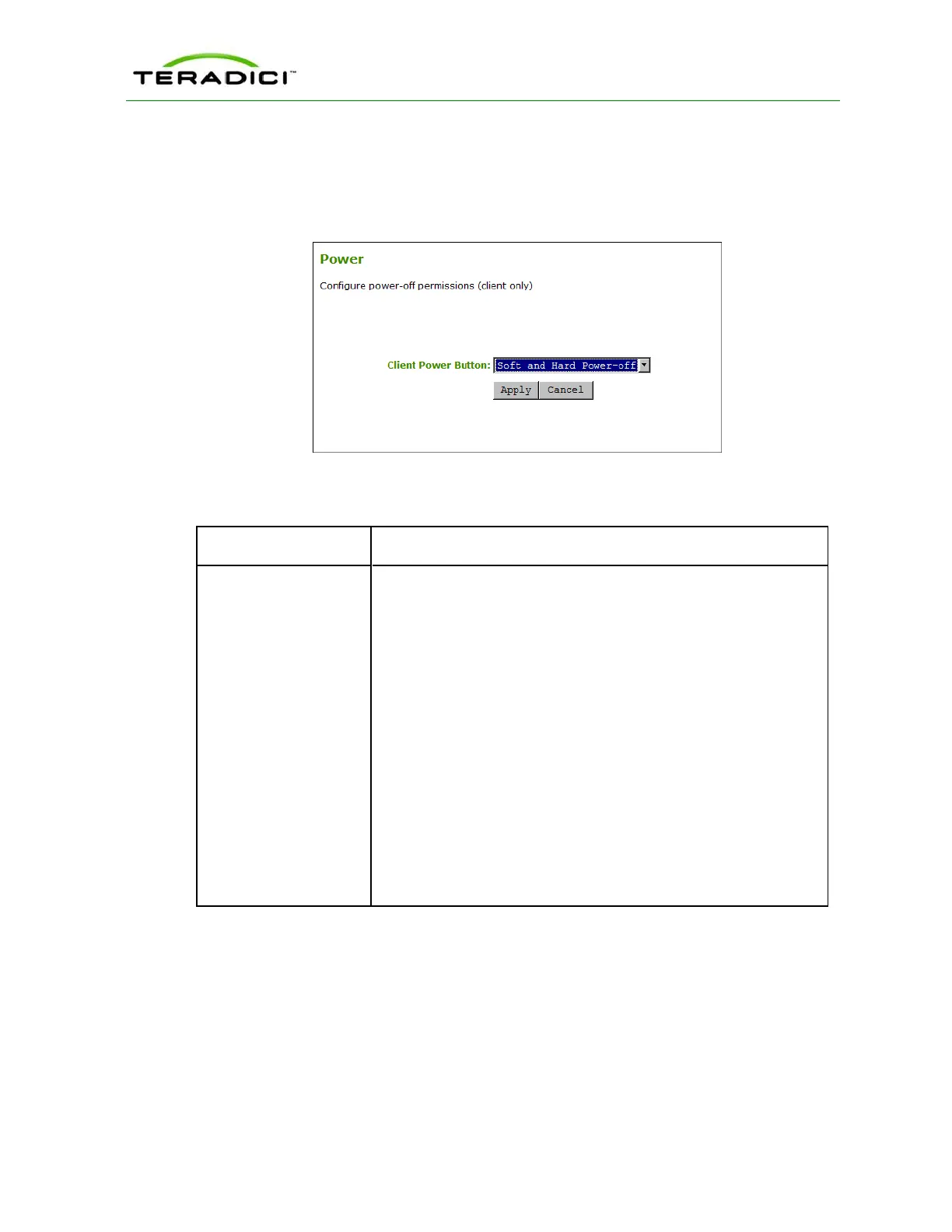
The Power page lets you configure host power-off permissions for the client. You can
access this page from the Permissions > Power menu.
Figure 5-68: AWI Tera1 Client Power Page
Table 5-65: AWI Tera1 Client Power Page Parameters
Parameter Description
Client Power Button This property configures the functionality of the client's remote PC
button.
The host is commanded to perform a soft power off (i.e., to go into
sleep mode) when the client's remote PC button is pressed for less
than four seconds and soft power off is enabled.
The host is commanded to perform a hard power off (i.e., to shut
down) when the client's remote PC button is pressed for more than
four seconds and hard power off is enabled.
Select from the following options:
l Power-off not permitted: Users cannot shut down the host or put
it in sleep mode.
l Soft Power-off only: Users can put the host in sleep mode but
not shut it down.
l Hard Power-off only: Users can shut down the host but not put it
in sleep mode.
l Soft and Hard Power-off: Users can put the host in sleep mode
and shut it down.
5.17 Configuring the Host Driver Function
5.17.1 MC: Host Driver Function
The setting on this page lets you configure a profile to enable or disable the PCoIP host
software UI on the host computer.
TER1206003 Issue 1 244
PCoIP Zero Client and Host Administrator Guide



 To Next Page