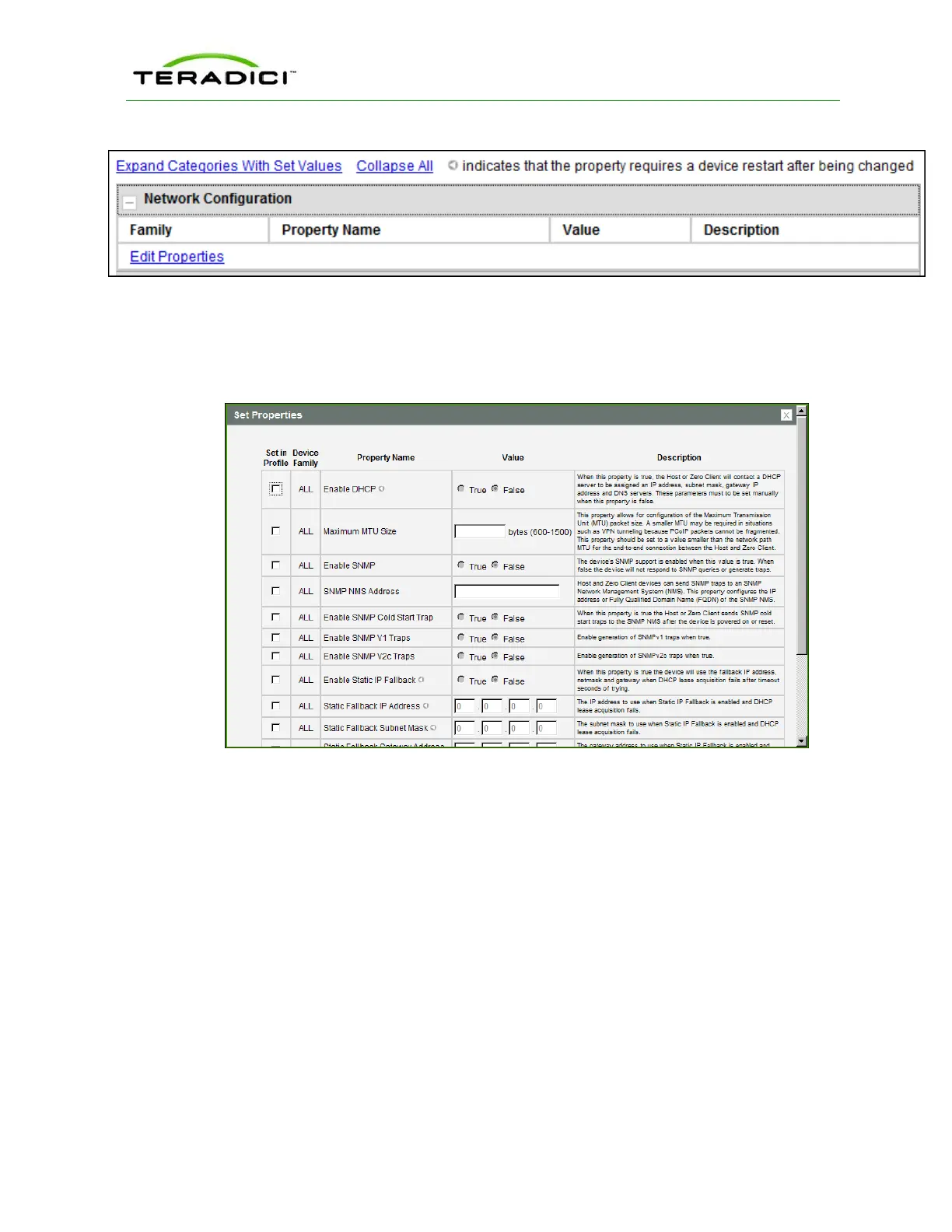
Figure 3-5: Edit Properties Link
This displays the Set Properties page for that category, from which you can configure the
category's individual parameters. The following example shows the parameters for the
Network Configuration category.
Figure 3-6: Set Properties Page for Network Configuration
Note: The parameter table for each category has a Description column to explain each
parameter. These parameters are also explained in the MC sections of the GUI Reference.
After setting the desired properties, the Manage Profiles page expands the categories to
show their configuration. You can use the expand/collapse links to control the display of this
information.
An example of a profile with some of its categories configured is shown below.
TER1206003 Issue 1 28
PCoIP Zero Client and Host Administrator Guide



 To Next Page