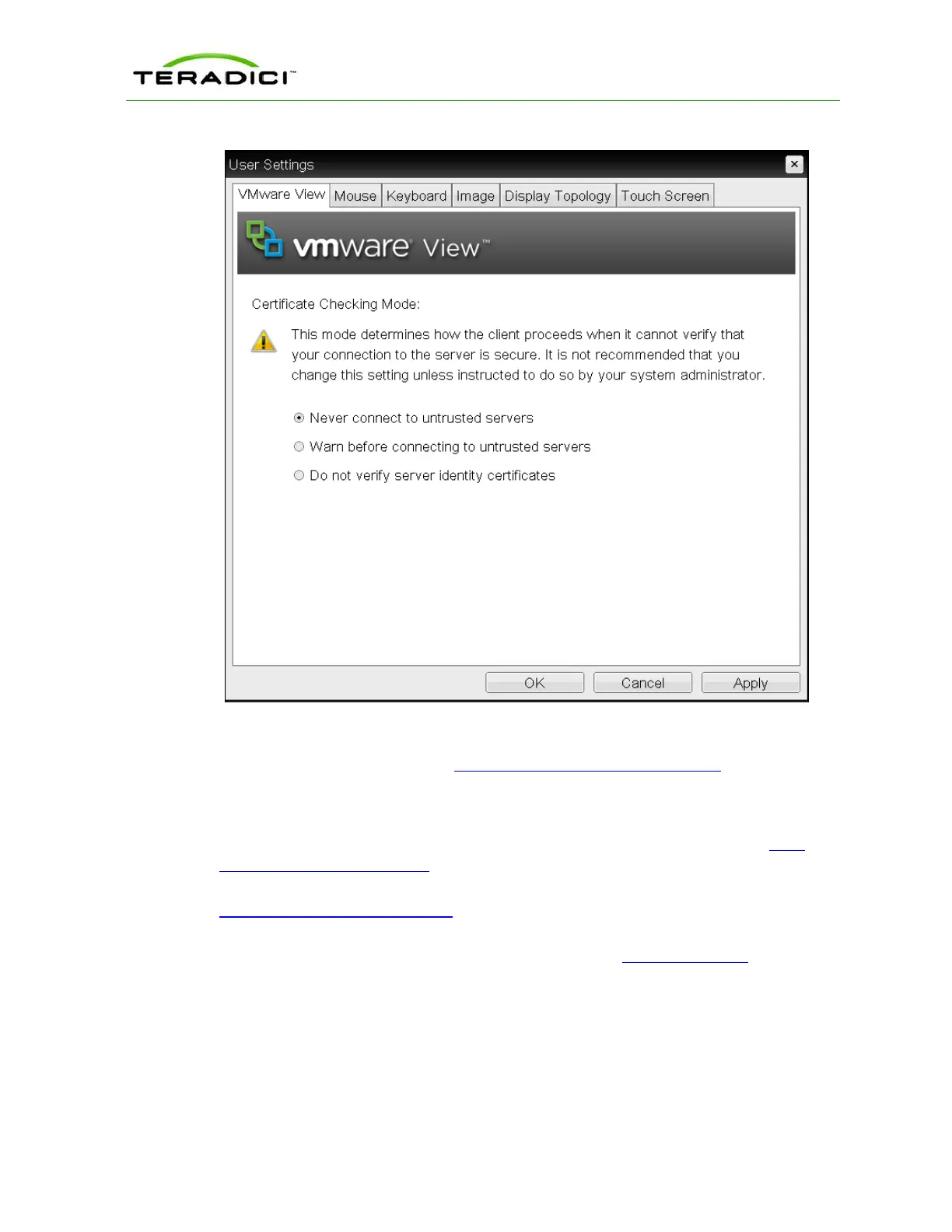
Figure 3-19: OSD VMware View Page
Using the AWI, you can then enable VCS Certificate Check Mode Lockout from the
Session – View Connection Server page to prevent users from changing this setting.
See also:
l For information about how to upload certificates to a profile using the MC, see MC:
Certificate Store Management.
l For information on how to upload certificates to a single device using the AWI, see
AWI: Certificate Upload Settings.
l For information on other OSD messages that may appear on top of a user's session
during startup or after a session has been established, see Overlay Windows.
3.13 Disconnecting from a Session
For Tera1 clients, users can disconnect from a session and return to the OSD by pressing
the connect/disconnect button on the device.
TER1206003 Issue 1 41
PCoIP Zero Client and Host Administrator Guide



 To Next Page