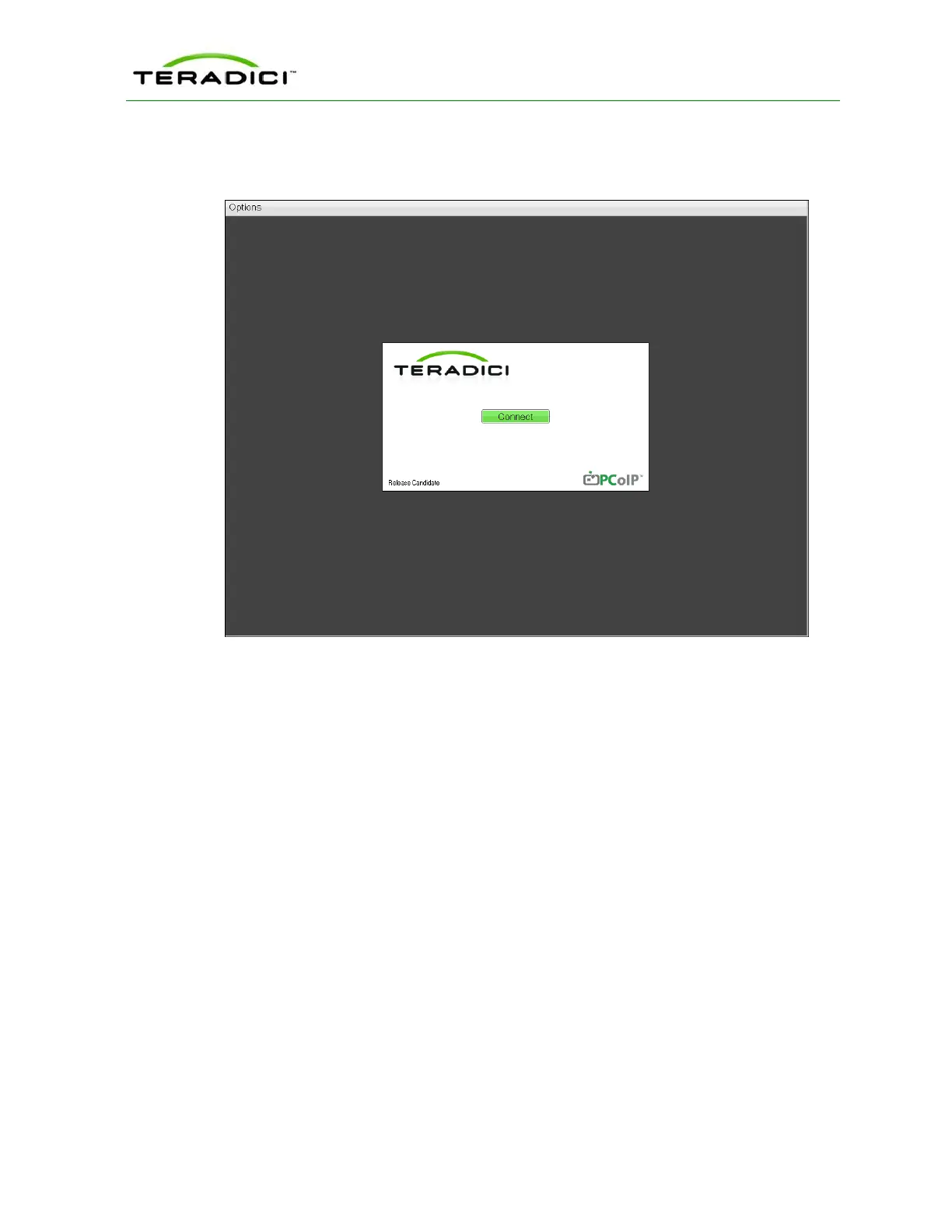
PCoIP session is not in progress. The only exception to this is when the client is configured
for a managed startup or auto-reconnect.
Figure 3-12: OSD Main Window
An Options menu in the upper left-hand corner lets users access various sub-menus for
configuring the client and viewing information about it. A Connect button in the center of
the window lets users connect the client to a virtual desktop or to a host card in a remote
workstation.
3.12 Connecting to a Session
The OSD allows users to create a session between the client and a host card on a remote
workstation (or between the client and a virtual desktop) by clicking the green Connect
button in the center of the Connect window. Once the connection is established, the OSD
local GUI disappears, and the session image appears.
The following figure shows the Connect window for a Direct to Host session type—i.e.,
when the client is connecting to a host card in a remote workstation.
TER1206003 Issue 1 37
PCoIP Zero Client and Host Administrator Guide



 To Next Page