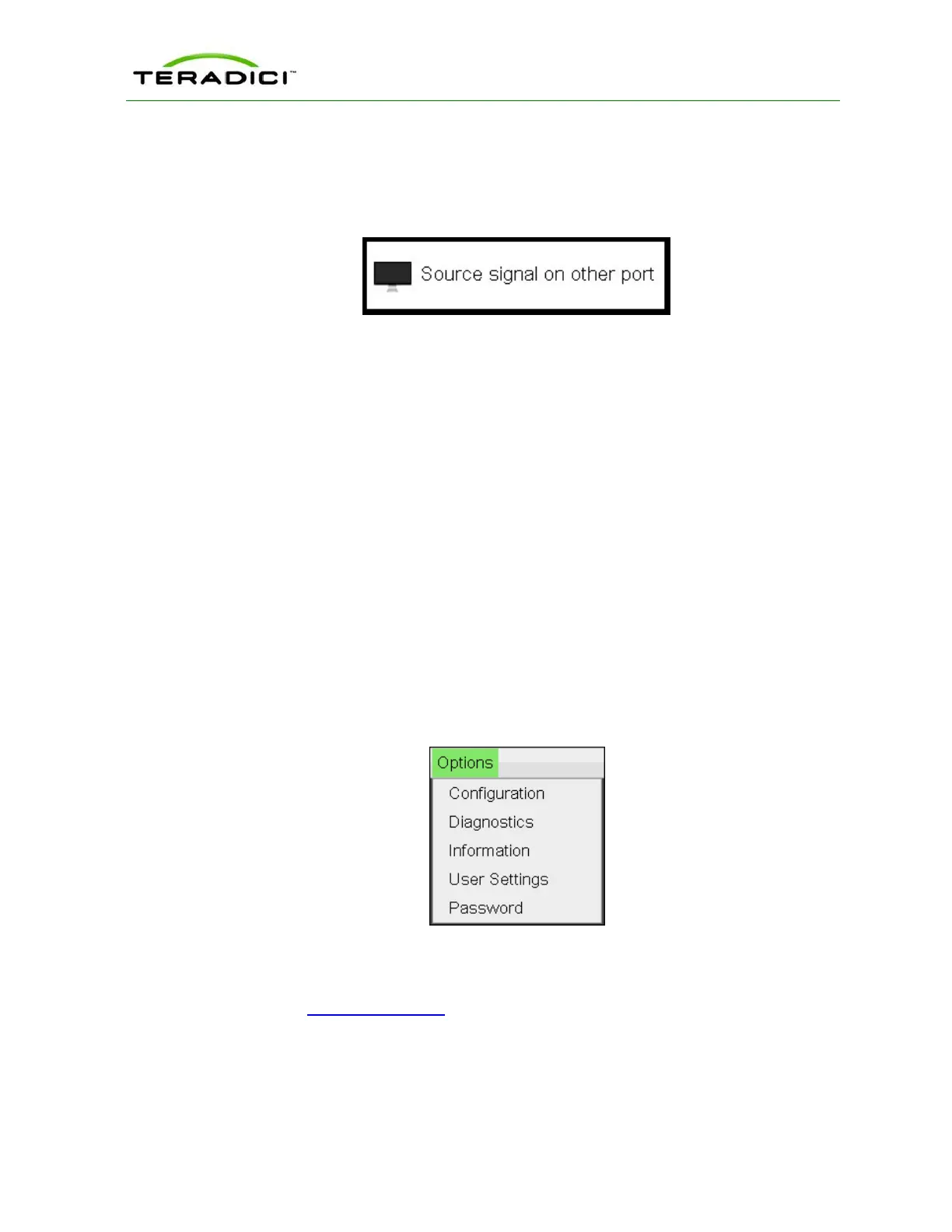
l When a video source to the host does not correspond to the video port used on the client,
the following overlay appears with the message "Source signal on other port." This helps
you debug a situation where the video source is connected to the wrong port. To correct
this, swap the video ports at the host or the client.
Figure 3-31: Source Signal on Other Port Overlay
3.15 OSD Menus
The Options menu in the upper left corner has five sub-menus that link to OSD
configuration, information, and status pages.
l Configuration: This menu contains links to pages that let you define how the device
operates and interacts with its environment. Each tab has an OK, Cancel, and Apply
button that lets you accept or cancel the settings changes made.
l Diagnostics: This menu contains links to pages that help diagnose issues concerning the
client.
l Information: The page under this menu displays hardware and firmware version
information about the device.
l User Settings: This menu contains links to pages that let users define mouse, keyboard,
image, display, and touch screen settings, and also the VMware View certificate
checking mode.
l Password: The page under this menu lets you update the administrative password for the
device.
Figure 3-32: OSDOptions Menu
Note: You can hide a single menu item, the entire Options menu, or all menus from users.
For details, see MC: OSD Settings.
The GUI Reference in this help system contains full details about each page. For
information about how to configure or manage a device using these OSD pages, please see
the appropriate section in the GUI Reference.
TER1206003 Issue 1 46
PCoIP Zero Client and Host Administrator Guide



 To Next Page