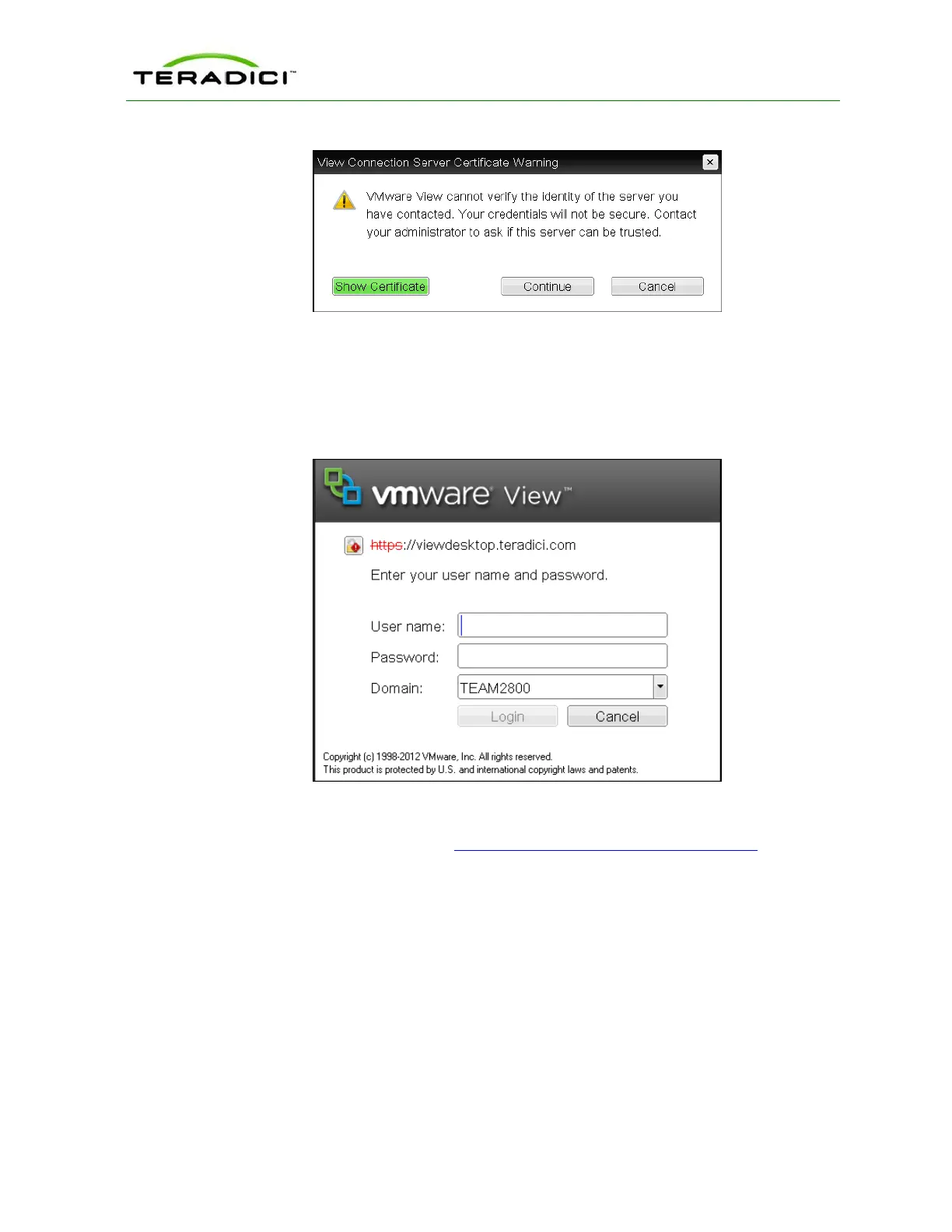
Figure 3-17: OSD View Connection Server Certificate Warning
If the user clicks Continue at this warning, the session will not be secure. This is indicated
by the warning icon on the lock in the upper left of the window and also by the red "https"
with strikethrough formatting, which tells users that the secure HTTPS protocol will not be
used for the connection.
Figure 3-18: OSD Login Screen with Insecure Warning
As an administrator, you can use the Options > User Settings > VMware View page,
shown below, to prevent users from initiating insecure sessions by configuring the zero
client to refuse a connection to a server that cannot be verified.
TER1206003 Issue 1 40
PCoIP Zero Client and Host Administrator Guide



 To Next Page