Settings
MC: Firmware Management AWI: Firmware Upload
Settings
MC: USB Permissions AWI Host: USB Permissions
AWI Client: USB Permissions
MC: Certificate Store
Management
AWI: Certificate Upload
Settings
MC: VMware View Certificate
Checking Settings
AWI Client: VMware View
Certificate Checking Settings
OSD: VMware View Certificate
Checking Settings
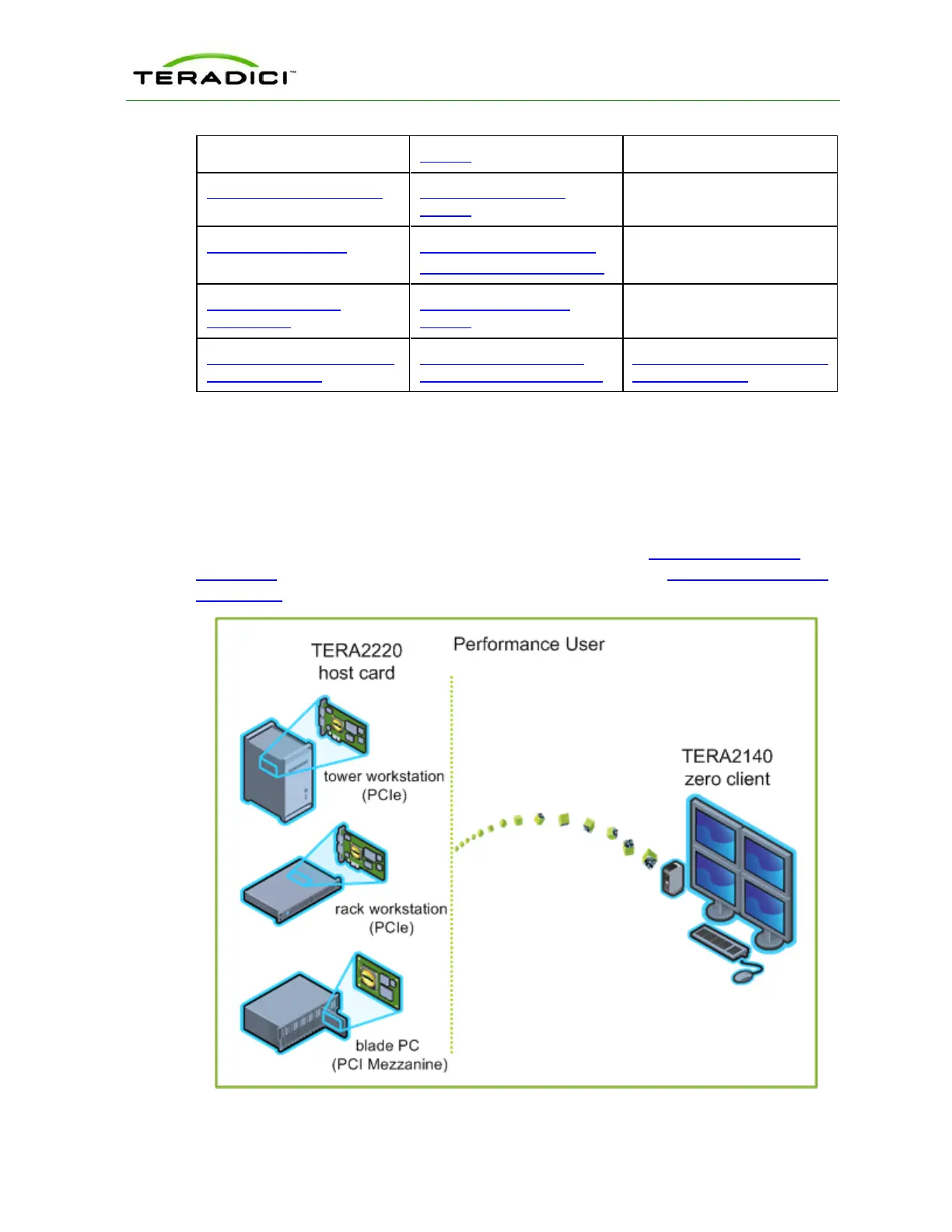
4.12 Connecting a TERA2140 Zero Client to a TERA2220 Host
Card
This topic explains how to configure a connection between a a second-generation
TERA2140 zero client and a second-generation TERA2220 host card.
Note: To determine what host card and zero client you have, see Displaying Processor
Information. To see the display options for your client and host, see PCoIP Host Cards and
Zero Clients.
Figure 4-9: Connecting a TERA2140 Zero Client to a TERA2220 Host Card
TER1206003 Issue 1 76
PCoIP Zero Client and Host Administrator Guide



 To Next Page