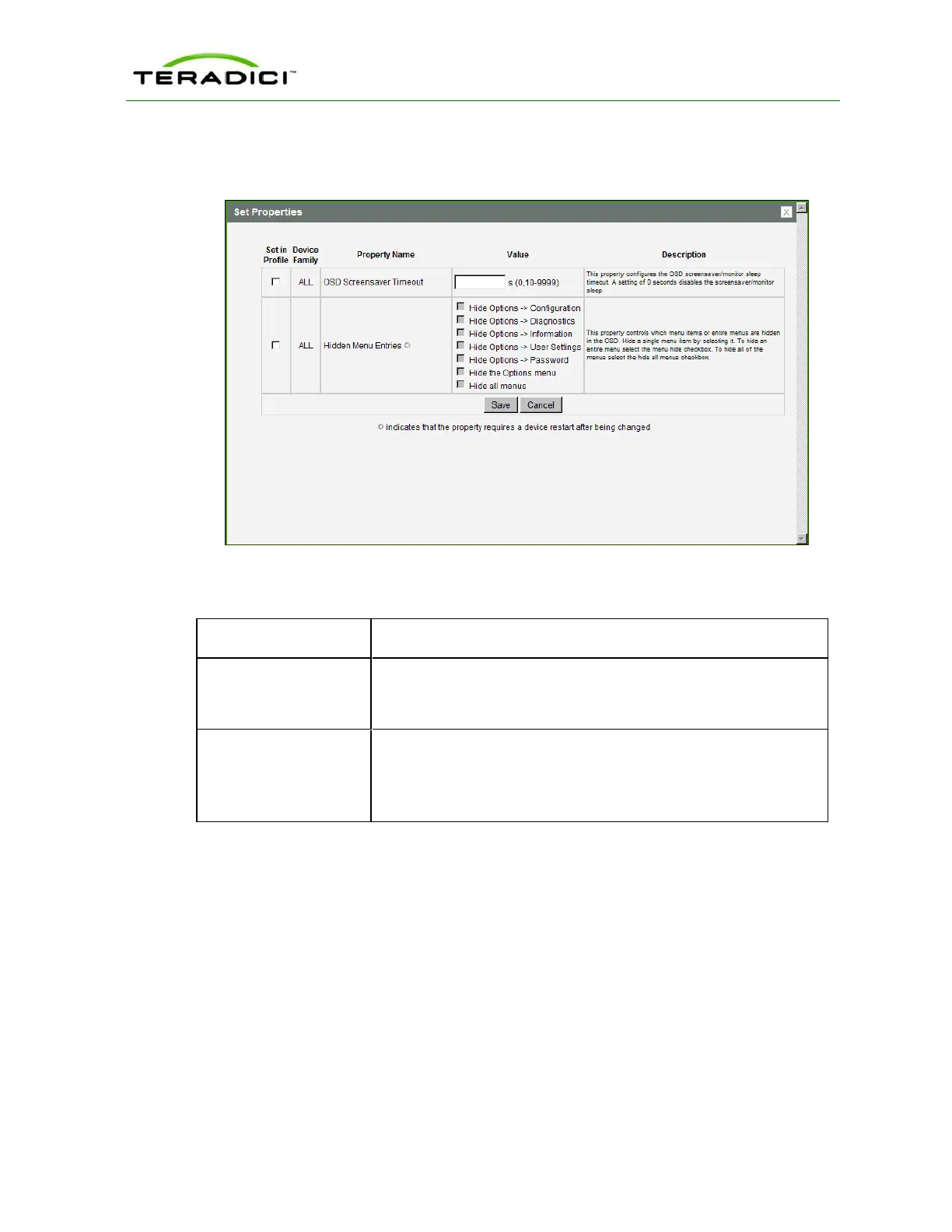
To enable a property in the MC, click the Set in Profile checkbox and configure the fields
as indicated. After you update the properties on this page, click Save to save your changes.
Figure 5-50: MC OSD Configuration
Table 5-48: MC Language Configuration Parameters
Parameter Description
OSD Screensaver
Timeout
Configure the OSD screen-saver timeout with the number of seconds
to wait (10 to 9999) before the attached displays are put into low-
power mode. A setting of 0 seconds disables the screen-saver.
Hidden Menu Entries Select the items that you do not want to appear on the OSD local
GUI. You can hide a single menu item, the entire Options menu, or
all menus.
Note: This property requires a device restart after being changed.
5.10.2 AWI Client: OSD Settings
The settings on this page let you set the monitor screen-saver timeout for the local OSD.
You can display this page from the Configuration > OSD menu.
TER1206003 Issue 1 222
PCoIP Zero Client and Host Administrator Guide



 To Next Page