l MC: Connection Management Interface: Explains how to use the MC to configure a
profile that sets the Connection Management Interface session connection type for
client and host devices.
l AWI Client: Connection Management Interface: Explains how to use the AWI to
configure a client to use a 3rd party connection broker to broker the connection between
the client and a host card.
l AWI Host: Connection Management Interface: Explains how to use the AWI to
configure a host to use a 3rd party connection broker for accepting a connection request
from a client.
l OSD: Connection Management Interface: Explains how to use the OSD to configure a
client to use a 3rd party connection broker to broker the connection between the client
and a host card.
4.11.5 Connecting Hosts and Clients Using the VMware View
Connection Server Broker
You can also use the VMware View Connection Server broker to broker a connection
between clients and host cards.
Note: This is not the same thing as configuring a zero client to connect to a VMware View
virtual desktop.
For this option, VMware View Agent must be installed on the host workstation, and a
number of other configuration requirements for both the client and host must be in place. For
complete details, please refer to "Using PCoIP Host Cards with VMware View"
(TER0911004).
4.11.6 Other Configuration Links
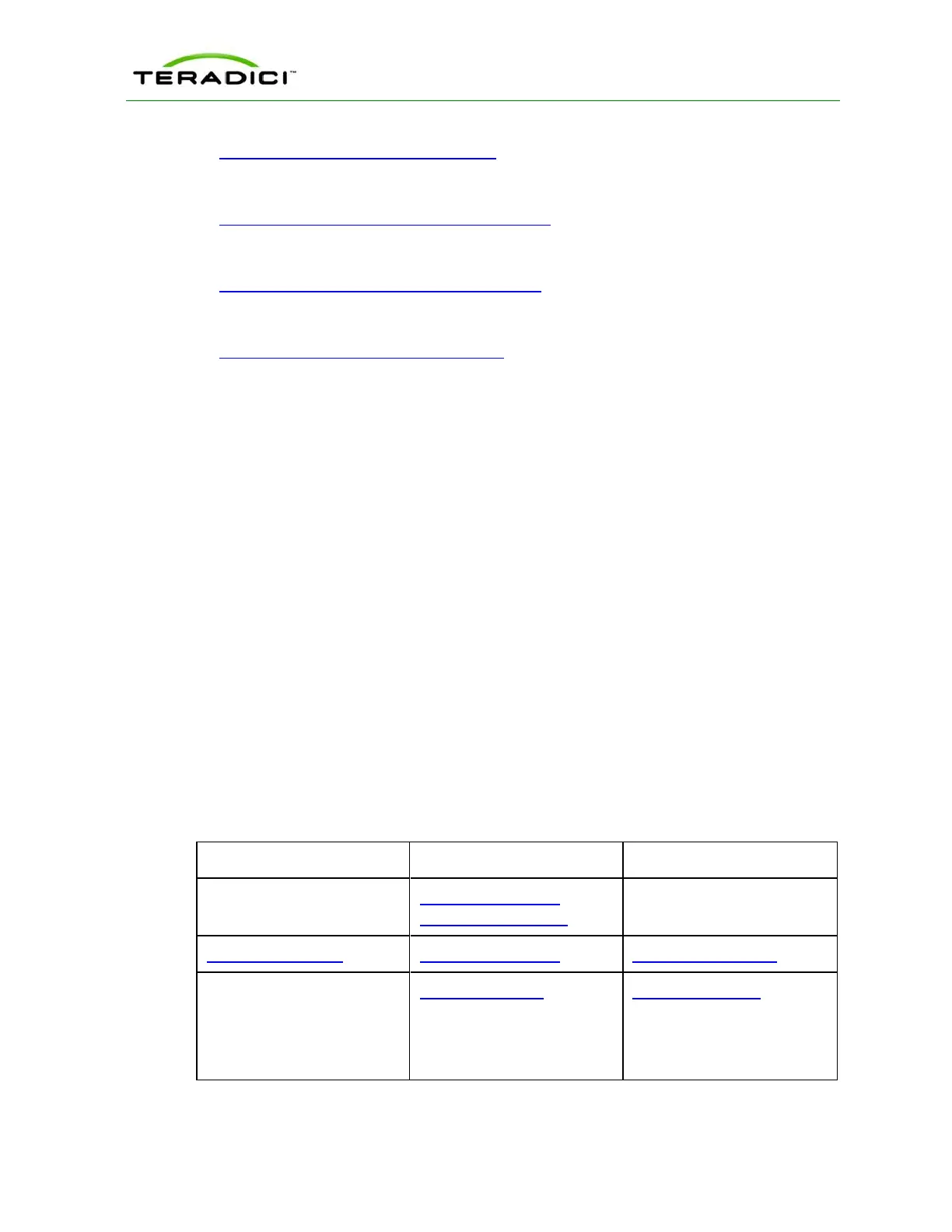
To configure the full range of firmware parameters for this session type, see the following
topics.
Note: Some configuration functions are not available in the OSD.
Note: The TERA2321 zero client has the same display topology options as first-generation
TERA1100 clients. This is reflected in links to display topology pages in this section.
Using the MC Using the AWI Using the OSD
AWI Host: Initial Setup
AWI Client: Initial Setup
MC:Network Settings AWI:Network Settings OSD:Network Settings
For information on how to
manage device naming using
the MC, see the "PCoIP
Management Console User
Manual" (TER0812002).
AWI:Label Settings OSD:Label Settings
TER1206003 Issue 1 74
PCoIP Zero Client and Host Administrator Guide



 To Next Page