2-16
Initial Assembly and Admin Setup
Security Security
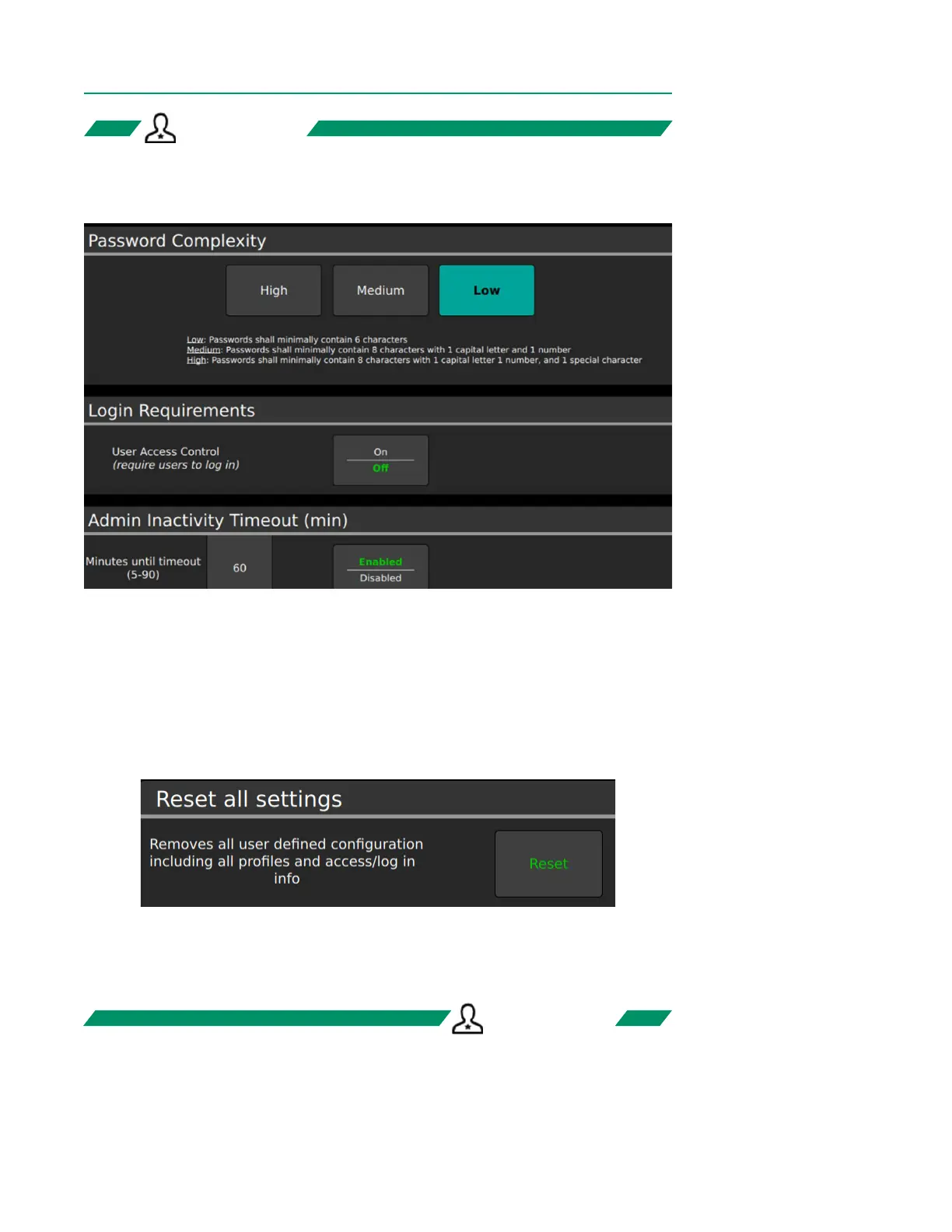
The Security Tab congures settings pertaining to user authorization.
• Password Complexity can be set to High, Medium, or Low.
• Login Requirements for user access can be toggled on or off.
• Admin Inactivity Timeouts can be disabled or enabled along with a preset duration.
If enabled, the Admin Inactivity Timeout will automatically log out the admin after
the specied period of time.
• Scroll to the bottom of the Security Tab and tap Reset to delete all case proles
and congurations.
Note: Reset will permanently delete all settings. This feature is intended for use when
decommissioning a device.
ADMIN ONLYADMIN ONLY
ADMIN ONLYADMIN ONLY



 To Next Page