3-12
Case Profile Configuration
Events (Optional)Events (Optional)
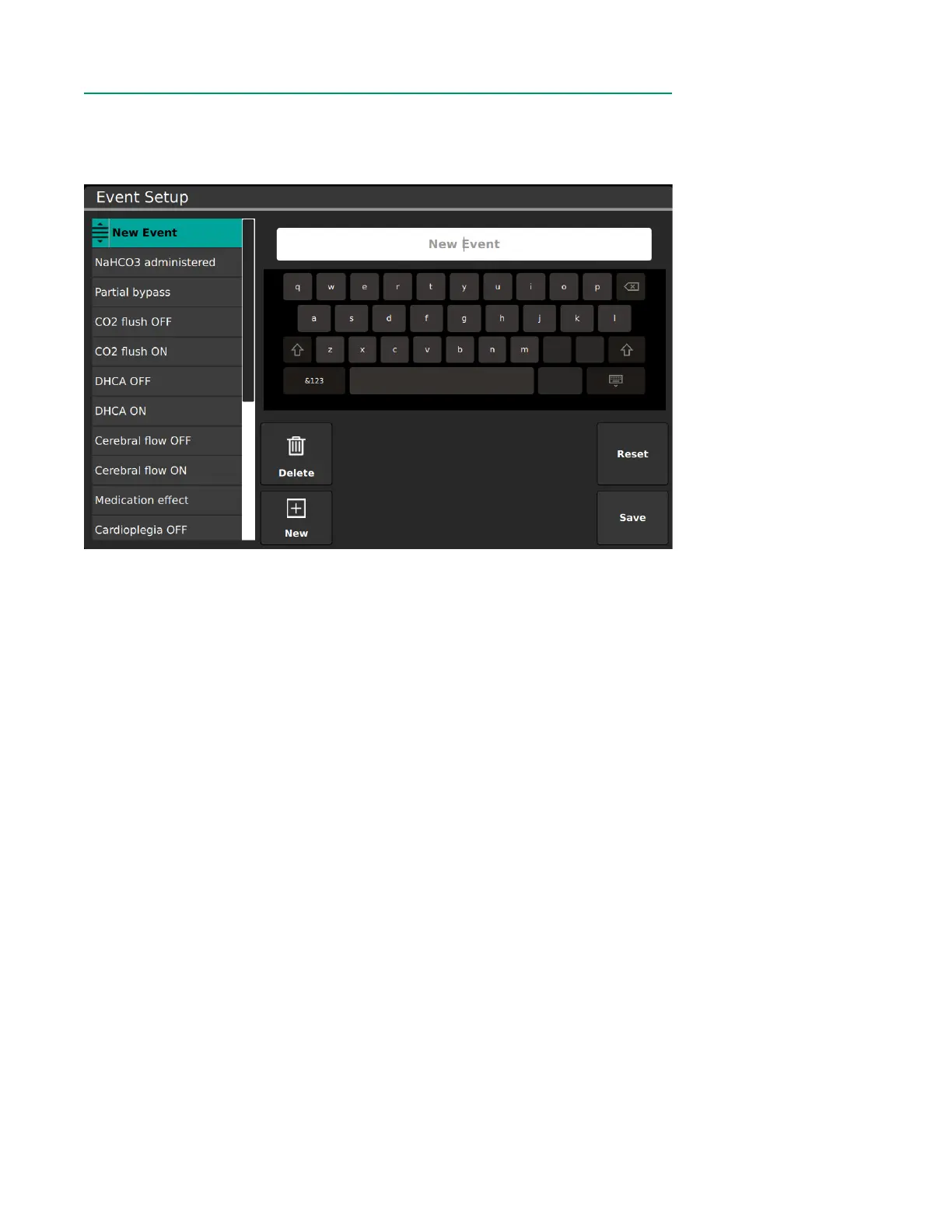
The Events Tab allows conguration of events that can be marked during measurement.
To create and delete event names and set the order in which they are listed:
• To create a new event, tap New, then type the new event name.
• To delete an event, select the event from the list and tap Delete.
• Items within the list can be rearranged. Press and hold an event for two seconds,
then drag it to the desired position in the list.
• Reset reverts the event list back to the manufacturer default list.
• Once all changes have been made, tap Save.
Note: For normal users, changes will be saved for the current case only.



 To Next Page