5-5
Running a Case
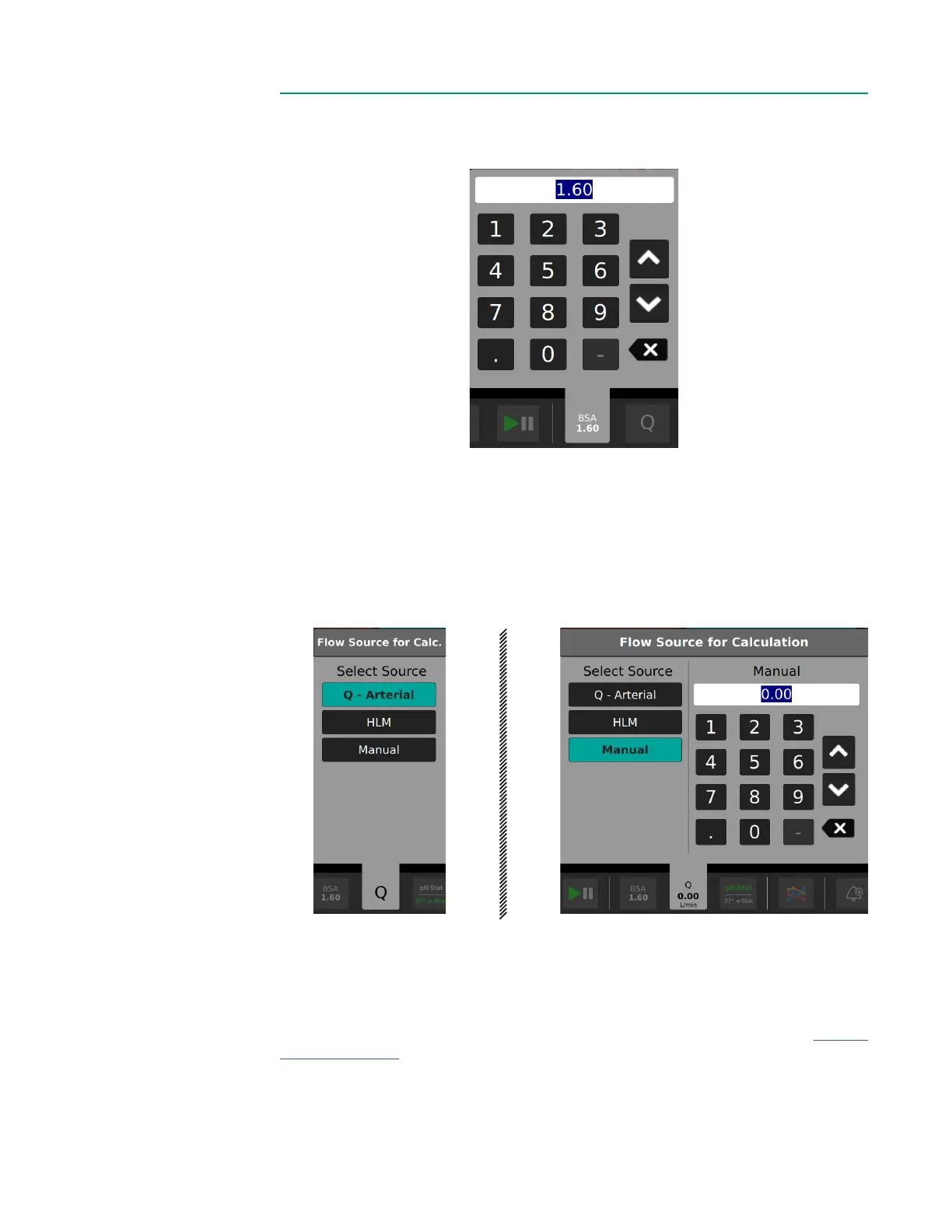
BSABSA
Tap the BSA button and use the number pad to enter the patient BSA.
Flow Source for CalculationFlow Source for Calculation
Tap the Flow button to choose the Flow Source for Calculation of oxygen consumption
and oxygen delivery.
The Flow Source options are to choose one of the four connected Flow Sensors, retrieve
ow information from an external source or enter a manual ow using the number pad.
Only previously congured devices will be available for selection.
Note: The user will need either one BPM and one H/S Probe or two BPMs to get
enough data to calculate VO
2
. This assumes the H/S Probe is placed on the venous side.
If only an H/S Probe and a venous BPM Probe are used, the arterial oxygen saturation
value will be assumed. This value is congurable in the Data Options Tab (see Chapter
3, “Data Options”).
Note: The user will need at a minimum one arterial BPM Probe and either a venous
BPM or H/S Probe to get enough data to calculate DO
2
.



 To Next Page