7 Parameterizing, adjusting and analyzing software (P2A software)
126
4. Click on [Start wizard …] and follow the instructions of the
wizard.
- The adjustment is performed when the wizard is closed.
Default value The analog output value from the last
performed adjustment is given at the output.
Value of the factory adjustment:
• Lower adjustment point: approx. 10 % of
the max. value
• Centre adjustment point: approx. 50 % of
the max. value
• Upper adjustment point: approx. 90 % of
the max. value
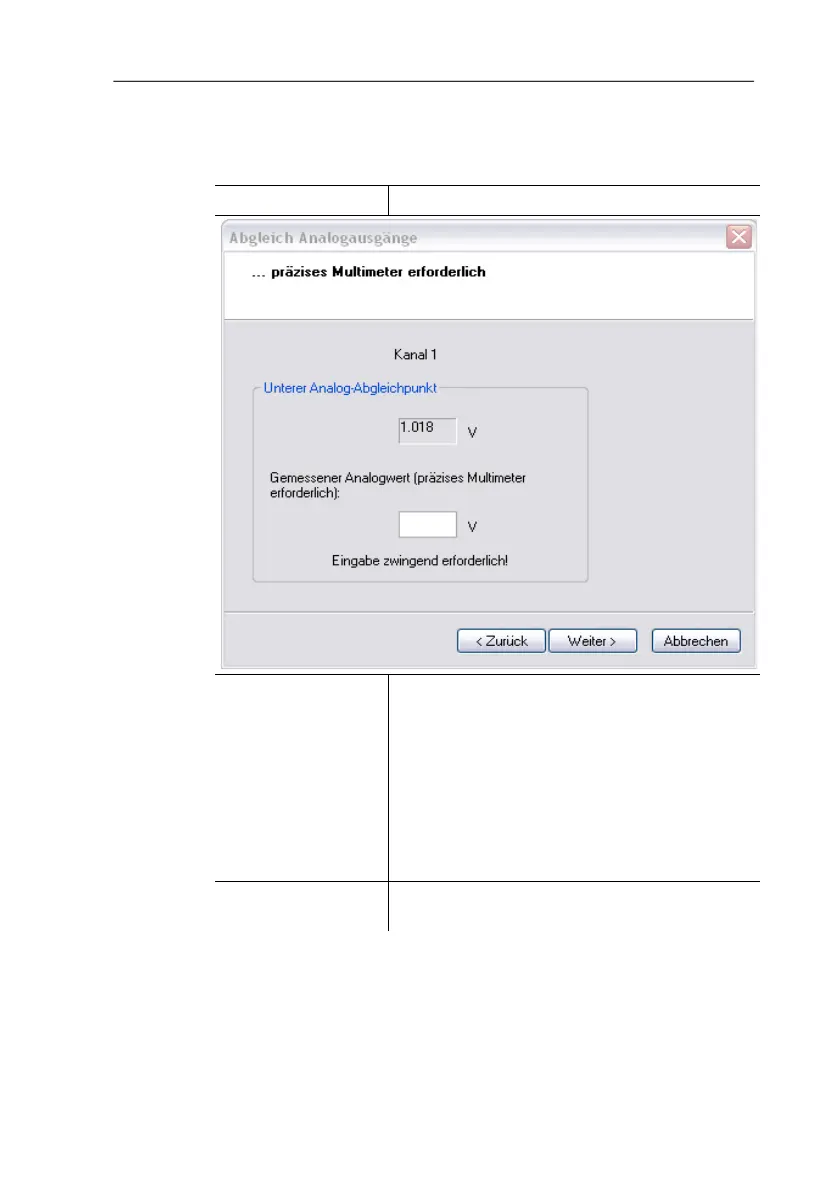
Measured analog
value
Required field: Entry of the value read off at
the multimeter.



 To Next Page