7 Parameterizing, adjusting and analyzing software (P2A software)
125
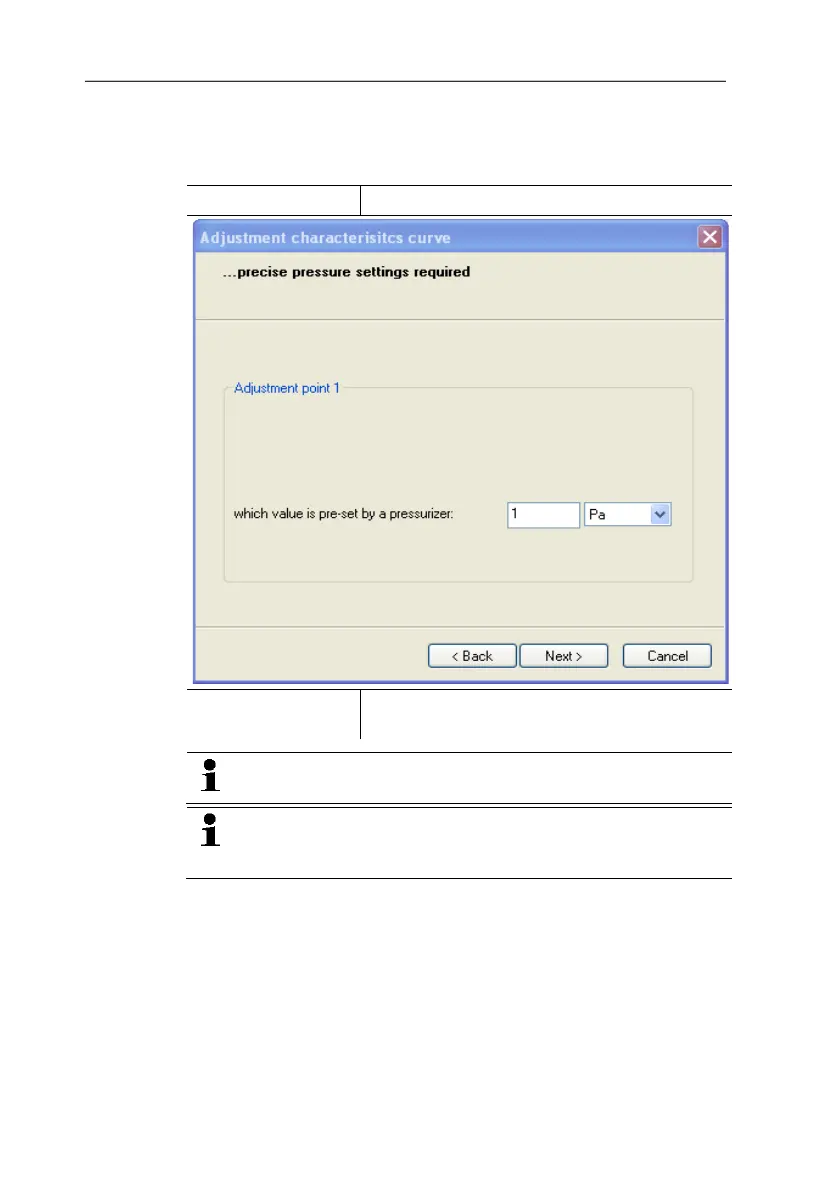
5. Click on [Start wizard …] and follow the instructions of the
wizard.
- The adjustment is performed when the wizard is closed.
is actually applied
Required field: Entry of the value read off at
the pressure sensor.
The n-
point adjustment must always be carried out to its full
extent and in good time at all selected adjustment points.
The number of adjustment points (3 to 6) is stored in the
user menu of the transmitter and can only be changed via
the P2A software.
7.3.4.4. Adjusting the analog output
1. Connect precision multimeter (see 4.3.2.10 volume 1, see
Analog output adjustment).
2. Mark the instrument file of the connected instrument.
3. Click on [Adjusting the transmitter].
- The Properties of <Instrument type> <Serial number>
dialogue is opened with the Adjusting the transmitter register.



 To Next Page