7 Parameterizing, adjusting and analyzing software (P2A software)
120
3. Click on [OK] or [Cancel] to close the dialogue.
- The analog output and the relay return to Measuring Mode
again.
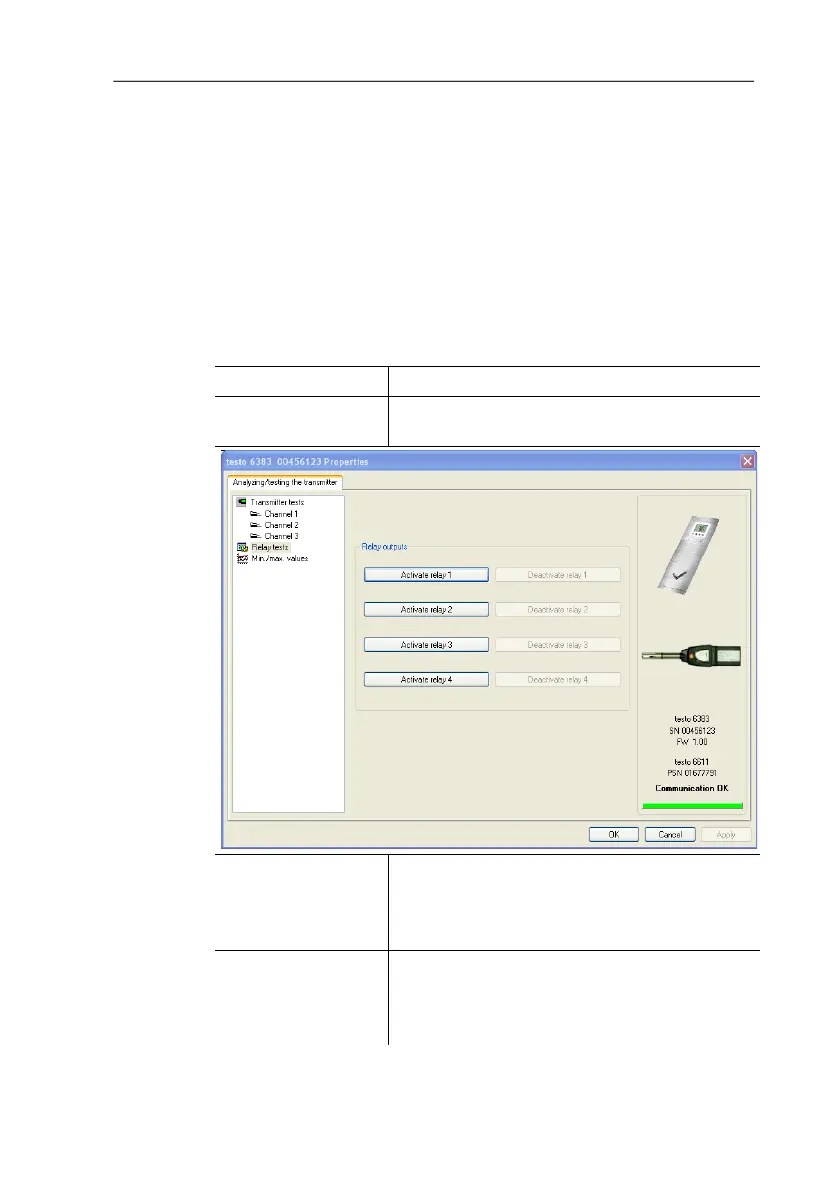
7.3.3.4. Testing switch output relays 1 to 4
✓ The required instrument file is marked.
1. Click on [Test/analyze transmitter].
- The Properties of <Instrument type> <Serial number>
dialogue is opened with the Test/analyze transmitter register.
2. Mark Relay tests and test the values.
Field/button Explanation
Test the relay function (see 4.4.5.6. volume
1, see
Editing Main Menu Analysis).
[Activate relay n] Close contact.
A warning informs that the value is being
transmitted to a connected PLC, external
display, etc. in the event of existing cabling.
n]
Open contact.
A warning informs that the value is being
transmitted to a connected PLC, external
display, etc. in the event of existing cabling.



 To Next Page