7 Parameterizing, adjusting and analyzing software (P2A software)
108
7.3.2. Editing instrument/parameter file
7.3.2.1. Changing instrument/parameter file
✓ The desired instrument/parameter file is marked.
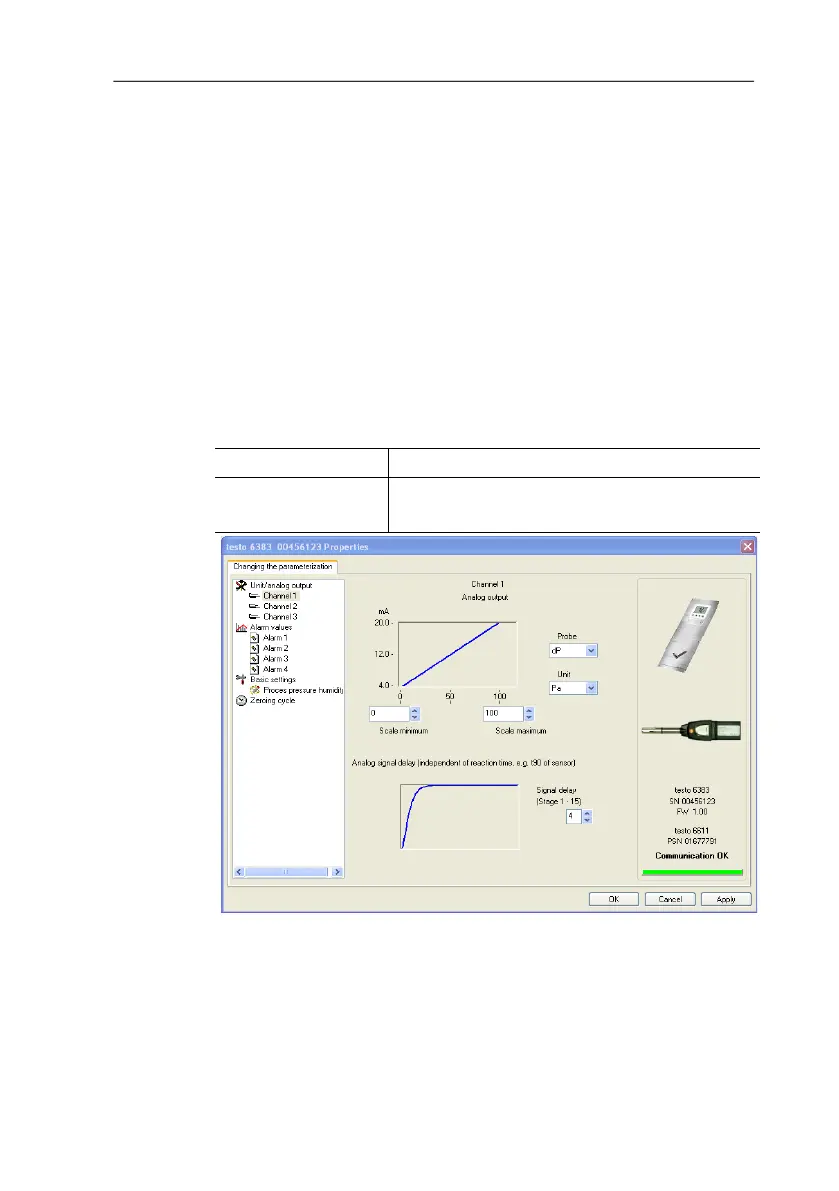
1. Click on [Change parameterization].
- The Properties of <Instrument type> <Serial number>
dialogue is opened with the Change parameterization register.
If the parameters were transmitted from other parameter files into
the instrument file, a message is shown with which you can
transmit the new parameters to the connected instrument using
[Yes].
> If the parameters should not be transmitted, click on [No].
2. Change or enter parameters in the corresponding fields.
Field Explanation
Unit/
Analog output
All analog outputs are parameterized in this
mask.



 To Next Page