6 Commissioning
50
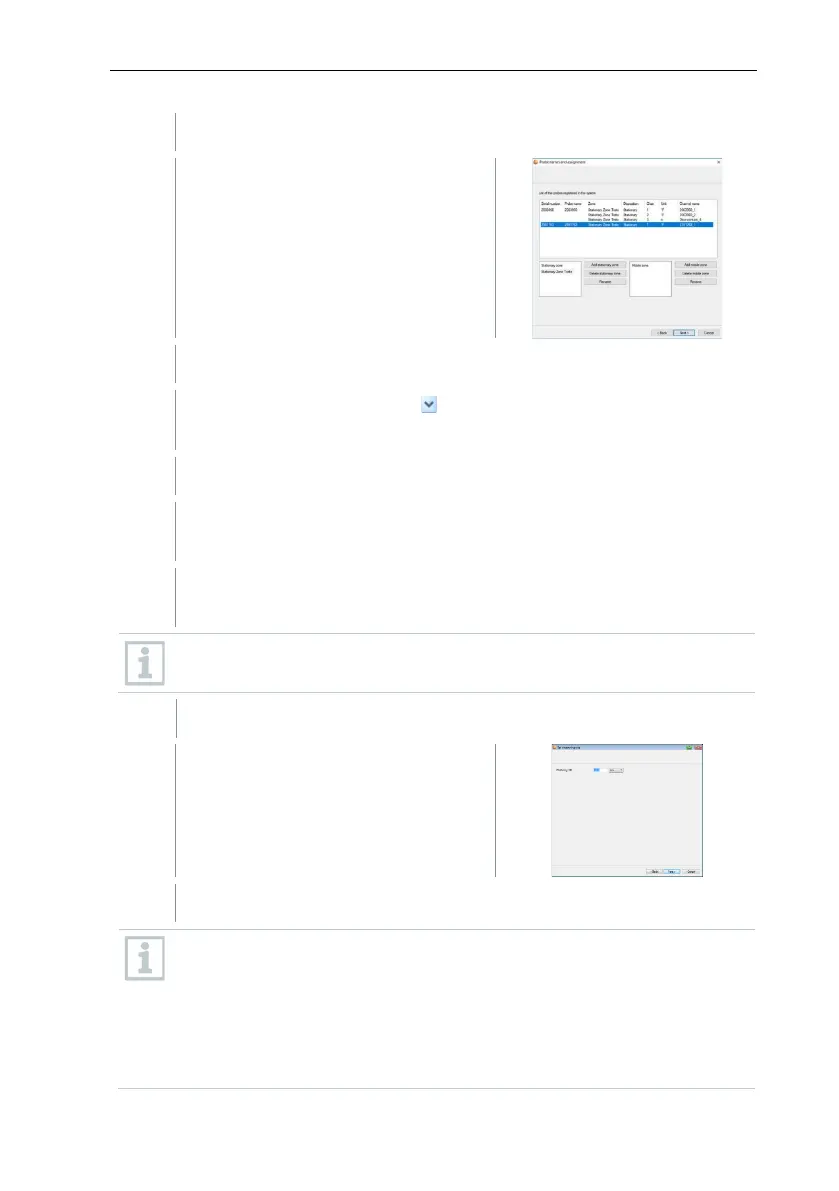
The list of the data loggers recently
registered on the Saveris base is
shown.
Click on [New stationary zone].
Open the selection list via the button and select the zone which the
data logger should be assigned to.
Click in the TC type field and enter the thermocouple element type (K,
J, T or S), if this information is necessary for the instrument.
If required, change the preset values in the Data logger name and
Channel name fields.
Assign channel names that are not longer than 20 characters.
The settings for the measuring cycle
are displayed.
Enter Measuring cycle and define the unit for it.
The measuring cycle determines the intervals at which a new reading is
saved in the Saveris base.
Possible settings for the unit:
• sec (second)
• min (minute)
• h (hour).







 To Next Page