7 Maintenance
81
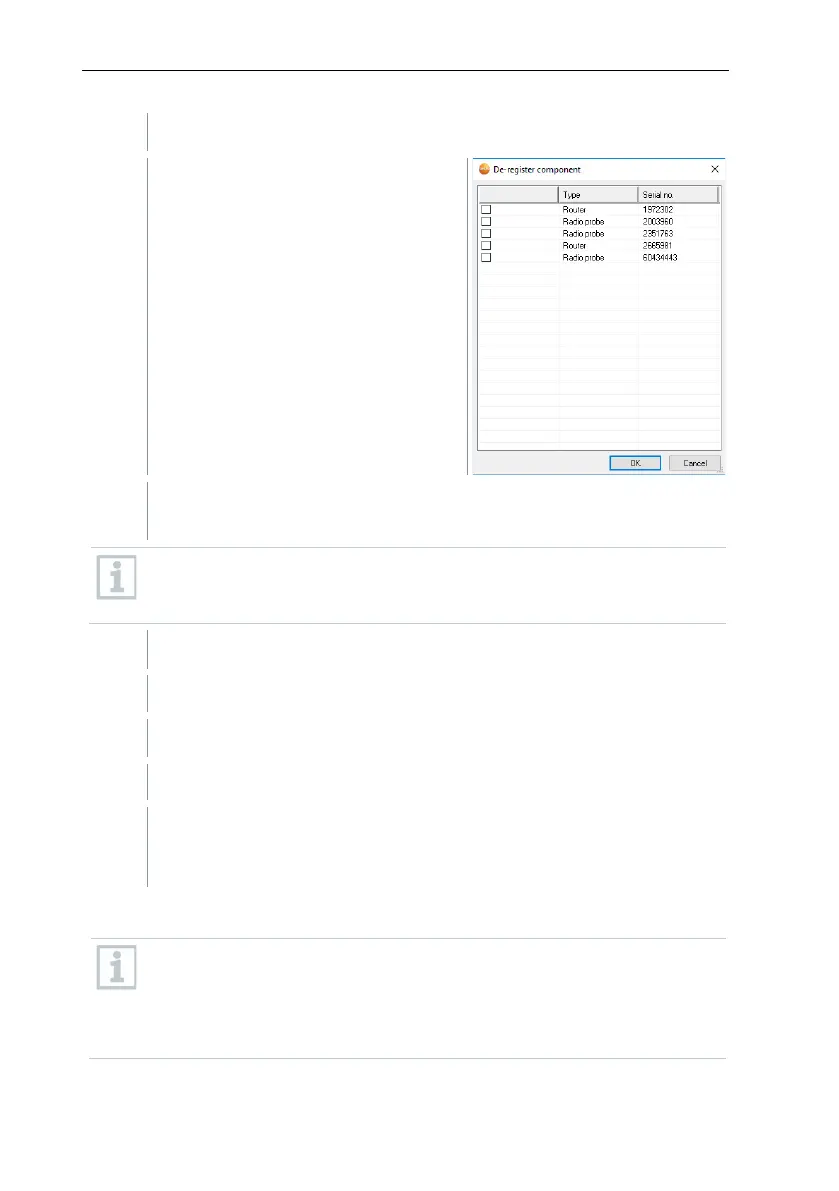
Click on [De-register component].
The De-register component
dialogue is displayed.
Activate the checkbox in front of the component that needs to be de-
registered from the system.
Before deleting a Saveris router, you should assign the assigned
Saveris radio data loggers directly to the Saveris base to ensure data
availability.
A prompt to remove the component from the configuration is displayed.
Confirm the prompt with [Yes].
The component is deleted from the configuration.
After deleting a probe, briefly press the Connect key on the rear of the
Saveris radio data logger, so that the Saveris radio data logger no
longer attempts to transmit measurement data.
7.3.2 Adding new components
With the subsequent addition of a component, it may be the case that
the measuring cycle is not synchronous with that of the components
already present.
This results in readings seeming to be missing in the table view if
readings are not input from all Saveris data loggers at a point in time.



 To Next Page
 Loading...


