6 Commissioning
53
• Data loggers and Saveris router should be mounted so that the
antennas are pointing upwards.
• The radio link between the data loggers and the testo Saveris
router, as well as between the Saveris router and the Saveris base,
should as far as possible not be impaired by structural conditions
(walls, shelves, etc.). Mount the Saveris router and data loggers so
that a "visual contact" exists for as many radio links as possible.
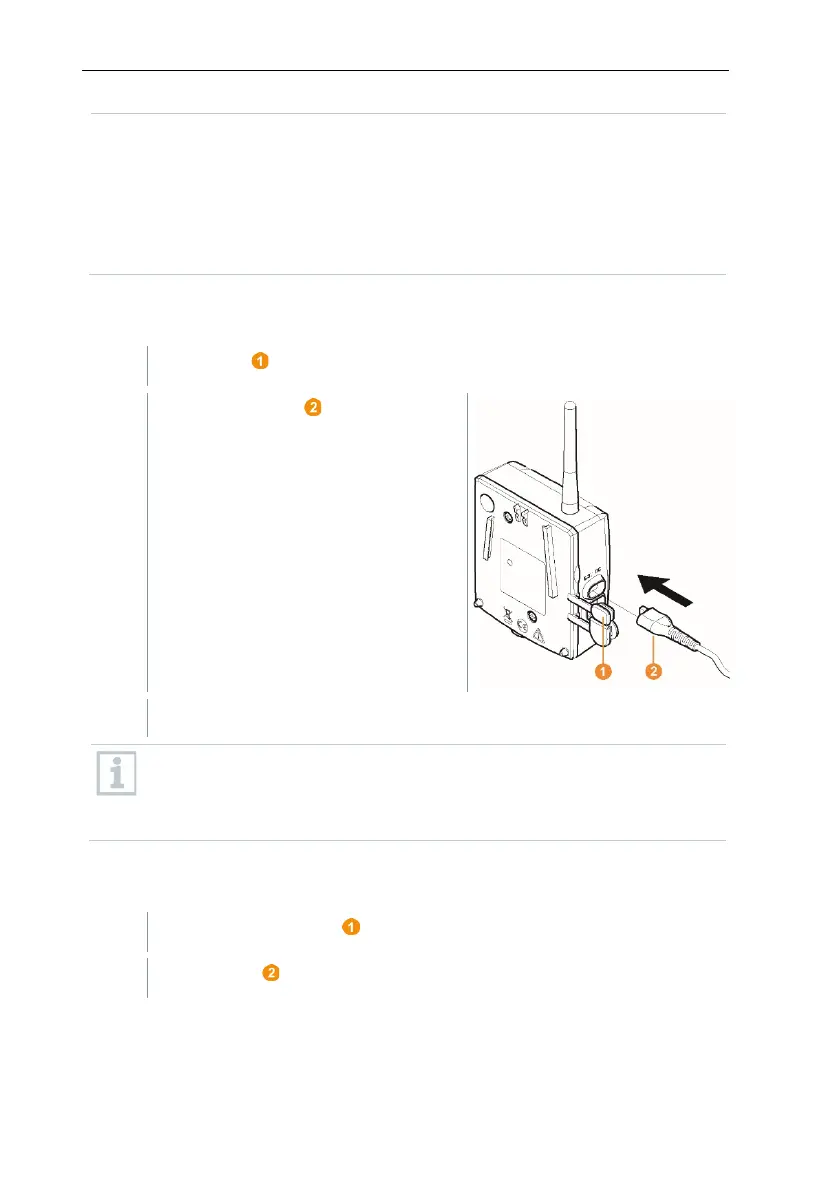
6.9.5.1 Connecting testo Saveris router to power supply
(mains unit)
Insert mains plug into a socket.
The procedure for wall mounting a router is the same as for a probe;
see section 6.10. Installation of the components or section 6.10.4
Wall mounting of Saveris T1/T1D/T2/T2D/Pt/PtD/H4D radio data
loggers.
6.9.5.2 Connecting testo Saveris router to power supply
(mains unit)
Undo screws on the rear of the Saveris router.







 To Next Page