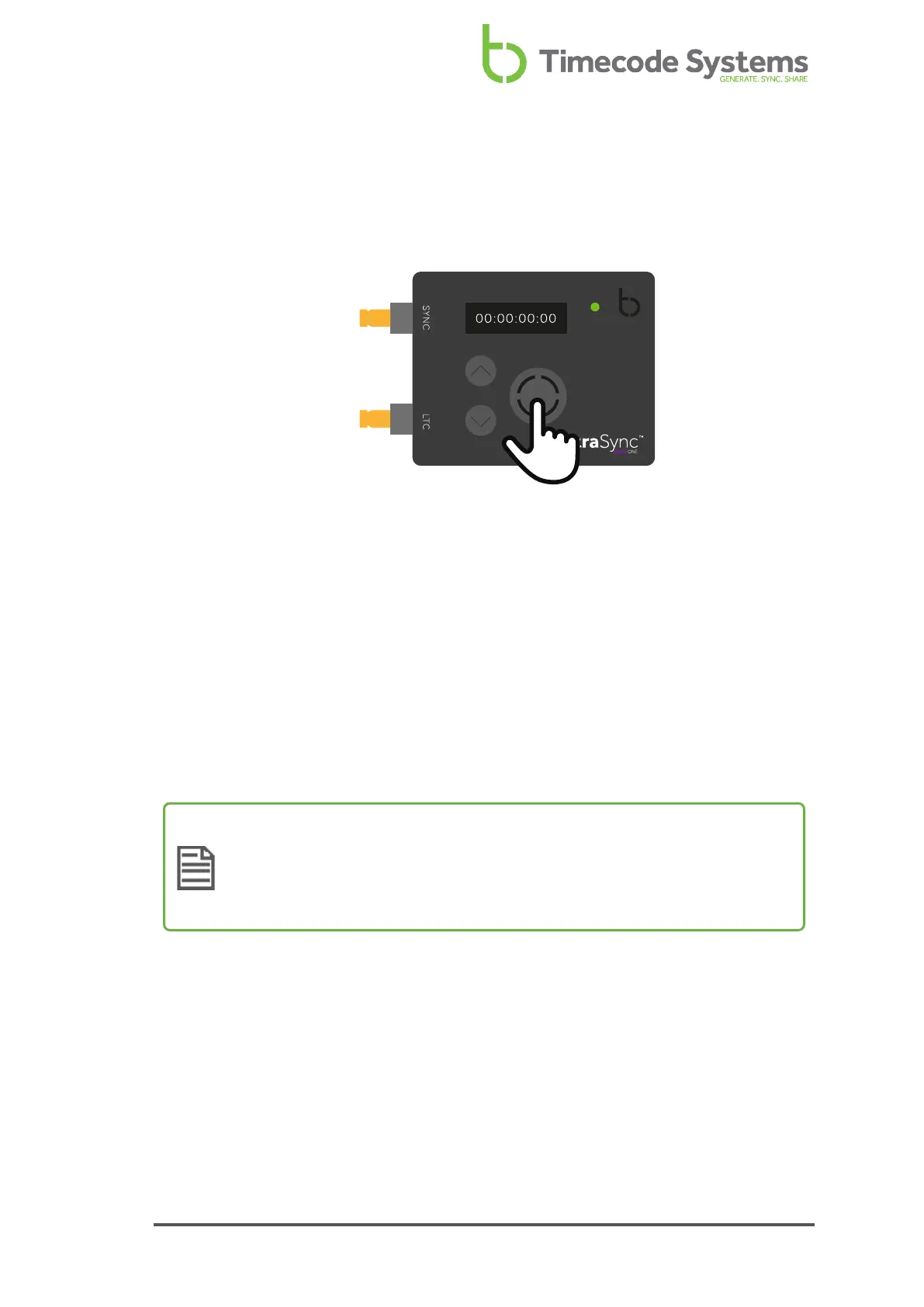
Switch UltraSync ONE On and Off
To switch your UltraSync ONE on:
1. Press and hold the Select button.
The UltraSync ONE screen lights up and displays the message:
Push Up/Dn twice to switch on
2. Press the up or down button twice to turn on the UltraSync ONE. This extra
step is designed to prevent you from accidentally turning the UltraSync ONE
on. If you do not press the up or down button twice within a 5 second period,
the UltraSync ONE stays off.
When the UltraSync ONE comes on, it shows the main screen by default (see Display
and Controls on page 13).
Note: If your UltraSync ONE does not come on when you press and hold
the Select button, the battery may need to be charged (see Charging your
UltraSync ONE on page 18). If your UltraSync ONE is on and the battery
charge is running low, the LED light turns red.
UltraSync ONE User Guide 11



 To Next Page