Synchronisation Status
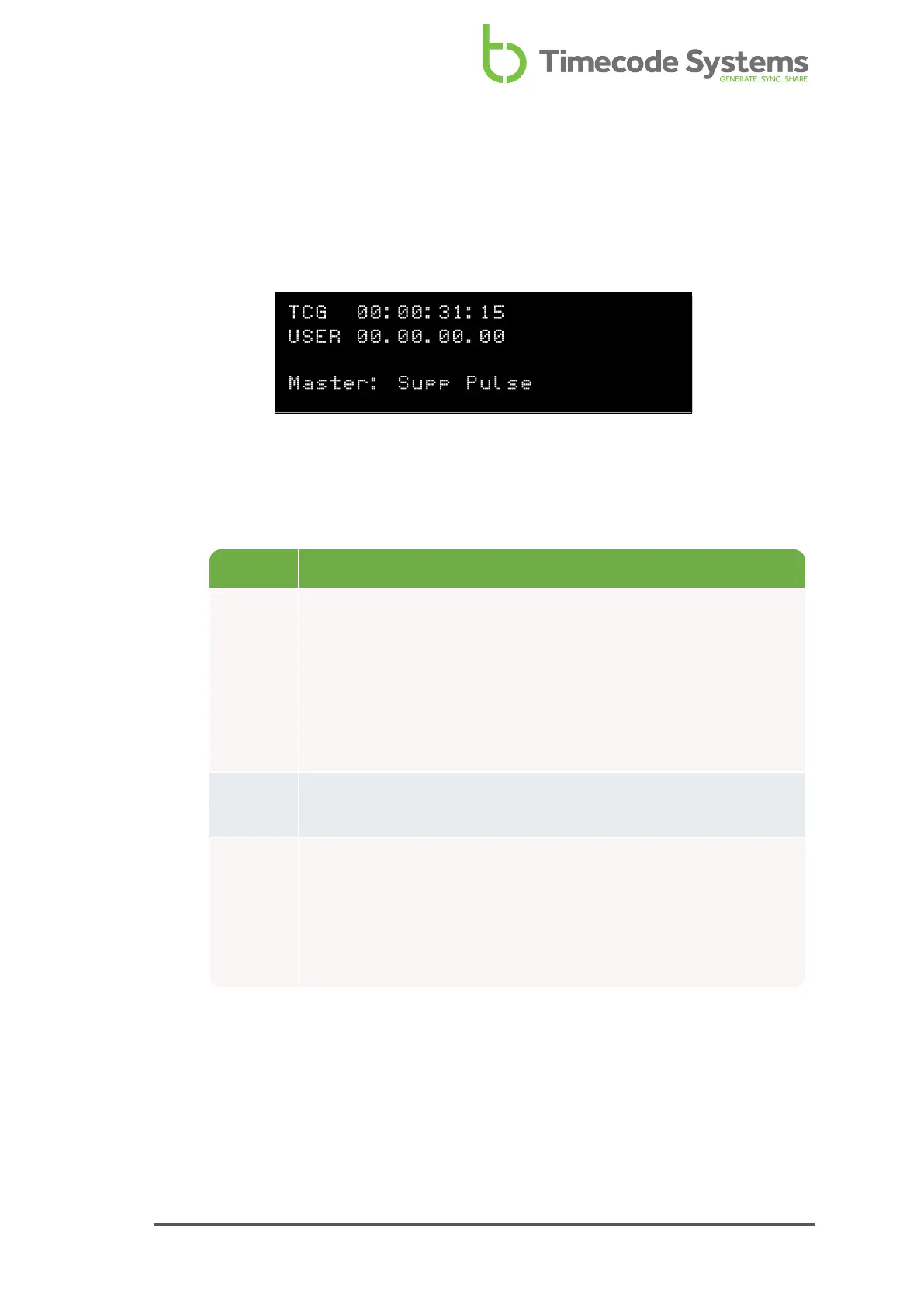
When you add or change devices in an RF network, you should check that they are
synchronising correctly. An easy way to do this is to look at the Synchronisation
Status screen.
1. Display the Main Screen.
2. Use the Up and Down buttons to scroll to the screen that shows TCR or TCG
at the top.
Status Description
TCR or
TCG
TCR (timecode receiving) is shown if your UltraSync ONE is a
slave.
TCG (timecode generated) is shown if your UltraSync ONE is a
master.
Next to TCR/TCG is the timecode that your UltraSync ONE is
using.
User Shows the user bits that your UltraSync ONE is using (see Set the
User Bits on page 74).
Master Shows the name of the master device that the UltraSync ONE is
synchronised with (only available if your UltraSync ONE is in RF
Slave mode).
If your UltraSync ONE is in a master mode, the status shows the
number of slaves connected to the master.
UltraSync ONE User Guide 89



 To Next Page