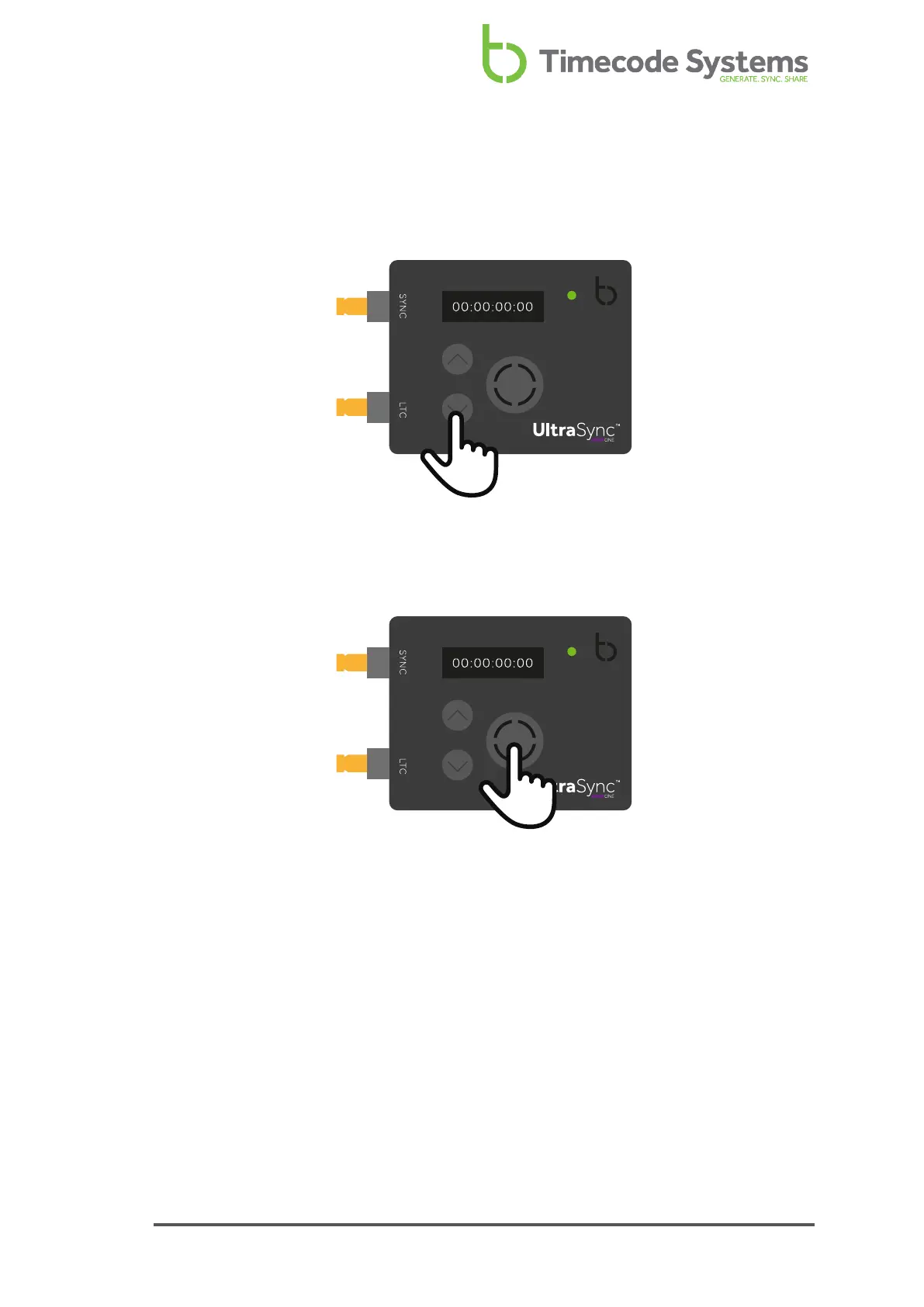
Up and Down
Use the Up and Down buttons to scroll through the menu options and top-level
status display screens.
Select
Use the Select button to choose a menu or option. You will also use Select to switch
your UltraSync ONE on and off.
To make a selection or change a setting, use the Up and Down buttons to scroll to a
menu or option. Press the Select button once to confirm.
To switch your UltraSync ONE on or off, press and hold the Select button (see
Switch UltraSync ONE On and Off on page 11, for more details).
UltraSync ONE User Guide 15



 To Next Page